
Multi-model routing
Amp can use several model families and chooses among them based on the mode or task, including GPT-5.5, Opus 4.8, and fast models.

Amp è un agente di coding per flussi di lavoro su terminale ed editor, con modelli avanzati, thread, subagenti, CLI, integrazioni e condivisione web.
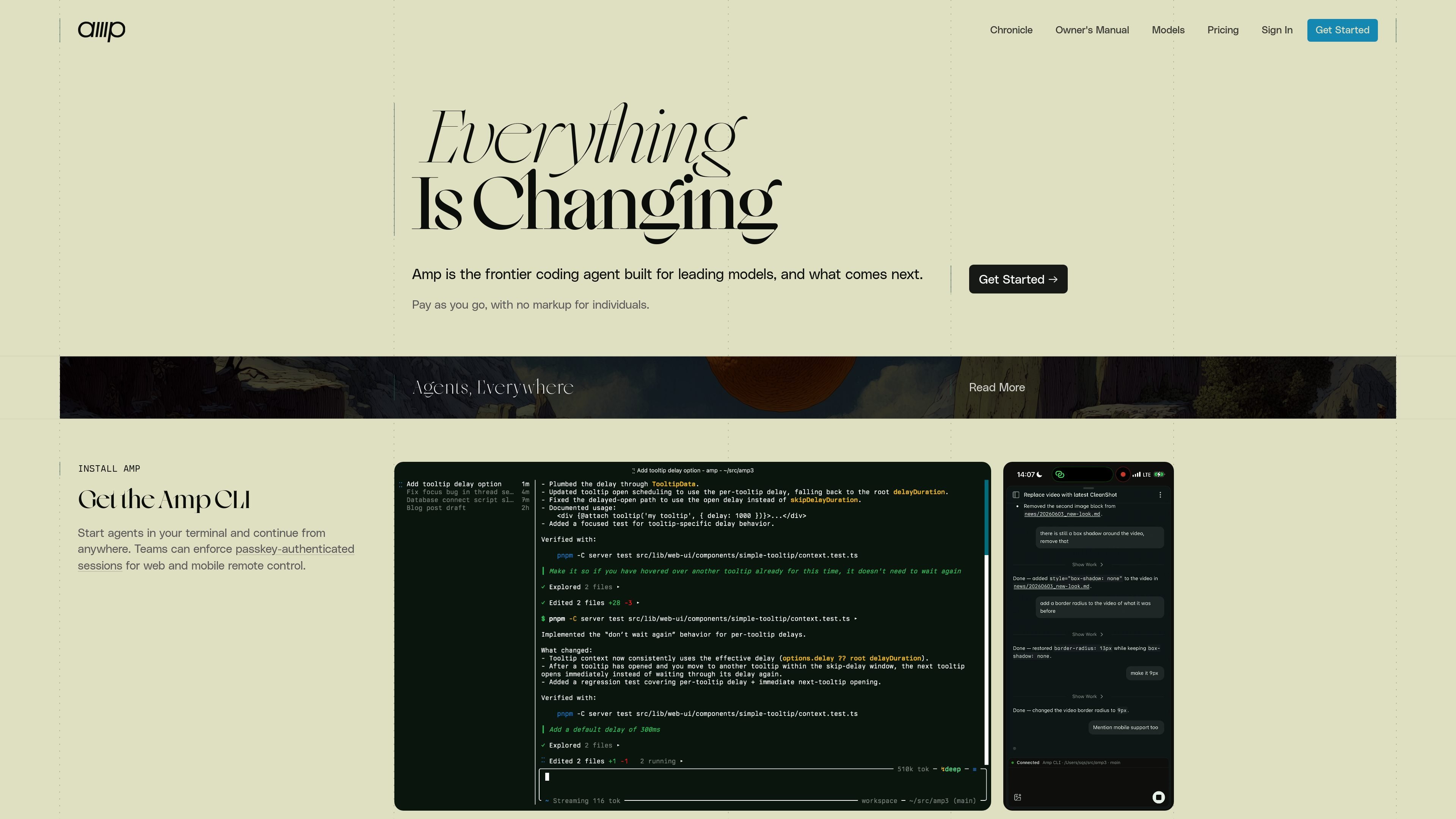
Amp is a coding agent for terminal and editor workflows. It is designed to use leading models directly, with a focus on unconstrained token usage, strong model selection, and a workflow that changes with the models instead of preserving old behavior for its own sake.
The product centers on threads, model modes, and subagents. You can run it from the CLI, connect it to supported editors, share threads through the web UI, and use plugins to add tools or policy inside a workspace.
Amp can use several model families and chooses among them based on the mode or task, including GPT-5.5, Opus 4.8, and fast models.
The product is built around three modes: `deep` for extended reasoning, `smart` for broad autonomy, and `rush` for small well-defined tasks.
Amp threads can be saved and shared, and the manual recommends one thread per task to keep work organized.
The CLI is the main entry point, with IDE integrations for JetBrains, Neovim, VS Code-based editors, and Zed.
The site says Amp can be extended with plugins that hook into events, add tools, standardize policy, and then be deployed into a workspace.
The security reference states that teams can enforce passkey-authenticated sessions for web and mobile remote control.
Use Amp in a terminal session when you want an agent to make code changes, run commands, and keep working from a shared thread.
Use the editor integrations when you want Amp alongside an existing codebase in JetBrains, Neovim, VS Code-based editors, or Zed.
Use the deep mode for complex debugging, planning, or design work that needs longer reasoning and more context handling.
Use subagents for broader refactors or repetitive transformations, such as converting several files or splitting work across focused subtasks.
Use the web UI and mobile remote control when a team needs to follow or steer a running thread from outside the local terminal.
Amp is installed through `ampcode.com/install`, then you run `amp` in the terminal. The manual also describes IDE connections and notes that Amp can be used from the CLI and web UI.
Amp is positioned for coding tasks in a terminal or editor, including fixing errors, running tests, reviewing API designs, finding code paths, planning changes, and using subagents for larger tasks.
Amp’s manual describes three modes: `deep` for extended reasoning on complex problems, `smart` for unconstrained state-of-the-art model use, and `rush` for fast, low-token tasks. It also mentions a less recommended `large` mode.
The site says Amp lets you save and share threads, and the manual says workspace thread sharing helps people in the same workspace learn from each other.
Amp supports Mac, Linux, WSL, and Windows installation paths, and the manual lists JetBrains, Neovim, VS Code-based editors, and Zed for editor integration.
I dati sul traffico sono solo a scopo di riferimento.

pi.dev
Pi Coding Agent è un agente di coding basato su terminale per sviluppatori che cercano un flusso di lavoro CLI estensibile, con uso interattivo e programmatico, istruzioni di progetto, diramazione delle sessioni e supporto per numerosi provider di modelli.

openinterpreter.com
Agente AI per flussi di lavoro desktop e attività di coding da terminale

talkcody.com
TalkCody è un agente di coding AI gratuito e open source per macOS, Windows e Linux, con più provider di modelli, archiviazione locale e flussi di lavoro offline.

manaflow.com
Manaflow è un laboratorio open source di IA applicata, focalizzato sui flussi di lavoro basati su terminale per gli agenti di coding. Il sito pubblico descrive la gestione parallela di più agenti in istanze VS Code isolate.

cursor.com
Agente di coding AI per suggerimenti, flussi agentici ed esecuzione di attività cloud

ollama.com
Esegui modelli open in locale o nel cloud per programmazione, automazione, analisi e flussi di lavoro con agenti.