
Local and cloud model execution
Run models on your own hardware for offline or local workflows, with cloud models available when you need larger or faster systems.

Esegui modelli open in locale o nel cloud per programmazione, automazione, analisi e flussi di lavoro con agenti.
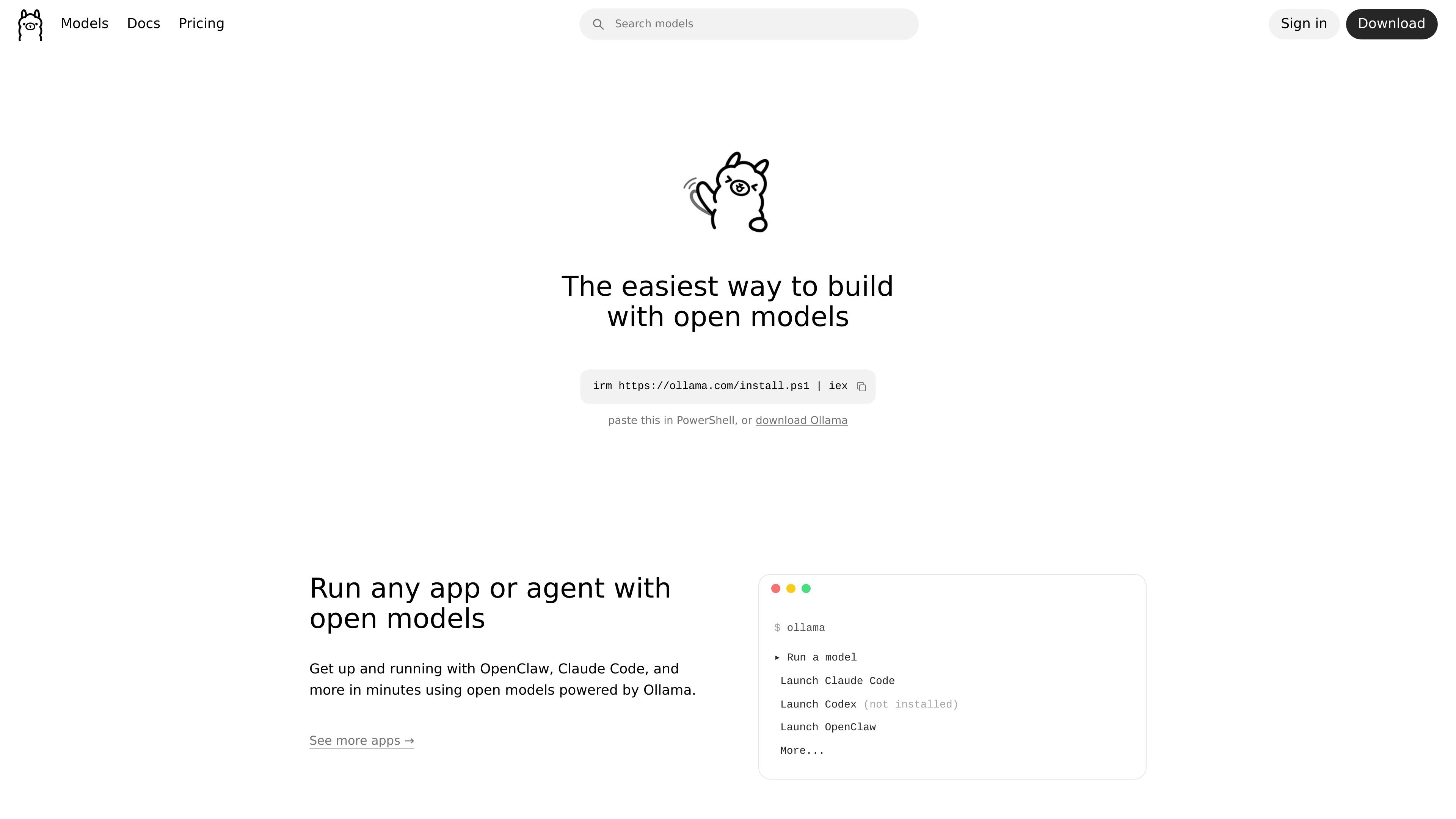
Ollama is a platform for working with open models locally or in the cloud. The site positions it as a way to automate work with open models while keeping data private, and it supports workflows ranging from simple chat to coding, document analysis, and agent tasks.
The product combines local model execution with cloud access for larger or faster models. Its site surface includes model browsing, a download flow for desktop installation, documentation for integrations and APIs, and pricing tiers that separate unlimited local hardware use from metered cloud usage.
Run models on your own hardware for offline or local workflows, with cloud models available when you need larger or faster systems.
Choose from models for chat, coding, vision, embeddings, reasoning, and agentic workflows through the site’s model browsing experience.
Use Ollama through the CLI, API, desktop apps, and libraries, with documentation for integrations and first API requests.
Connect Ollama to apps, editors, and agents, including workflows highlighted on the home page for tools such as Claude Code and other agents.
Access cloud models that are tested for tool calling and real agent workflows before release, according to the pricing FAQ.
Use paid cloud plans for heavier workloads, including concurrent model runs and larger models, while keeping local runs unlimited on your own hardware.
Run open models on a local machine when you need offline operation or want to keep sensitive work on your own hardware.
Use cloud models for coding automation, document analysis, and other tasks that benefit from larger or faster models.
Connect Ollama to an app, editor, or agent through the documented integration and API paths to build model-powered workflows.
Browse available models for chat, coding, vision, embeddings, and reasoning when selecting a model for a specific task.
Use paid plans for sustained work that needs multiple concurrent models or higher usage limits.
Ollama supports running models locally on your own hardware, and its documentation also points to cloud models for larger workloads. The pricing page notes local hardware usage is unlimited, while cloud usage depends on the plan.
The site says Ollama can connect to apps, editors, and agents, and its documentation includes integrations plus API references and Python and JavaScript libraries.
The pricing page says cloud models that support tools are tested for tool calling and real agent workflows before they go live.
The download page offers installers for macOS, Linux, and Windows, and the Windows page notes Windows 10 or later is required.
No. The pricing page states that prompt or response data is never logged or trained on, and the home page says your data stays yours.
I dati sul traffico sono solo a scopo di riferimento.

opencodesuper.app
OpenCode Superapp è uno spazio di lavoro nativo per Mac che consente di usare modelli AI locali, self-hosted o cloud insieme a programmazione, automazione del browser, voce, estensioni, widget e accesso remoto sicuro. È pensato per chi desidera un ambiente OpenCode local-first senza bisogno di un account.

talkcody.com
TalkCody è un agente di coding AI gratuito e open source per macOS, Windows e Linux, con più provider di modelli, archiviazione locale e flussi di lavoro offline.

openhands.dev
OpenHands è una piattaforma open source e agnostica rispetto ai modelli per agenti di coding cloud, che automatizza i workflow di ingegneria tramite interfacce web, CLI, terminal UI e SDK, supportando deployment locali, cloud ed enterprise.

sim.ai
Sim è uno spazio di lavoro AI open source per creare, distribuire e gestire agenti AI, con flussi visivi, Chat, accesso API, integrazioni e strumenti di collaborazione.

manaflow.com
Manaflow è un laboratorio open source di IA applicata, focalizzato sui flussi di lavoro basati su terminale per gli agenti di coding. Il sito pubblico descrive la gestione parallela di più agenti in istanze VS Code isolate.

caveman.so
Caveman è uno stack per l’efficienza dei token destinato agli agenti AI e ai flussi di lavoro in produzione. Aiuta i team a ridurre il contesto idoneo, instradare il traffico e misurare i risparmi verificati tramite strumenti locali, un SDK TypeScript e un livello cloud gestito.