
Multi-model chat in one app
Work with GPT, Claude, Gemini, Grok, and other models in one interface instead of moving between separate subscriptions and tabs.

Writingmate is an all-in-one AI workspace for chat, web search, file analysis, image generation, and short video generation in one app.
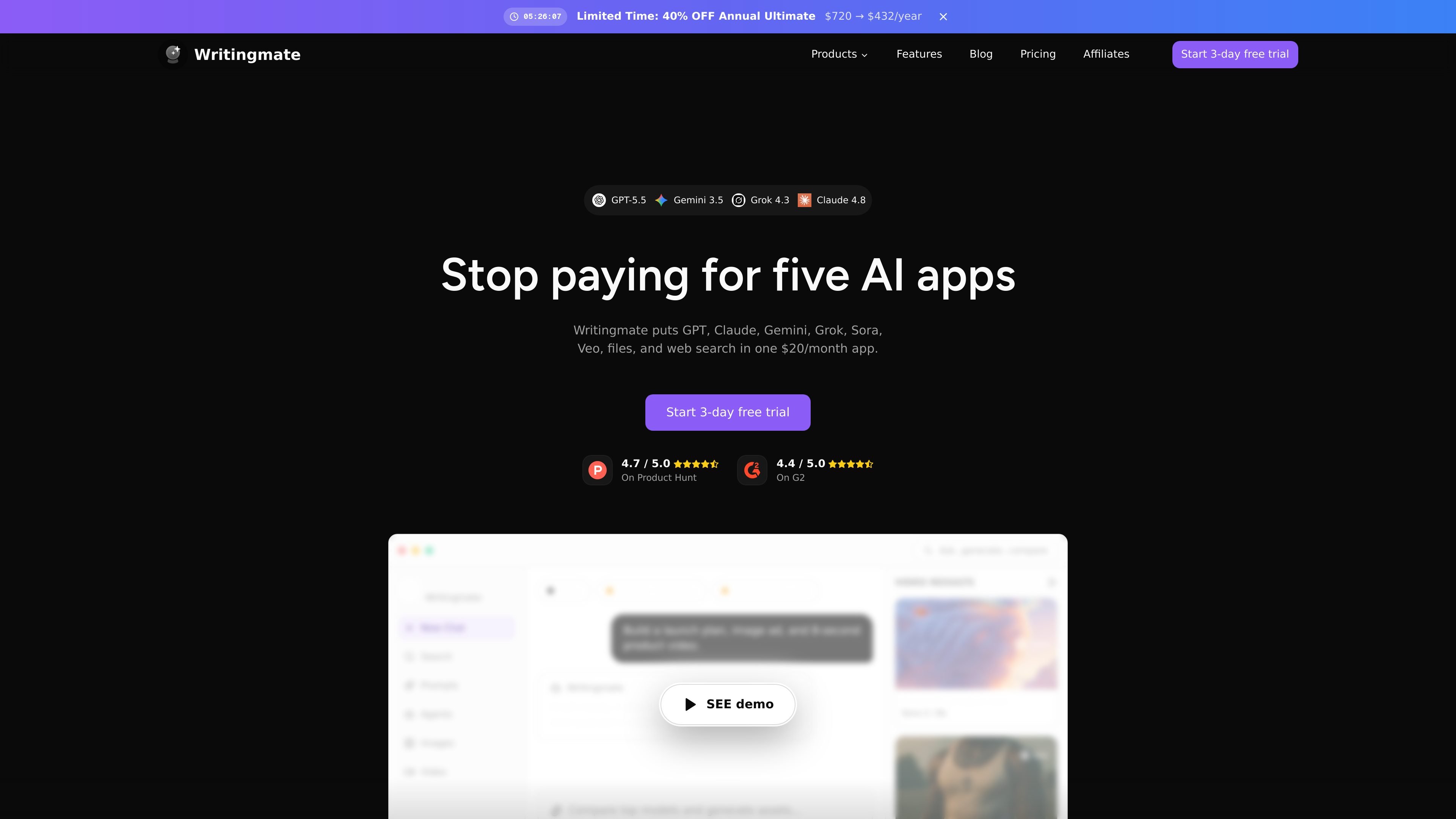
Writingmate is a web-based AI workspace that combines chat, search, file analysis, image generation, and short video generation in one app. The homepage positions it as an alternative to juggling separate AI subscriptions by putting GPT, Claude, Gemini, Grok, Sora, Veo, files, and web search together under one plan.
The product is built around working with many models from a single interface. The site highlights model comparison, fallback switching when a model is unavailable, saved prompts and helpers, and integrations for bringing in external tools when the task needs more context.
Work with GPT, Claude, Gemini, Grok, and other models in one interface instead of moving between separate subscriptions and tabs.
Compare responses from multiple models side by side and switch models when one is busy, blocked, or unavailable.
Upload documents and PDFs to summarize, answer questions, or produce structured analysis from file content.
Search the web from inside the app and bring in current sources when the task needs up-to-date context.
Generate images and short videos from prompts using providers such as FLUX, Nano Banana, GPT Image, Sora, Veo, Seedance, Kling, and PixVerse.
Save reusable prompts, helpers, and projects, and connect external tools such as Gmail and Slack when outside context is needed.
Use one interface to ask questions, draft text, compare model answers, and keep working if a model is slow or unavailable.
Upload documents or PDFs to summarize content, extract answers, or produce structured analysis without leaving the app.
Search the web for current information and combine those sources with model-generated output for briefs, summaries, or decisions.
Generate campaign visuals or concept art from prompts, using image models such as FLUX, Nano Banana, GPT Image, and Seedream.
Create short promotional clips, explainers, or visual stories from prompts with video models such as Sora, Veo, Seedance, Kling, and PixVerse.
Writingmate is a web-based AI app that brings chat, search, files, images, and video into one place. It is positioned for people who want to work with multiple models without switching between separate apps.
The pricing page lists Pro and Ultimate plans and offers a 3-day free trial. Pro is described for everyday chat, search, images, and light video, while Ultimate is aimed at heavier use and higher daily limits.
Yes. The pricing page says Writingmate includes app integrations via MCP and connects with 8,000+ external tools and services. The home page also mentions app connections such as Gmail and Slack.
The fair use policy says unlimited chat on Ultimate applies to normal, non-file-related chats. Large attached files and Projects can consume quota quickly because file context is re-sent on every turn.
The source pages emphasize chat, web search, file analysis, image generation, and short video generation. They do not provide a full platform compatibility matrix or a detailed list of every supported output workflow.