
PPT outline generation
Generate PPT outlines from a given topic, which helps start presentation planning from a prompt instead of a blank slide deck.

WPS AI is Kingsoft Office’s AI assistant for writing, reading, PPT outlines, and spreadsheet help, with summarization, rewriting, translation, and formula support.
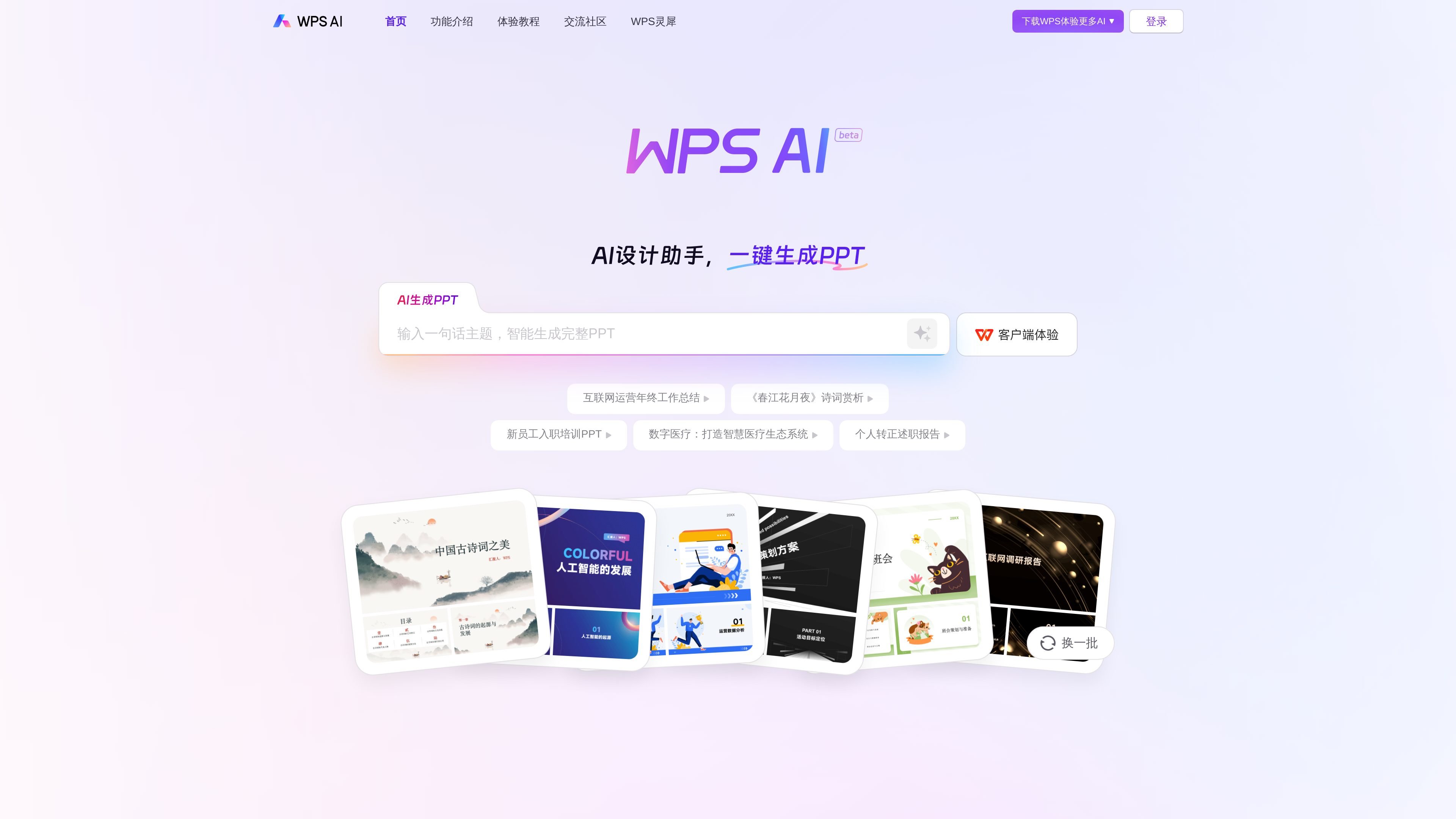
WPS AI is an AI product from Kingsoft Office that is presented as part of the WPS ecosystem. The home page describes it as a large-model-based application for intelligent document writing, long-form reading and processing, and human-computer interaction.
On the site, WPS AI is shown as a set of writing, reading, and data helpers that work with common office tasks. The visible examples include one-click PPT outline generation, report and summary drafting, document summarization, document Q&A, rewriting, translation, formula assistance, and conditional formatting.
The product is framed as an office companion for people who need to draft content, extract key points from long material, or handle spreadsheet tasks faster. The published examples point to everyday office workflows rather than a single narrow use case.
Generate PPT outlines from a given topic, which helps start presentation planning from a prompt instead of a blank slide deck.
Create weekly reports, work summaries, speeches, meeting outlines, news drafts, and Xiaohongshu note titles from text prompts.
Summarize long documents into concise abstracts so users can review lengthy material more quickly.
Answer questions inside a document by searching for relevant content, definitions, background information, or data points.
Rewrite, continue, shorten, or change the style of a draft, including a classical-Chinese style option shown on the page.
Handle formula and conditional-formatting tasks through natural language prompts, reducing the need to remember function syntax.
Use the prompt templates to draft work reports, weekly updates, speeches, meeting outlines, news releases, or short-form content ideas when you need a first pass quickly.
Start a presentation by generating a PPT outline from a topic, then use the draft to structure sections before moving into slide design.
Summarize long articles or documents, or ask questions directly inside a file to locate definitions, data, and background details without manual reading through the whole text.
Rewrite existing text, continue a draft, shorten a section, or switch style when you already have content but need a different version or tone.
Use natural-language prompts for formulas and conditional formatting when working in spreadsheets and you do not want to memorise function syntax.
WPS AI is positioned as an AI application from Kingsoft Office that works with WPS Office to support document writing, long-form reading and processing, and human-computer interaction. The source also shows AI-assisted functions such as PPT generation, table analysis, rewriting, continuing text, and translation.
The source highlights AI writing, AI design, AI reading, and AI data assistants on the home page, along with prompt-driven templates for outlines, weekly reports, work summaries, speeches, meeting outlines, news drafts, and Xiaohongshu note titles.
The source text does not confirm a detailed pricing structure. The pricing path shown in the collected evidence returns a 404, so pricing and plan limits are not verified here.
The home page includes a short FAQ area, but the collected evidence does not provide complete answers for setup, team use, or activation details beyond mentioning WPS AI experience rights and checking whether they are active.