
AI generation and templates
Generate page layouts from prompts or start from the template library, which includes 1,000+ professionally crafted Tailwind blocks and templates.

Windframe is an AI-powered visual builder for Tailwind CSS that helps you create and export production-ready UI faster with prompts, editing, imports, and frameworks.
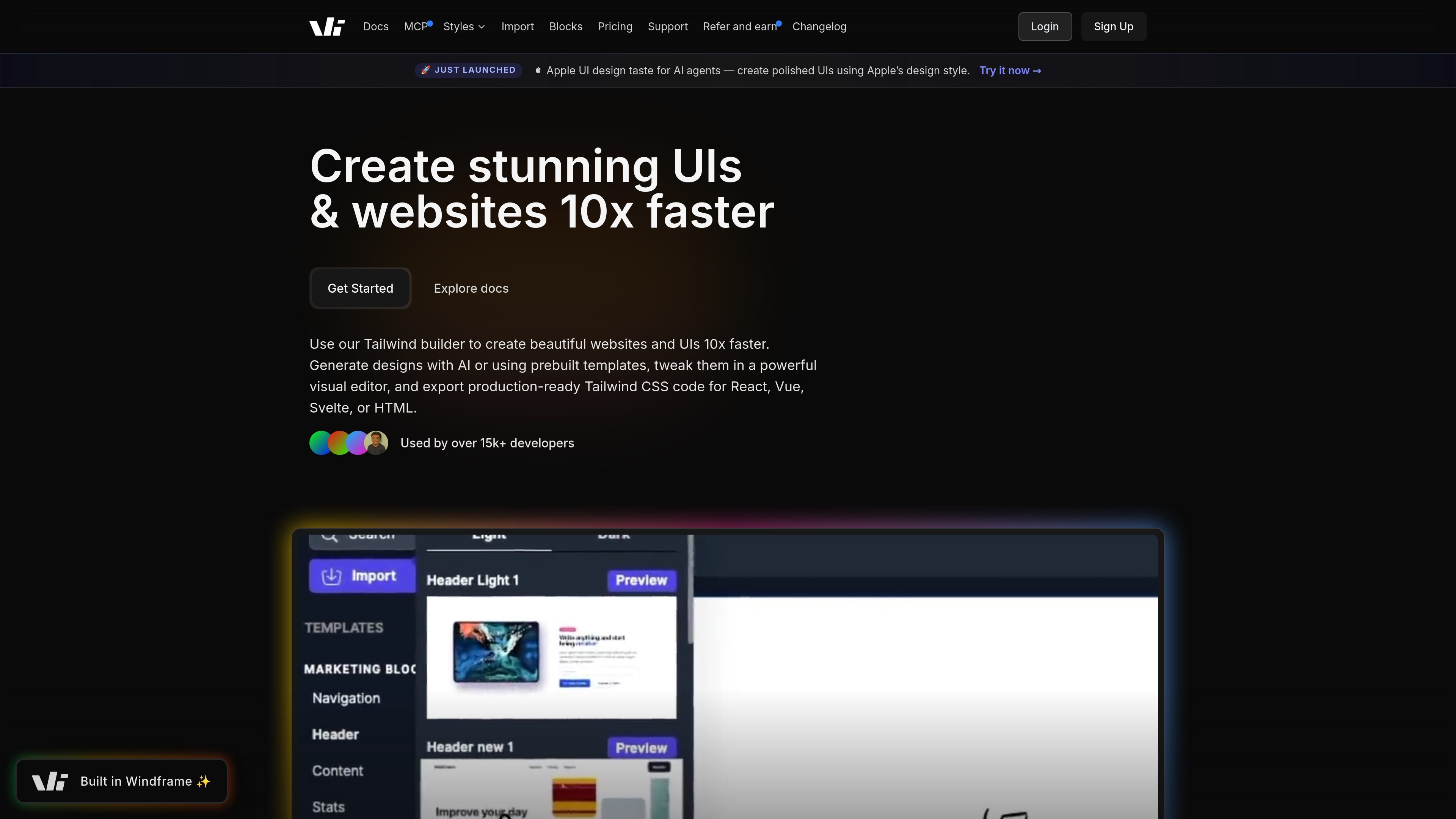
Windframe is an AI-powered visual builder for Tailwind CSS that helps users create websites, UI sections, dashboards, and templates without starting from scratch. It combines AI generation, a drag-and-drop visual editor, and a library of 1,000+ blocks and templates so designs can be assembled and refined quickly.
The product is built to produce production-ready Tailwind code rather than static mockups. Users can start from prompts, prebuilt blocks, imported templates, or screenshots, edit the result visually, and export code for frameworks such as React, Vue, Angular, Svelte, HTML, Next.js, Nuxt, Astro, SolidJS, and Rails.
Generate page layouts from prompts or start from the template library, which includes 1,000+ professionally crafted Tailwind blocks and templates.
Customize layouts, colors, typography, spacing, and individual elements through a visual drag-and-drop interface with real-time updates.
Turn screenshots or mockups into Tailwind CSS code, and import existing Tailwind websites, templates, components, or code to edit them visually.
Export production-ready code to HTML and frameworks such as React, Next.js, Vue, Nuxt, Angular, Svelte, Astro, SolidJS, and Rails.
Use Windframe MCP with AI coding agents to access design tokens, components, and Tailwind styles inside tools such as Claude Code, Codex, Cursor, OpenCode, and VS Code.
Organize reusable components and templates, share them with collaborators, and manage projects with team-oriented workflow features.
Start a landing page, product page, or marketing section from a prompt or template, then adjust the design in the editor before exporting code for your app or site.
Assemble dashboards, admin screens, headers, footers, forms, and other repeated UI blocks from the library instead of building each section from scratch.
Import an existing Tailwind website, component library, or screenshot, then edit the design visually and reuse the resulting code in your project.
Let designers, developers, or non-technical stakeholders collaborate on the same project, review changes, and hand off production-ready output for implementation.
Use Windframe MCP inside AI coding tools to generate UI grounded in real design tokens and Tailwind styles without switching out of the agent workflow.
Windframe is an AI-powered visual builder for Tailwind CSS. It combines AI generation, a drag-and-drop editor, template browsing, and export to production-ready code.
Windframe exports clean code to HTML, React, Vue, Angular, Svelte, and several other frameworks mentioned on the site, including Next.js and Nuxt. The pricing page also says exported code is yours to use in your own projects.
Yes. The site describes a free plan that includes access to the visual editor and a selection of templates, with no credit card required to start. Pro plans add full access to 1,000+ templates and AI features.
Yes. The pricing page says Pro plans include unlimited saved projects, and the team lifetime plan is built for up to 10 members. The site also describes team collaboration features such as inviting members and sharing access.
The MCP offering is designed for AI coding agents and is described as working with Claude Code, Codex, Cursor, OpenCode, and VS Code. It gives agents access to real design tokens, components, and Tailwind styles.