
Modern terminal workflow
Work in a terminal built around agentic coding, with block-based editing, autocomplete, and native agent orchestration.

Warp is an agentic development environment for coding with agents in the terminal and in the cloud. It supports local and cloud workflows, with plans for individuals, teams, and enterprises.
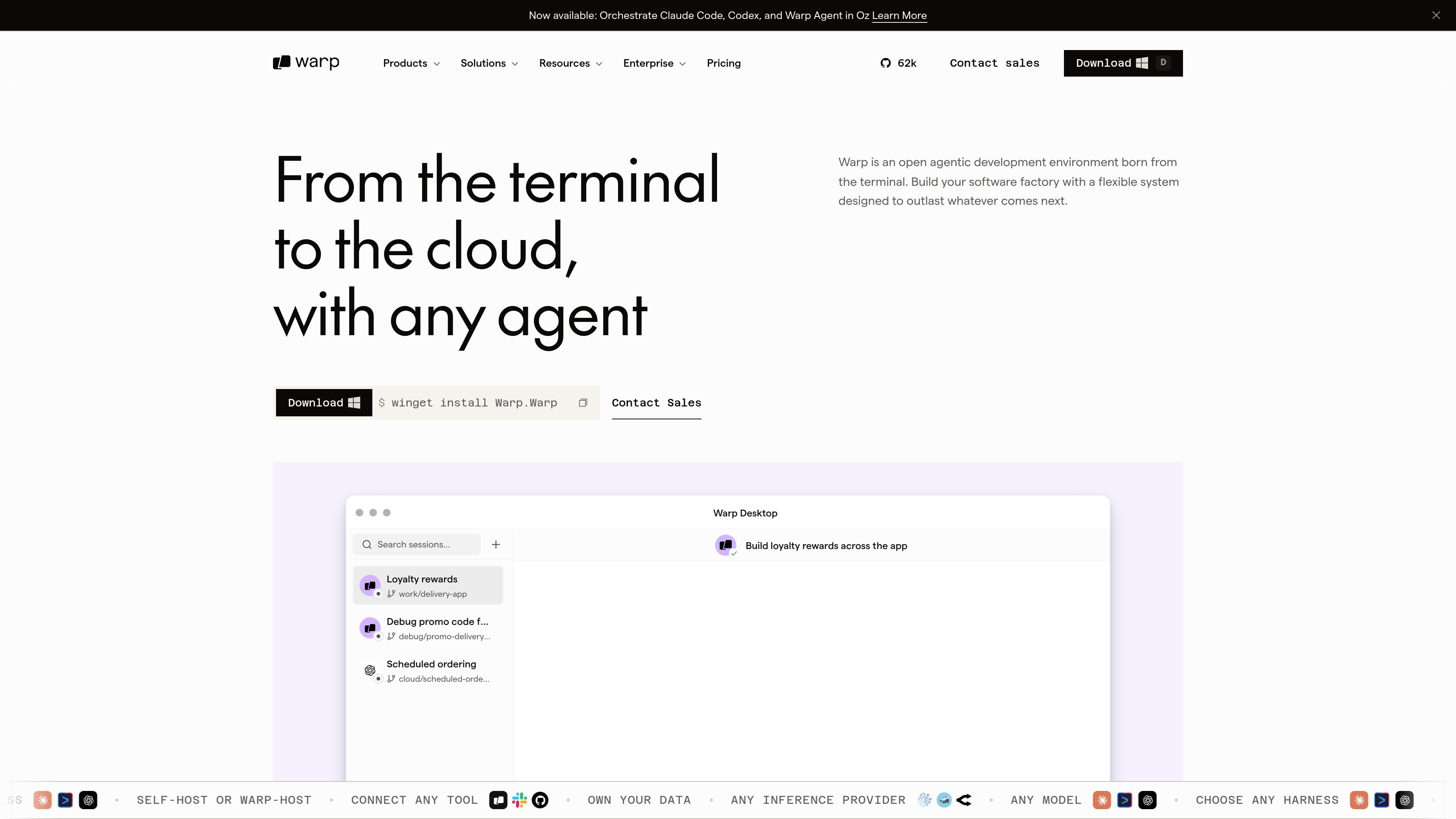
Warp is an agentic development environment built for developers who work with coding agents in the terminal and across cloud workflows. The site describes it as a modern AI terminal for coding with agents, and positions it as a system for working with Warp Agent, Claude Code, Codex, Gemini CLI, and other harnesses with fine-grained control.
The product spans Warp Terminal, Warp Agent, and Oz. Warp Terminal provides the developer-facing terminal experience, Warp Agent provides the coding harness and orchestration layer, and Oz handles cloud agent orchestration so teams can launch, observe, and scale agents locally or in the cloud. The result is a single workflow for building, reviewing, and coordinating agent-driven software work.
Pricing information shows a Free plan and paid plans for individuals, teams, and enterprises. The paid tiers add more agent capacity, higher indexing limits, collaboration, team controls, and enterprise governance features, while the Enterprise plan adds custom infrastructure and support options.
Work in a terminal built around agentic coding, with block-based editing, autocomplete, and native agent orchestration.
Run agents locally or in the cloud and move between them with seamless handoff, including one-click joins for cloud sessions.
Use Warp Agent, Claude Code, Codex, Opencode, or Gemini CLI in the same environment, with support for switching harnesses.
Route work across models and harnesses, including frontier and open-weight models, to balance quality and cost.
Share context across sessions with codebase indexing, memory, and collaboration features, including Warp Drive objects and shared context architecture.
Use team and enterprise controls such as usage metrics, admin-configurable data controls, SAML-based SSO, audit trails, and spend controls.
Developers can code with an agent in a modern terminal, using editing, autocomplete, and session controls built for agentic workflows.
Teams can launch agents into the cloud, observe their runs, and hand off between local work and cloud sessions as tasks move forward.
Organizations can coordinate agent usage across engineering teams with centralized controls, usage visibility, and spend management.
Engineers can work with different harnesses, such as Claude Code or Codex, without leaving the Warp environment, which supports switching as needed.
Companies that want a lower-friction entry point can start on the free plan and move to paid tiers as usage, collaboration, or control needs increase.
Warp is designed for developers who want to work with coding agents in a terminal-like environment. The source also describes it as an agentic development environment, with support for local and cloud workflows.
The pricing page shows a Free plan, a Build plan, a Max plan, a Business plan, and an Enterprise plan. Paid plans add more agent access, higher limits, team controls, or enterprise features, depending on the plan.
Yes. The source says Warp can run agents locally or in the cloud, and it supports seamless handoff between local and cloud development.
Warp Terminal is the terminal product; Oz is the cloud agent orchestration platform; and Warp Agent is the coding agent harness integrated with both. The site presents them as parts of one system that can be used separately or together.
The source says Warp supports agents such as Claude Code, Codex, Opencode, and Gemini CLI, along with Warp Agent itself. In some cases, the site describes the ability to switch harnesses or route tasks across models.