
Video and audio import
Generate blog posts from YouTube links, uploaded video or audio files, or connected channels, so teams can start from different source formats.

Video To Blog turns videos, podcasts, and webinars into publish-ready blog articles for websites, newsletters, and export formats.
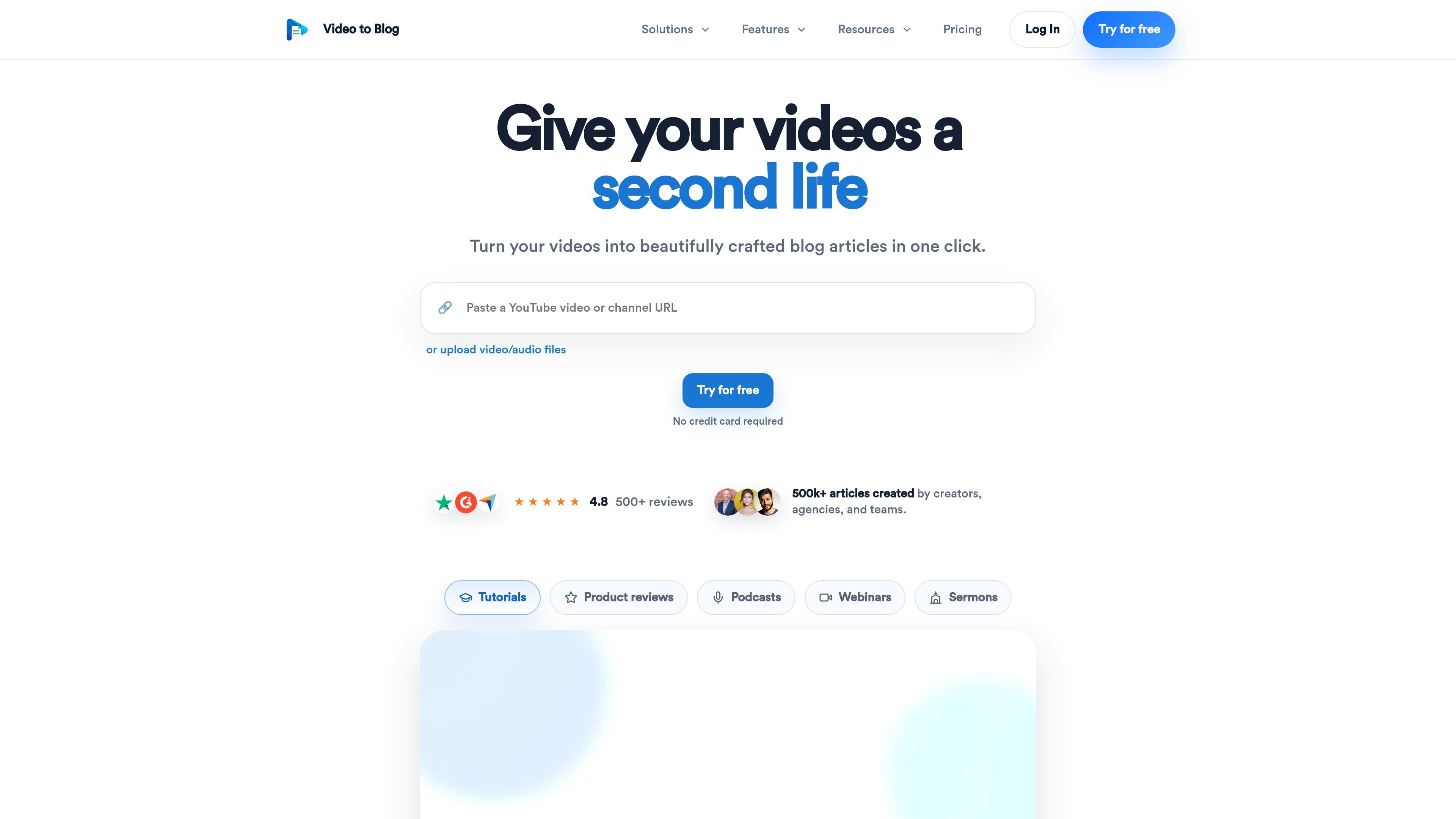
Video To Blog turns videos, podcasts, and webinars into publish-ready blog articles. It is built for people who want to repurpose spoken content into written posts without manually transcribing and structuring each piece.
The product can take a YouTube link, uploaded video or audio file, or connected source and generate an article with screenshots, links, FAQs, metadata, and export or publishing options. It also supports direct publishing to websites and email newsletters, plus automation for generating posts when new YouTube videos are released.
Generate blog posts from YouTube links, uploaded video or audio files, or connected channels, so teams can start from different source formats.
Automatically insert screenshots from the source video, then crop, annotate, or replace them inside the editing flow.
Create articles with custom instructions, multi-language support, premium transcriptions, and writing samples for tone control.
Add internal and external links, calls to action, FAQs, tables of contents, and templates to shape the finished post.
Optimize posts with auto metadata, keyphrase optimization, and auto image alt tags for search-friendly publishing.
Publish or export finished content through website integrations, newsletters, and formats such as HTML, Markdown, PDF, and Word.
Turn recorded tutorials, explainers, and walkthroughs into searchable articles that are easier to skim and reference later.
Convert interviews, podcasts, and webinar recordings into written posts that readers can scan without watching the full recording.
Add screenshots, links, and sectioned structure to demos or screen-share videos so the final article is easier to follow.
Send generated articles to a website publication or newsletter when the goal is to reuse one source video across multiple channels.
Set up channel-based automations so a new YouTube upload can trigger a generated post and reduce manual publishing work.
Yes. The pricing page includes a free plan that lets you create one blog post per month with no credit card required.
Yes. The FAQ on the pricing page says you can cancel anytime from Stripe billing.
A video is any source item you upload or import to create a blog post, including video, audio, and supported import workflows.
Yes. The pricing page says monthly and yearly plans keep the same feature access for each tier; yearly billing only lowers the effective monthly price.
Yes. The pricing page says you can upgrade later if you need more volume, more team seats, or more publishing capacity.