
Free paste-and-scan workflow
Paste text into the detector and run a scan without creating an account. The homepage emphasizes unlimited free words and no signup required.

Turnitin AI Detector is a web-based AI text detection tool that lets users paste text, scan for AI-generated content, and review sentence-level rewrite suggestions in AI Spotter. It is positioned for students, educators, writers, and editors who need a quick no-signup check.
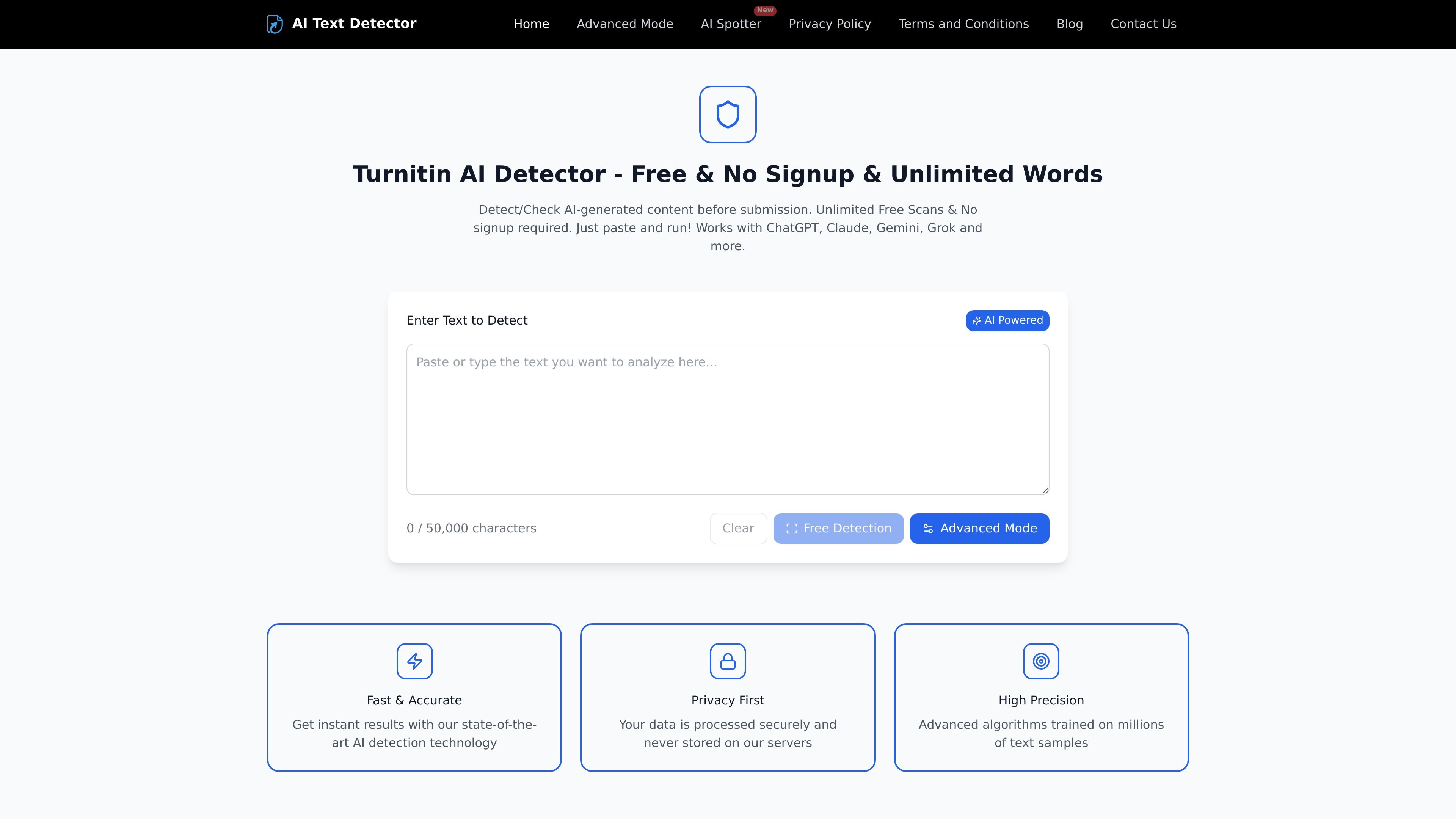
Turnitin AI Detector is a web-based AI text detection tool from turnitin.app. It lets users paste text into a detector, run a scan, and review whether the content appears AI-generated, with the homepage highlighting support for ChatGPT, Claude, Gemini, Grok, and similar models.
The product is positioned for students, educators, writers, and editors who want a quick way to check text before submission or publication. It also includes an Advanced Mode on the homepage and a separate AI Spotter page that focuses on sentence-level detection and rewriting suggestions for text that sounds robotic or overly polished.
Paste text into the detector and run a scan without creating an account. The homepage emphasizes unlimited free words and no signup required.
The homepage offers an Advanced Mode described as aiming for a “100% consistent Turnitin report,” indicating a separate detection mode beyond the basic scan.
The homepage says results are delivered instantly using its AI detection technology, so the product is built for quick checks rather than manual review.
The site says text is processed securely and never stored on its servers, which addresses basic privacy concerns for submitted content.
The AI Spotter page highlights sentence-level scanning, flagging phrases that sound AI-generated and giving rewrite suggestions for each flagged sentence.
AI Spotter offers multiple rewrite styles such as more casual, more professional, more engaging, shorter, or longer, while preserving the original meaning and facts.
A student can paste an essay before submission to see whether the text appears AI-generated and whether a more natural rewrite is needed.
An educator can review student work for AI-like text patterns before grading, using the detector as a quick screening step.
A blogger, marketer, or editor can scan a draft to find sentences that sound robotic and then use AI Spotter rewrite suggestions to make the copy read more naturally.
A writer can compare an AI-assisted draft against the sentence-level suggestions to preserve facts and tone while reducing obvious AI phrasing.
A support or editorial team can use the no-signup workflow for fast, repeat checks without setting up accounts for every review.
It is a web-based AI text detector where you paste text, run a scan, and review whether the content appears AI-generated. The site also offers an Advanced Mode and a separate AI Spotter page for sentence-level rewriting help.
Yes. The homepage states “Unlimited Free Scans & No signup required,” and the contact page also points users to the FAQ before contacting support.
The site says your data is processed securely and never stored on its servers.
The homepage says it works with ChatGPT, Claude, Gemini, Grok, and more. The AI Spotter page also mentions support for content drafted from tools such as ChatGPT, Claude, and Gemini.
The contact page says the team typically responds within 24 hours on business days. The pricing page returned a 404, so no separate pricing details were available from the provided sources.
I dati sul traffico sono solo a scopo di riferimento.
| apr | 2103857 |
|---|---|
| mag | 1999398 |
| giu | 1192586 |
Le analisi del traffico non sono ancora disponibili.
Le analisi del traffico non sono ancora disponibili.