
Document translation with layout preservation
Translate documents such as PDF, Word, Excel, PowerPoint, EPUB, HTML, and text files into 130+ languages while keeping the original layout intact.

Transmonkey is an online AI translation suite for documents, images, text, audio, and video, with browser-based workflows, layout-preserving translation, and OCR for scanned PDFs.
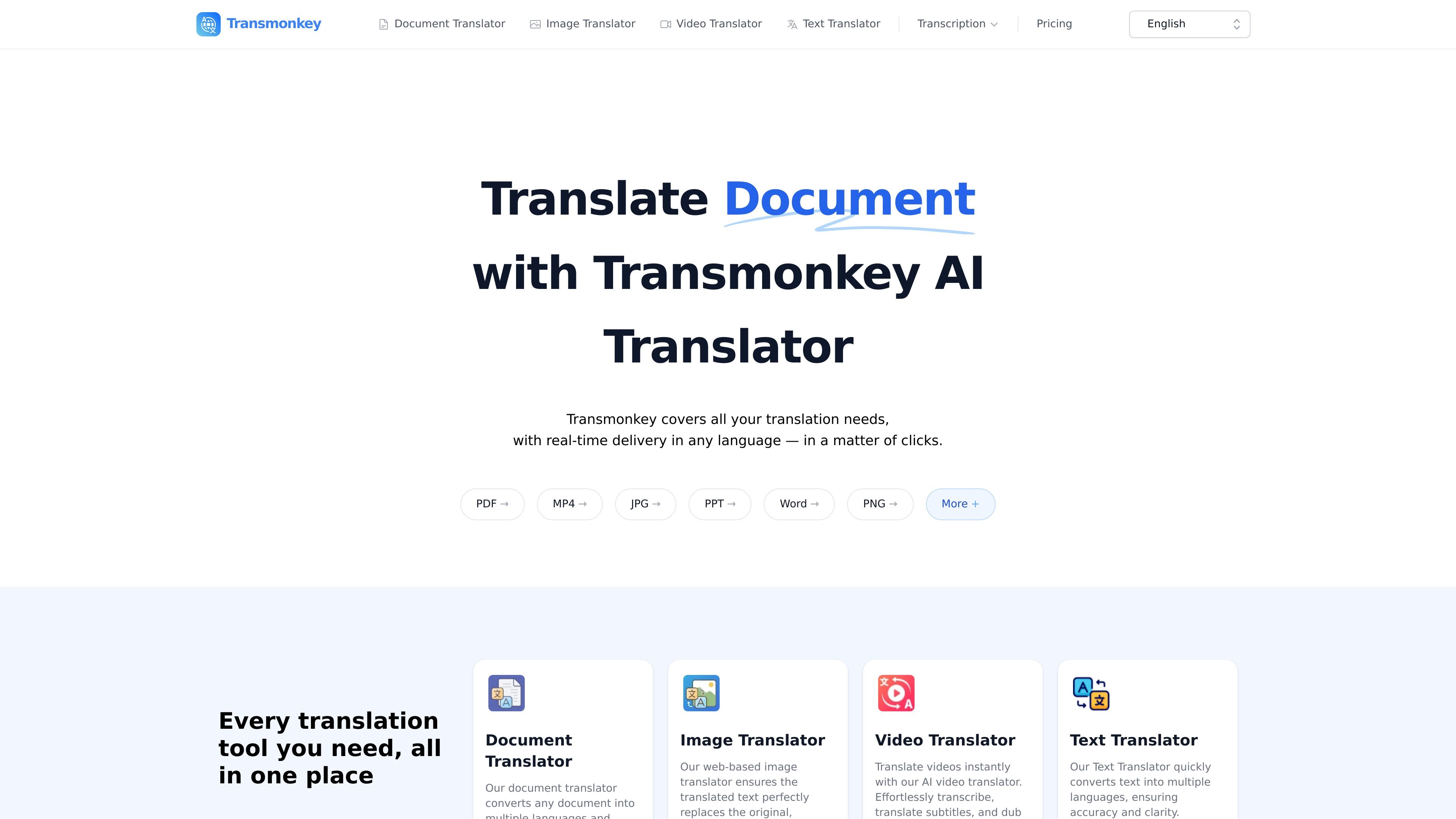
Transmonkey is an online AI translator for documents, images, text, audio, and video. The site presents it as a single translation suite for handling many file formats, including PDF, Word, PNG, MP3, MP4, and more, with translation available directly in the browser.
The product is built around preserving the original structure of the source material where possible. Document translation keeps layout, image translation replaces embedded text on the same background, and video translation combines transcription, subtitle translation, and dubbing. Pricing pages also show paid plans and pay-as-you-go credit options for users who need more than the basic limits.
Translate documents such as PDF, Word, Excel, PowerPoint, EPUB, HTML, and text files into 130+ languages while keeping the original layout intact.
Handle scanned PDFs and other non-selectable content with OCR so text can be translated from images and scans as well as editable files.
Translate images while removing the original text and replacing it with translated text on the same background, with support for bulk download.
Translate videos with transcription, subtitle generation, and voice dubbing, including support for background music preservation and a YouTube add-on.
Use Google Chrome, Google Workplace, and YouTube extensions to translate within supported web workflows instead of switching tools repeatedly.
Work with over 30 file formats and large files, with document support up to 1500K characters and image uploads up to 10MB on the product pages.
Translate PDFs, Word files, spreadsheets, presentations, EPUBs, and text files while keeping the original layout for readable output that can be shared or reviewed.
Translate scanned PDFs or image-based documents when the text is not selectable, using OCR to extract and translate the content.
Translate screenshots, posters, product graphics, or design assets by replacing the original text while preserving the background image.
Convert spoken or recorded video content into translated subtitles and dubbed audio, including workflows that preserve background music.
Use the browser and platform extensions to translate content inside Chrome, Google Workplace, or YouTube without moving files between tools.
You can cancel a subscription anytime by emailing vote@imgkits.com. After cancellation, you will not be charged on the next billing cycle, and your current subscription remains active until it expires.
Pay as you go is a one-time purchase rather than a subscription, so it does not continue charging automatically.
If you use up your included limit, you can buy additional Pay as you go credit on top of a subscription.
After logging in, click your avatar in the upper right corner to see your subscription status or remaining credits.
Refunds are available within 3 days of the first purchase, as long as you have not used more than 30 credits.