
Tooning Chat
A safe, monitored chat environment where students can converse with AI and build information-seeking skills.

Tooning is an AI education platform for teachers, students, and schools, combining AI chat, character learning, image generation, editing, and sharing.
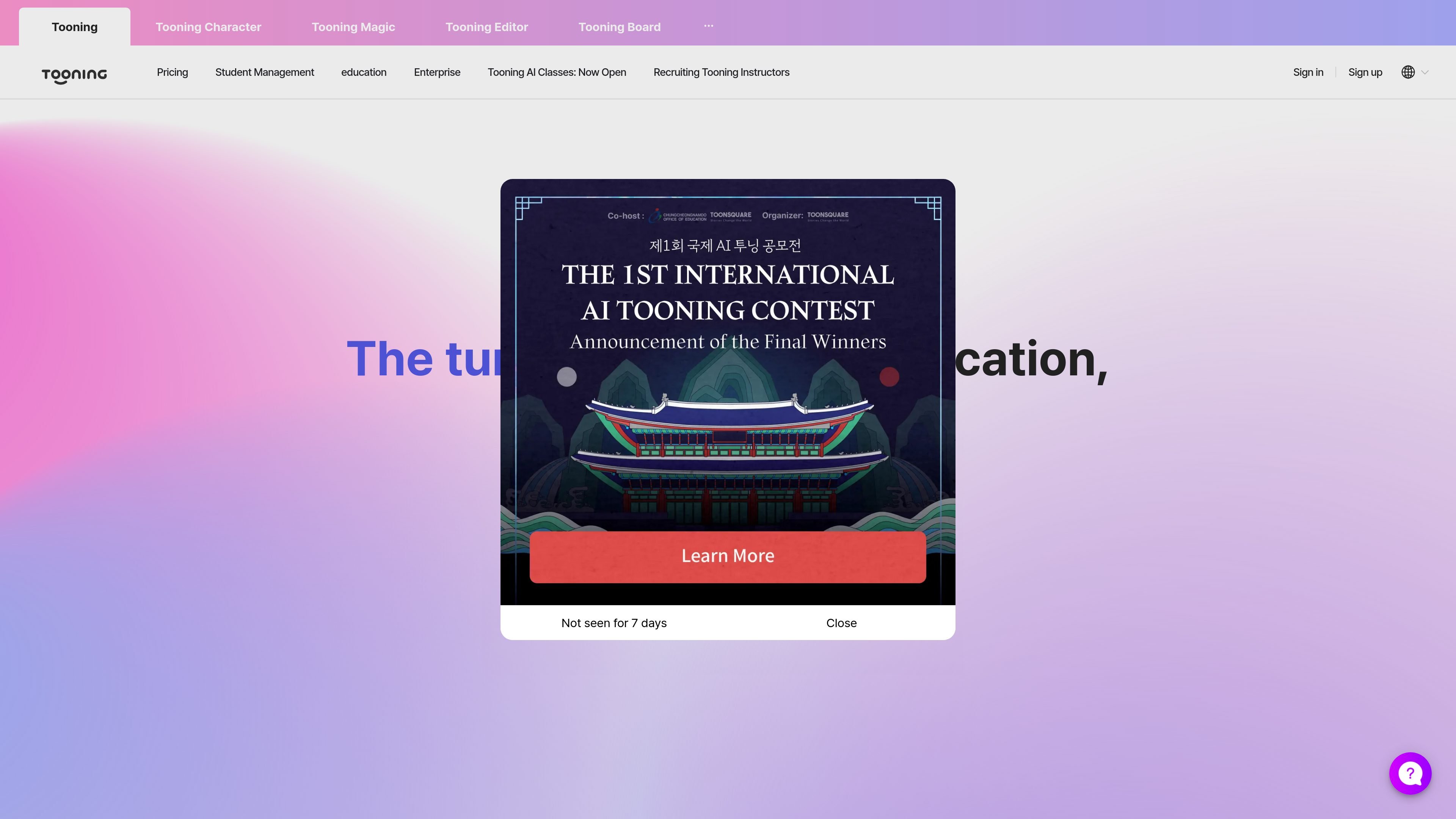
Tooning is an AI education platform built around learning, class management, and creative content production. The homepage positions it as a service optimized for AI education and says it is used in more than 1,100 locations across 32 countries.
The product combines conversational AI, character-based interaction, image generation, editing, and board-based sharing. Its public messaging emphasizes classroom use, teacher support, and tools that help students create storytelling content, presentations, posters, and similar materials without needing advanced design skills.
A safe, monitored chat environment where students can converse with AI and build information-seeking skills.
A character-based conversation tool that lets learners speak with historical figures to explore stories and ideas.
An image generation tool that creates visuals from a chosen artist or design style using short prompts and clicks.
A content editor for making storytelling materials such as webtoons, posters, PPTs, and card news.
A board for storing, organizing, and sharing created work with others in one place.
An education-focused account option that includes teacher benefits such as Pro for Education access and expanded usage limits.
Teachers can use Tooning to run AI-based lessons, manage classroom activities, and give students a supervised environment for working with generative AI.
Students can explore stories and ideas through character conversations, including interactions framed around historical figures.
Learners can generate images and assemble them into storytelling outputs such as webtoons, posters, presentations, and card news.
Schools and other education groups can use Tooning for contests, digital textbooks, and other organized educational activities.
Teachers can create, organize, and share class materials and student work through boards and the editor.
Tooning is presented as an all-in-one AI learning platform optimized for AI education, with tools for learning, class management, AI conversation, character-based storytelling, image creation, content creation, and sharing.
The source describes Tooning as supporting education use cases, with a Pro for Education offering and separate references to Enterprise Tooning Biz and instructor recruitment.
The homepage mentions Tooning Chat, Tooning Character, Tooning Magic, Tooning Editor, and Tooning Board, which suggests a workflow that moves from conversation and idea development into image and content creation, then organization and sharing.
The source does not provide a full, published pricing table. It does state that teachers can apply for Pro for Education and that more information is available on the pricing page.
The page references a pricing section and a separate pricing URL, but the collected pricing page text only shows an error message, so the exact plans and prices are not visible in the provided source.