
Text-based interface
Tomo is positioned as a personal AI that lives in your texts, so the main interface is a chat thread rather than a separate app workflow.

Tomo is a personal AI that lives in your texts for goals, scheduling, reminders, everyday organization, group chats, and tools like calendar, email, and Notion.
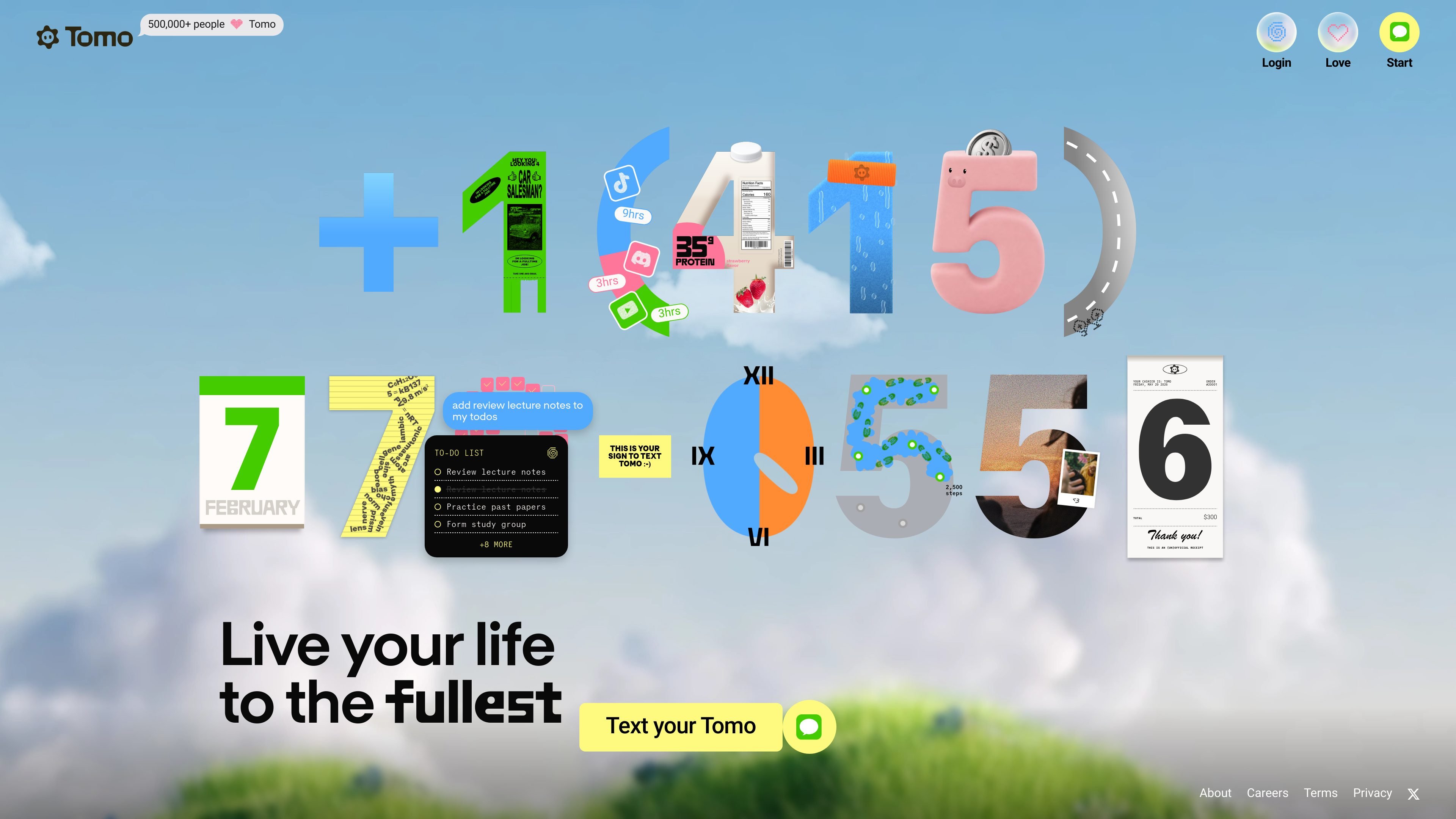
Tomo is a personal AI built around text messaging. The homepage and About page describe it as an AI that “lives in your texts,” learns your goals, and uses that context to help you stay accountable and organize your life.
The product is aimed at people who want help with planning, reminders, scheduling, venting, and day-to-day follow-through in a chat-based workflow. The site also says Tomo can connect to calendar, email, Notion, and other tools, and that it can join group chats, search the web, watch videos, and edit photos.
Tomo is positioned as a personal AI that lives in your texts, so the main interface is a chat thread rather than a separate app workflow.
The product says it learns your goals and then holds you accountable, which makes it more than a general-purpose chatbot.
Tomo says it can organize your life, manage your schedule, and connect to your calendar, email, Notion, and other tools.
The About page says Tomo can proactively message you to keep you on track and can send reminders when needed.
The site says Tomo can join group chats, search the web, watch videos, and edit photos, broadening its use beyond personal planning.
Support and onboarding are handled through the site and email, with instructions to text Tomo from the home page to get started.
Use Tomo as a personal accountability partner when you want someone to keep track of goals, check in on progress, and push you to follow through.
Use it to manage everyday logistics such as scheduling, reminders, calendar coordination, and email-related tasks in a text-first workflow.
Use Tomo when you want a place to vent or work through a problem conversationally before deciding what to do next.
Use it in a group chat when coordination and nudges are easier to handle in an existing conversation instead of a separate app.
Use the assistant for lightweight web, media, or photo-related tasks when you want a chat-based helper rather than a dedicated tool.
Tomo is designed to be used by texting it from the home page. The site says it can also join group chats, so it is not limited to one-to-one texting.
The site says Tomo can help with accountability, life organization, reminders, calendar management, email, web search, and even tasks like watching videos or editing photos.
Tomo says it integrates with calendar, email, Notion, and more, but the site does not provide a full public list of supported services.
The About page says privacy is a priority and that Tomo does not sell personal conversations. It also says payments are processed through Stripe in the portal, and Tomo will never ask for card information over text.
The About page says you can cancel anytime in your dashboard. For support or account changes, the site directs users to hello@tomo.ai and asks them to include their phone number.