
Study Guide generation
Creates study guides from uploaded reading material in seconds, with an option to download them right away.

Thea is an AI study tool for students, educators, and institutions that turns course material into practice questions, study guides, flashcards, tests, summaries, and adaptive study kits.
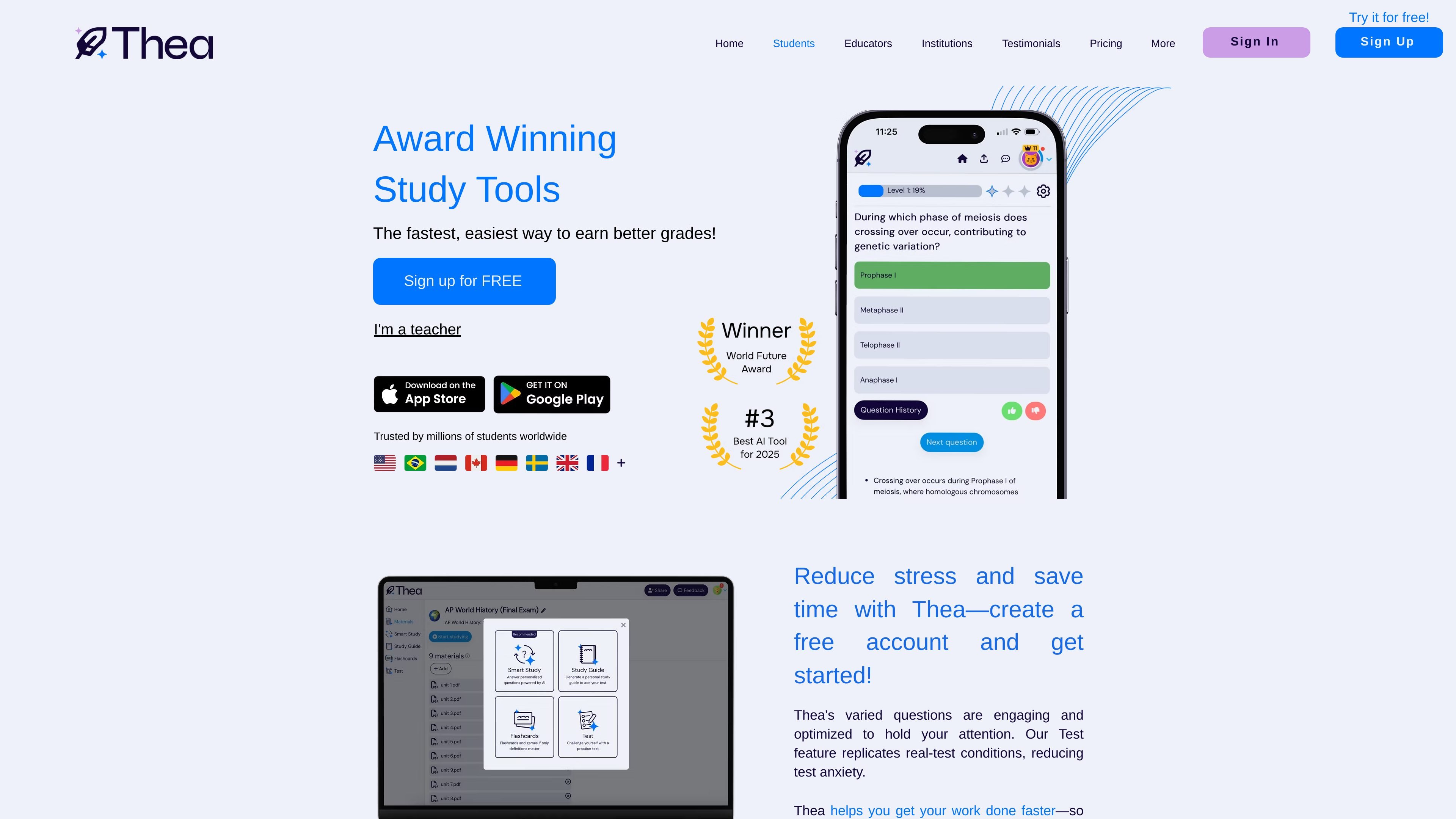
Thea is an AI study tool for students, educators, and institutions that turns course material into practice questions, study guides, flashcards, tests, summaries, and adaptive study kits. The site positions it as a way to help learners master material rather than only memorize it.
For students, Thea focuses on structured self-study workflows such as Smart Study, Study Guide, Memorize, Test, and Summarize. For educators and institutions, it adds course-aligned content creation, assignment generation, grading support, and progress tracking through an educator dashboard.
Creates study guides from uploaded reading material in seconds, with an option to download them right away.
Uses interactive flashcards and games for term review and on-the-go practice.
Simulates a real test environment so students can practice under exam-like conditions.
Summarizes uploaded reading into a concise version quickly, helping students distill longer content.
Generates course-aligned study kits with question types such as true/false, multiple choice, and short answer, with immediate feedback and adaptive follow-up questions.
Lets educators create assignments from prompts or uploaded materials, then review questions and have Thea handle grading after students finish.
Use Smart Study to turn course content into guided practice with varied question types and immediate feedback, especially when you want active recall instead of passive review.
Use Study Guide, Memorize, Test, and Summarize to convert reading, notes, and class material into faster review sessions before quizzes or exams.
Use Assignment Mode to generate questions from uploaded material or a prompt, then review, edit, and assign work that Thea can grade afterward.
Use the educator dashboard to track how individual students and whole classes are progressing after they work through a Study Kit.
Use the institution flow to explore pilot or pricing conversations for broader deployment across programs, grade levels, or workforce education.
Yes. The pricing page says Thea is free for students while it is in beta. It also offers a contact flow for institutions that want pricing information.
The source shows Thea as a student product, an educator tool, and an institution offering. Educators can create a free account, and institutions can contact Thea about pilot or pricing information.
The source highlights Smart Study, Study Guide, Memorize, Test, and Summarize on the student site, plus Assignment Mode and educator dashboards on the educator site.
Thea’s site says the platform works in over 80 languages and is used in 200+ countries and territories.
The source does not list integrations or detailed platform compatibility beyond the availability of iOS and Android app downloads on the testimonials page.