
Browser-based text to MP3 conversion
Convert written text to spoken audio in the browser and download the result as MP3. The homepage positions this as a direct text-to-speech workflow without login or sign-up.

Text To Speech Online is a web-based text-to-speech converter that turns written text into downloadable audio. It supports MP3 output, with WAV also mentioned, and advertises a large catalog of voices and languages.
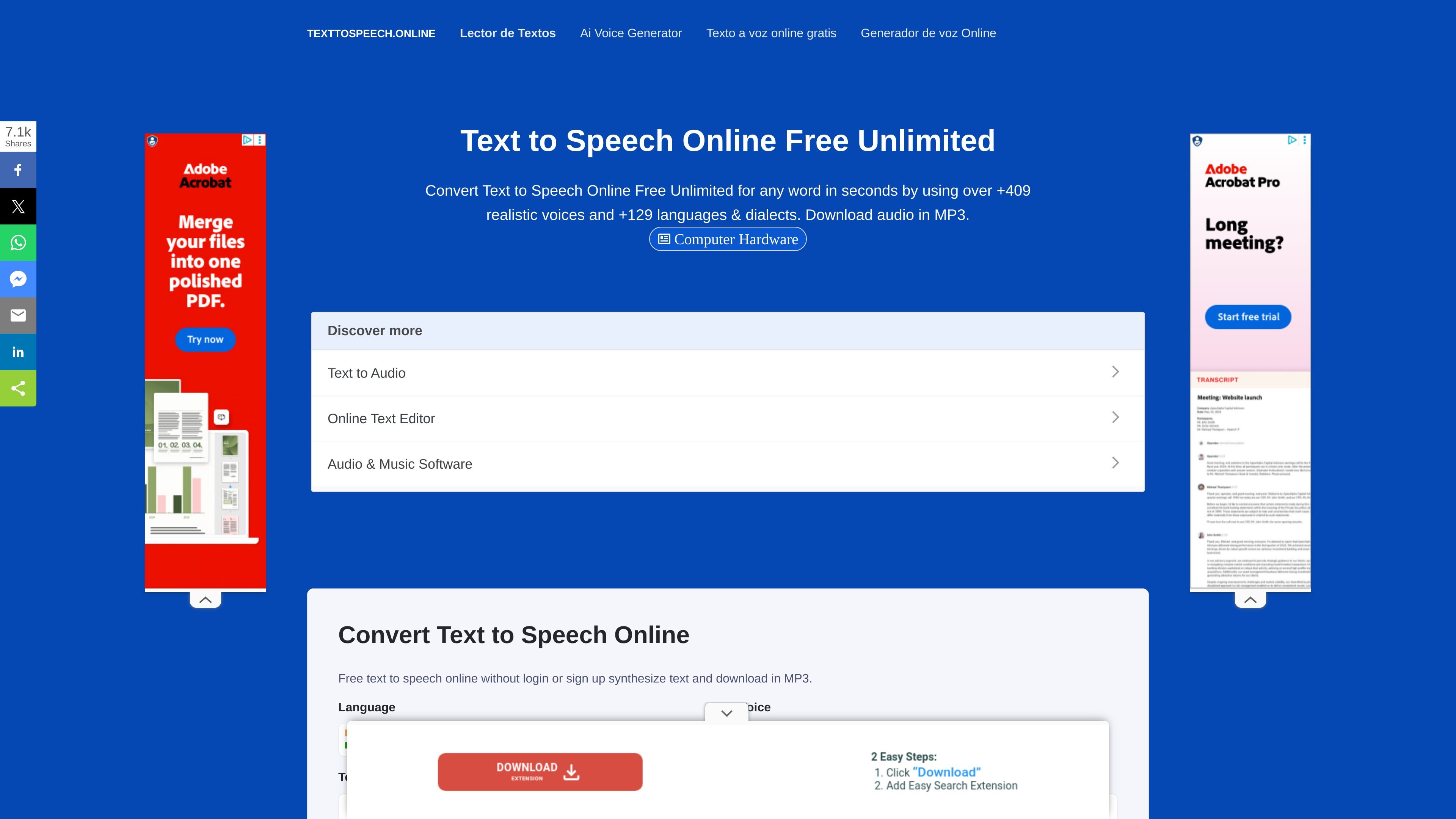
Text To Speech Online is a browser-based text-to-speech converter that turns written text into downloadable audio files. The homepage describes it as a free unlimited service with natural-sounding voices, and it highlights direct conversion to MP3 for use on mobile or desktop devices.
The site emphasizes broad language and voice coverage, with claims ranging from 409+ voices and 129+ languages and dialects to 65 languages and more than 400 voices in the feature copy. It also supports standard and AI / neural voices, SSML controls, and multiple output formats including MP3 and WAV.
Convert written text to spoken audio in the browser and download the result as MP3. The homepage positions this as a direct text-to-speech workflow without login or sign-up.
Choose from a large voice and language catalog. The site advertises 409+ voices and 129+ languages and dialects, and also says its converter covers 65 languages and more than 400 voices.
Use standard voices or AI / neural voices. The site states that standard voices are lower cost, while AI voices are described as more fluent.
Apply SSML controls for speech shaping. The homepage lists pitch, volume, speed, emphasis, and beep-outs for words or phrases among the supported tags.
Export audio in multiple formats. The feature copy mentions MP3 and WAV output, plus the ability to download, export, or embed files repeatedly.
Share or publish audio through podcast workflows. The site says text can be turned into podcasts and published to platforms such as iTunes, Spotify, SoundCloud, and Google Podcasts using RSS feeds.
Paste in short or long passages and generate spoken audio quickly for listening on a phone or computer.
Select from many language and dialect options when you need speech in a specific locale or accent.
Use SSML tags to adjust pitch, speed, volume, emphasis, or insert beep-outs for speech timing and presentation.
Create audio versions of articles, books, or other written material for listening instead of reading.
Publish audio content as podcasts and share files through RSS-based podcast workflows.
No login or sign-up is mentioned on the homepage, and the product copy says you can synthesize text and download MP3 audio directly.
The site says it supports MP3 downloads on the homepage and also mentions WAV audio on the feature list.
The pricing page shows a free package and the site also describes pay-as-you-go, package, and subscription pricing models.
The homepage says the converter covers 65 languages and more than 400 voices, while also advertising 129+ languages and dialects and 409+ voices in other sections.
The site provides a contact form with fields for name, department, email, phone number, and message, which suggests contact is handled through the website rather than published support details.
I dati sul traffico sono solo a scopo di riferimento.
| apr | 30854 |
|---|---|
| mag | 28601 |
| giu | 37529 |
Le analisi del traffico non sono ancora disponibili.
Le analisi del traffico non sono ancora disponibili.