
Schema and policy validation
The product validates tool calls against schema and policy before execution, which helps catch drift and malformed requests before they reach production systems.

Swytchcode is a CLI-based integration layer for AI agents calling production APIs, with auth, retries, idempotency, schema validation, and policy control.
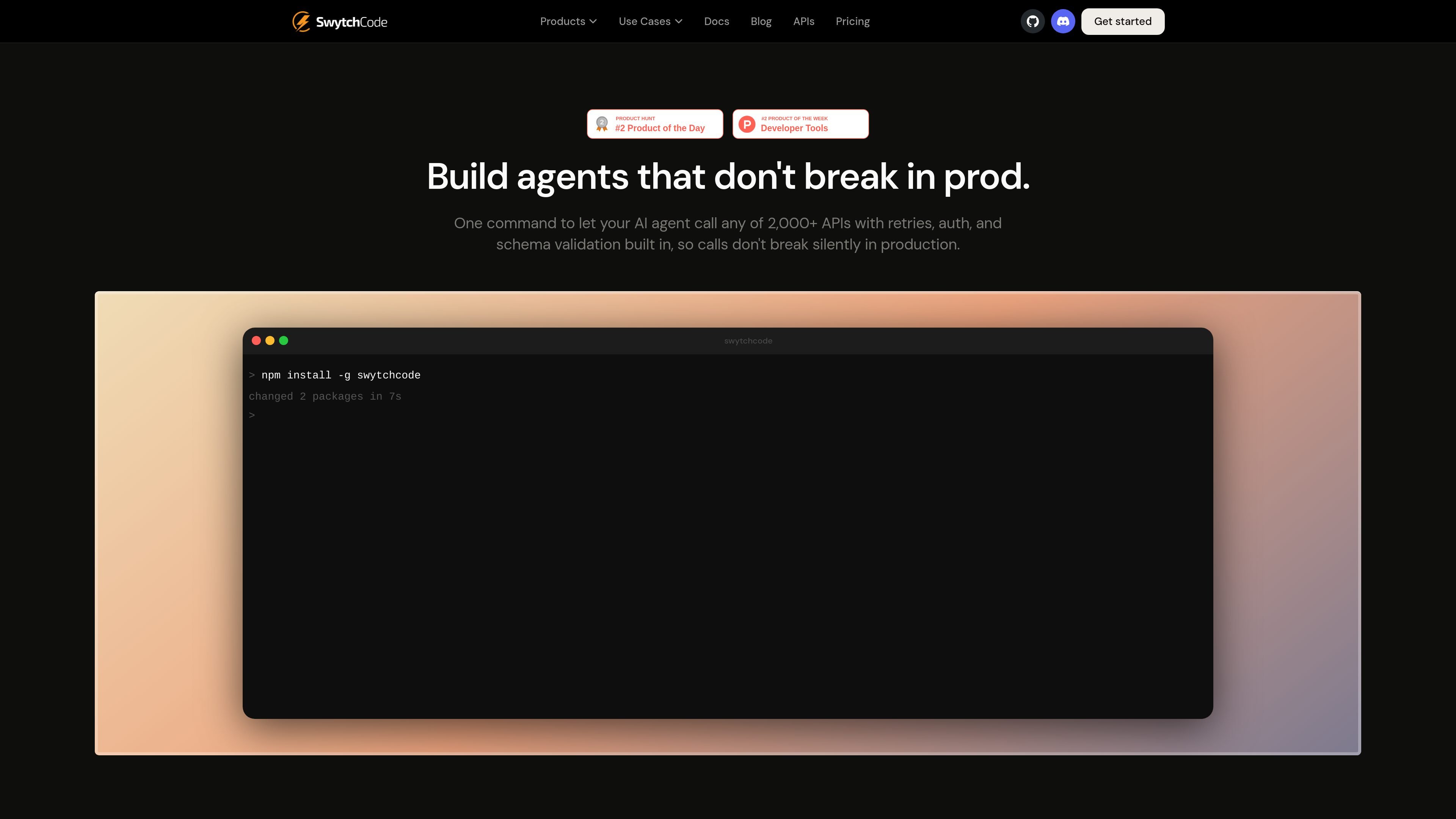
Swytchcode is a CLI-driven integration layer for AI agents that need to call external APIs safely in production. It sits between an agent and an API to handle authentication, retries, idempotency, schema validation, and policy control before requests are executed.
The product is aimed at teams building agent workflows that touch real systems such as payments, CRM, support, and reporting. Its public workflow centers on installing the CLI, pulling an API manifest, and executing validated actions through a controlled interface rather than wiring each service directly into an agent.
The product validates tool calls against schema and policy before execution, which helps catch drift and malformed requests before they reach production systems.
Swytchcode handles authentication, retries, and idempotency across supported APIs, reducing the amount of integration logic an agent has to manage itself.
The product is designed to sit between an AI agent and production APIs, acting as a control layer rather than requiring a separate per-service SDK.
The API hub presents more than 2,000 APIs, with examples including Stripe, GitHub, Slack, and AWS, so agents can call a broad set of services through a common workflow.
The CLI workflow supports installing the tool, pulling a manifest, and executing a named integration from the terminal.
The site positions policy enforcement and validation as near-zero-latency steps, with a reported validation overhead of less than 50 ms.
Use Swytchcode when an agent needs to trigger payments, create records, or send messages without each service being wired in separately. The manifest-and-execute flow gives the agent a controlled path to production APIs.
Use it for workflows where schema changes or unexpected response shapes can break agent calls silently. Swytchcode adds validation before execution so the integration layer can catch mismatches earlier.
Use it when teams want a common terminal-based workflow for launching integrations instead of building and maintaining a custom SDK per service. The site emphasizes one-command setup and execution.
Use it for teams that need policy control over what an agent can do in production, such as allowing one action while blocking another. The site specifically calls out guardrails, allowlists, and dry-run-style control in its examples.
Use it when a team wants to standardize onboarding to many APIs from a single integration hub. The API page presents a broad catalog that can be pulled on demand through Swytchcode.
Swytchcode is a CLI-based integration layer that sits between an AI agent and production APIs. It handles auth, retries, idempotency, schema validation, and policy control so tool calls can run with more guardrails.
The site says Swytchcode supports 2,000+ APIs and shows examples such as Stripe, GitHub, Slack, and AWS. The API hub page presents it as an integration hub for connecting agents to tools.
The pricing page lists Free, Pro, and Enterprise plans. Free is shown at $0 with 1,000 execution calls per month, Pro is $29 per month with 5,000 execution calls per month, and Enterprise is custom with unlimited execution calls and sales contact.
The pricing page says Swytchcode is a CLI and the home page highlights a one-command workflow to install the CLI, fetch a manifest, and execute a validated tool call. The site also points to documentation and CLI guides.
The source pages do not describe every supported feature in detail. The public site emphasizes production guardrails, policy enforcement, validation, and execution through the CLI, but it does not provide a complete capability list on the pages reviewed.