Sudowrite icon

Sudowrite

Sudowrite is an AI writing app for fiction writers that supports brainstorming, drafting, revision, and story planning. It offers a fiction-focused workflow with tools such as Story Bible, Write, Expand, Rewrite, Feedback, and Plugins.

Sudowrite

Overview

Sudowrite is an AI writing app built for fiction writers. It combines drafting, brainstorming, revision, and project-planning tools in one workspace, with the site positioning it as a writing partner rather than a general-purpose text generator.

The product is centered on long-form creative writing workflows. Its featured tools include Story Bible for moving from idea to outline and draft, Write for continuing prose in context, Expand for slowing down rushed sections, Rewrite and Feedback for revisions, and Brainstorm, Canvas, Describe, Chat, Visualize, and Plugins for discovery, story development, and custom workflows.

Core capabilities

Story Bible planning workflow

Story Bible guides fiction projects from idea to outline, then into chapters and longer drafts. The site presents it as a step-by-step workflow for moving from planning into written pages.

Voice-aware drafting

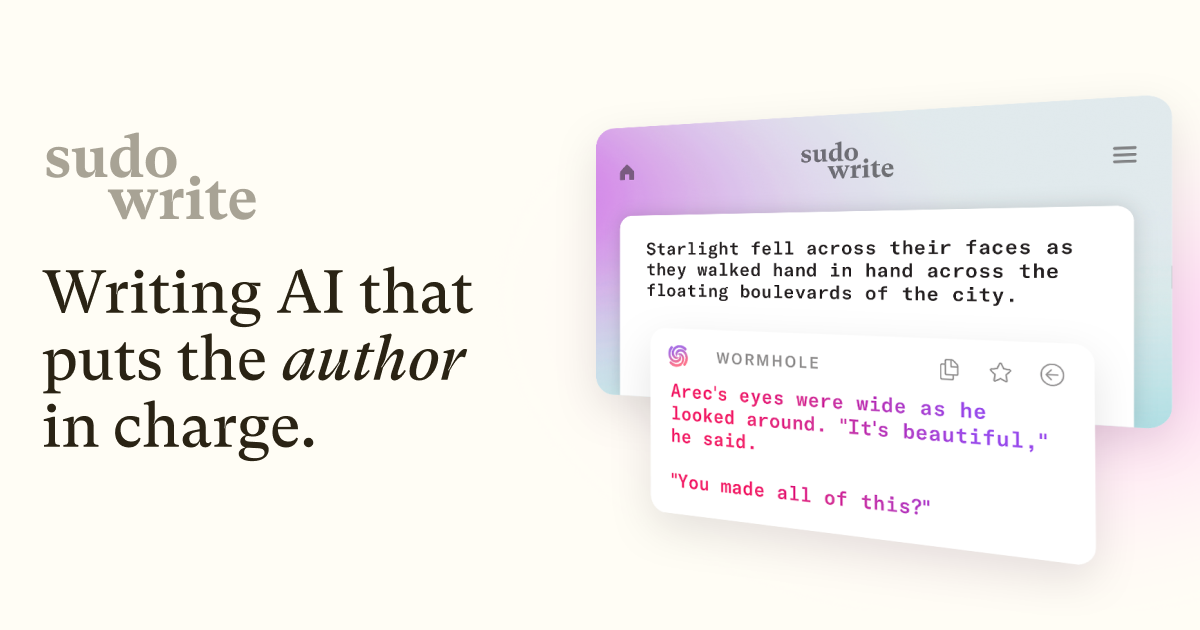
Write suggests the next 300 words in the author’s voice by analyzing characters, tone, and plot arc. It also offers multiple options so writers can choose the direction that fits the scene.

Scene expansion

Expand helps extend scenes that feel rushed so pacing stays balanced. The product frames it as a way to build out sections without readers feeling the story speed up too quickly.

Revision and critique tools

Rewrite and Feedback support revision by helping rephrase, refine, and evaluate a draft. Feedback is described as returning five actionable areas to improve, while Rewrite is positioned as a direction-following revision partner.

Planning and description tools

Brainstorm, Canvas, and Describe support early-stage thinking and scene development. Brainstorm suggests names, magic items, and titles; Canvas maps plot points, character arcs, and themes; Describe helps produce richer descriptive prose.

Custom plugins

Plugins add a large library of custom tools and can also be built without code. The site says users can create plugins for specialized workflows, including multi-stage tools and custom model choices.

Common use cases

  • Outline-to-draft fiction writing

    A novelist can move from a rough premise to an outline, chapter plan, and draft using Story Bible and Write, while using Brainstorm for names or plot ideas along the way.

  • Revising pacing and scene depth

    When a scene feels thin or rushed, Expand can build it out and Describe can add more sensory detail without changing the overall story direction.

  • Draft revision and feedback

    During editing, Rewrite and Feedback can help reshape sentences and identify areas to improve, supporting multiple passes on the same manuscript.

  • Interactive story development

    Writers who want a more interactive process can use Chat, Canvas, and Plugins to explore characters, plot points, themes, and custom workflows in one place.

  • Custom workflow automation

    Authors with recurring or specialized tasks can build no-code plugins or install existing ones to simulate readers, talk to characters, or adapt content for different formats.

Pros and Cons

Pros

  • Built specifically for fiction writing rather than general copy generation.
  • Covers multiple stages of the writing process, from ideation to drafting and editing.
  • Includes context-aware tools that reference characters, tone, and plot arc.
  • Offers custom plugins for specialized workflows and no-code tool building.
  • Provides a free trial flow and says cancellation is straightforward.

Cons

  • The site does not clearly publish detailed integration or platform support information in the provided material.
  • Some capabilities are described at a high level on the site, so exact limits and workflow boundaries are not fully documented here.
  • Pricing is plan-based and credit-based, which may require users to choose a tier based on projected usage.

FAQ

What does Sudowrite do?

Sudowrite is an AI writing partner for fiction that helps with brainstorming, drafting, rewriting, feedback, and other writing tasks through tools such as Story Bible, Write, Expand, Rewrite, Feedback, Brainstorm, Canvas, Chat, Describe, Visualize, and Plugins.

Who is Sudowrite for?

It is built for fiction writers. The site describes workflows for moving from idea to outline to chapters and full drafts, and it also mentions support for screenplay work in the Professional plan description.

Does Sudowrite work in languages other than English?

The site says you can write text in almost any language, and Sudowrite will match your language when offering suggestions in the Write feature. For some other features, it may fall back to English when it is unsure.

Does Sudowrite claim ownership of my writing?

The FAQ says Sudowrite does not claim rights over what you write or what it generates for you. It also says it does not use your writing to train Sudowrite or OpenAI's AI models.

What happens if I cancel?

The site says you can cancel from your subscription page, and if you cancel, you can still access and work on your projects in Sudowrite, but you will not be able to use AI features without a paid plan.

Quick Facts

Category
AI Writing
Primary use
Fiction writing and novel workflows
Notable tools
Story Bible, Write, Expand, Rewrite, Feedback, Brainstorm, Canvas, Describe, Chat, Visualize, Plugins
Pricing model
Paid plans with credit allowances; free trial mentioned
Website
sudowrite.com
Model notes
Uses multiple AI models, including Anthropic Claude, OpenAI models, open source models, and in-house fiction-focused models like Muse

Alternative a Sudowrite

AI Dungeon icon

AI Dungeon

AI Dungeon is a text-based adventure game where you direct the story and the AI generates the narrative. It offers free online play and app download options for Android, iOS, and Steam.

SalesViking icon

SalesViking

SalesViking è un assistente alle vendite innovativo alimentato dall'intelligenza artificiale progettato per aumentare l'efficacia delle chiamate e delle conversazioni di vendita. Il suo scopo principale è aiutare i professionisti delle vendite a condurre conversazioni migliori e più incisive, offrendo orientamenti in tempo reale, ponendo domande di forte impatto e, in definitiva, chiudendo più affari con meno stress. Integrando tecnologie avanzate di intelligenza artificiale, SalesViking mira a trasformare i processi di vendita tradizionali in interazioni più efficienti e basate sui dati. Questa piattaforma è pensata per i team di vendita che desiderano migliorare le proprie strategie di comunicazione, aumentare i tassi di conversione e semplificare il flusso di lavoro. Che tu stia conducendo chiamate outbound, conversazioni di follow-up o negoziazioni complesse, SalesViking offre strumenti e approfondimenti per rendere ogni interazione più produttiva.

Quillbot icon

Quillbot

Quillbot is an AI writing assistant for paraphrasing, grammar checking, summarizing, citations, originality checks, and content creation. It offers browser extensions and apps for writing across web, desktop, mobile, and Word.

Grammarly icon

Grammarly

Grammarly is an AI writing assistant for individuals, teams, and organizations that helps improve grammar, clarity, tone, and structure. It also offers text generation and originality review across apps, websites, email, docs, and browsers.

ChatGPT icon

ChatGPT

ChatGPT is OpenAI’s web-based AI chat product for conversational help through the browser. The provided sources confirm the official site and pricing page, but not detailed plan or feature specifics.

ZeroGPT icon

ZeroGPT

ZeroGPT is a web-based AI content detector and writing toolkit for identifying likely AI-generated text, reviewing highlighted passages, and supporting editing workflows. It also offers related tools such as a plagiarism checker, paraphraser, humanizer, summarizer, translator, and API access.