
Visual page editing
Build directly on a visual canvas with immediate feedback. The home page emphasizes one-click element insertion, live preview, and direct manipulation so page layout can be adjusted without switching into code or classes.

Sitely is a Mac website builder for non-coders that uses a visual, jargon-free editing workflow and generates static websites. It includes built-in tools for editing, publishing, support, and site management.
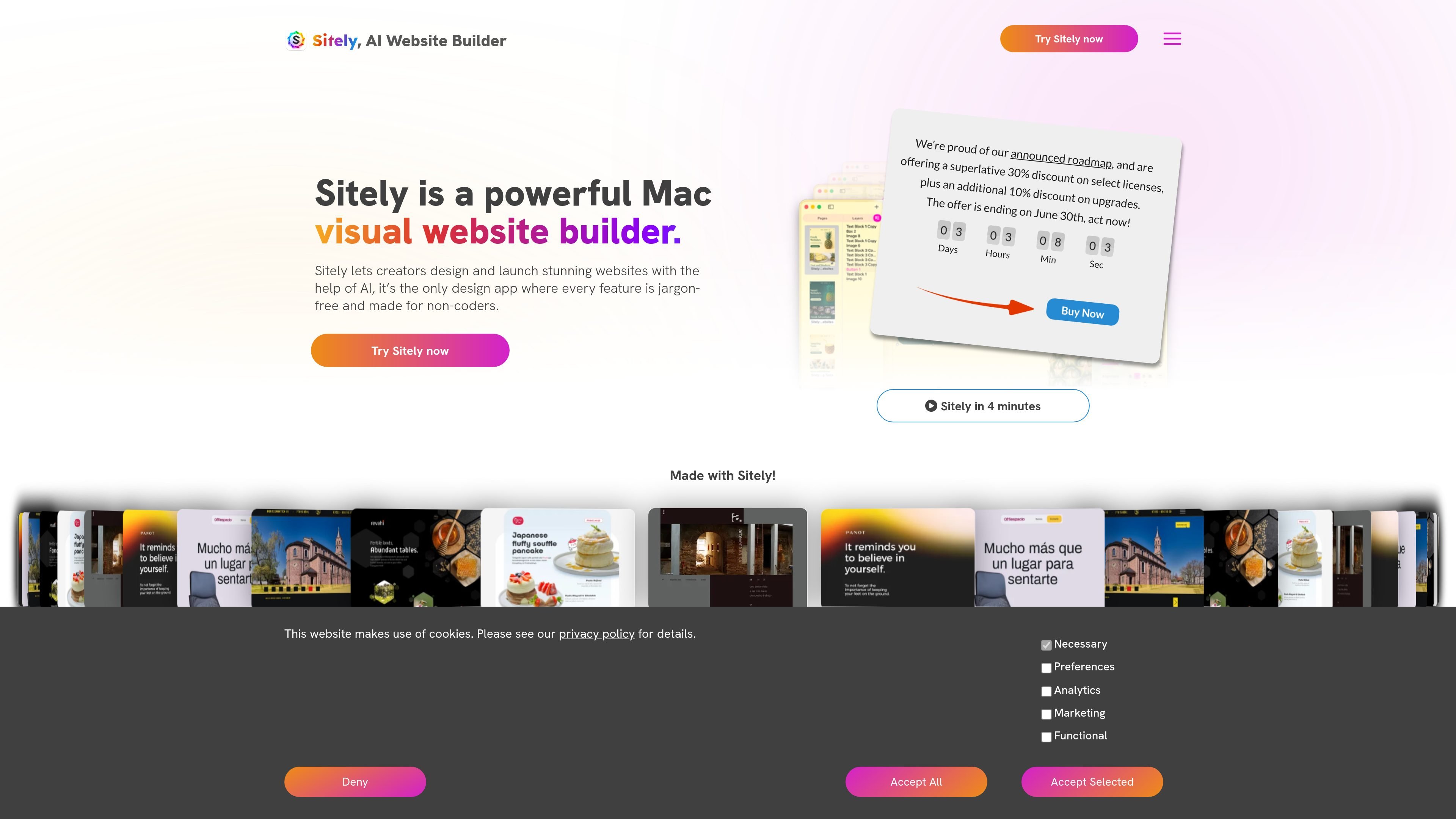
Sitely is a Mac website builder for people who want to create and publish websites visually, without working through coding jargon or a plugin-heavy stack. The product positioning on the home page emphasizes non-coders, direct manipulation, and a workflow that lets users build pages by placing and styling elements on a canvas.
The product also focuses on performance and maintenance. Sitely says it generates static websites, compresses images, keeps code tight, and uses built-in tools supported by its own team, which is intended to reduce the need for ongoing plugin or theme management. The documentation shows a broad editing environment with content tools, page settings, site settings, preview options, password protection, and publishing and export functions.
Build directly on a visual canvas with immediate feedback. The home page emphasizes one-click element insertion, live preview, and direct manipulation so page layout can be adjusted without switching into code or classes.
Use a toolbox of built-in page elements, including text, images, video, maps, galleries, audio, boxes, layout blocks, menus, buttons, forms, site search, popups, and more. The documentation also lists monetization and social elements such as payment, booking, calendar, and social embeds.
Edit content with familiar Mac-style controls. The documentation describes text, font, color, links, arrange, animation, and advanced editing tools, along with page settings for zoom, device view, and grid setup.
Generate static websites that are optimized for speed by default. The home page says images are compressed, code is kept tight, and modern techniques are used so pages display without a loading screen on desktop or mobile.
Work with built-in support tools instead of external plugins. The home page says the tools are built in and supported by Sitely’s team, reducing dependence on fragile theme or plugin ecosystems.
Publish and manage site settings from within the app. The documentation mentions website assistant tools for SEO, live preview in installed browsers, password protection, and a publishing icon in the toolbar.
Design a marketing site or landing page by placing text, images, buttons, and layout blocks directly on the page, then refining the styling without needing to learn web development terminology.
Create pages that include forms, maps, galleries, menus, popups, and site search using the built-in toolbox, which makes it practical to assemble a feature-rich site without separate plugins.
Publish a fast-loading site where static output and image compression are useful priorities, especially if you want to avoid the overhead of theme, plugin, or maintenance workflows.
Edit or update an existing site in a Mac-native interface using familiar direct-manipulation controls, preview devices, and page/site settings.
Handle support tasks such as license recovery or general product questions through the support page, documentation, and email contact path.
Sitely is designed for building and publishing websites on a Mac using a visual, jargon-free interface. The source describes it as aimed at non-coders and people who want to work directly on the canvas instead of dealing with web development terminology.
The documentation shows Sitely supports content editing, page setup, site settings, preview devices, password protection, the website assistant, and publishing and export. Its editing tools include text, images, video, maps, galleries, forms, menus, popups, buttons, site search, and several third-party elements.
The support page explains that if you bought Sitely from the Mac App Store, there is no license code; you log into the App Store with the Apple ID used for the purchase and download it again. If you purchased elsewhere and cannot find your code, you can request it by email from the support page.
The documentation includes an Accessibility topic and a Compatibility topic, but the provided source text does not give the specific requirements or supported export destinations. The home page does state that Sitely generates static websites and that the site can be published from within the app.
The source does not provide a pricing table because the pricing page returned a 404. However, the home page mentions a limited-time 30% discount on select licenses plus an additional 10% discount on upgrades.