
Native Windows capture
Capture screenshots natively on Windows, including hardware capture across multiple monitors, a global hotkey, and quick capture to clipboard.
ShotsGlow is a native Windows screenshot app for capturing, annotating, redacting, and styling screenshots on-device. One-time purchase with lifetime updates. Export for social posts and App Store assets.
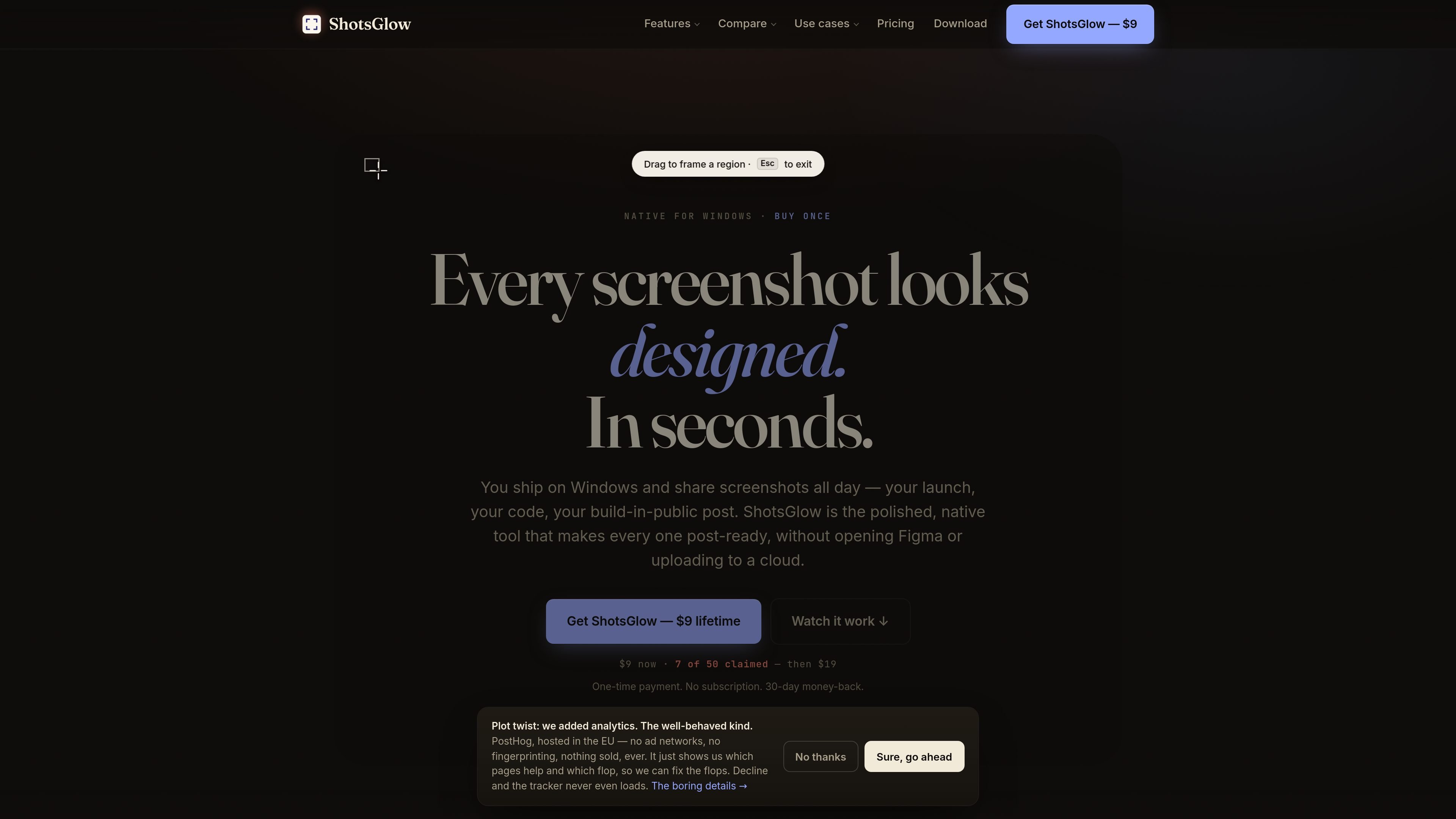
ShotsGlow is a native Windows screenshot app built to turn raw captures into polished images without leaving the machine. It combines capture, design, annotation, blur/redaction, and on-device AI background removal in a single workflow.
The product is aimed at people who publish screenshots regularly and want them to look designed for posts, launch updates, app store listings, or other share-ready uses. It is sold as a one-time purchase with a lifetime license, and the site says the app works offline once activated.
Capture screenshots natively on Windows, including hardware capture across multiple monitors, a global hotkey, and quick capture to clipboard.
Apply gradient backdrops, shadows, rounded frames, arrows, shapes, text, and emoji so a plain screenshot is ready to share.
Blur or redact sensitive information while preserving the crop, so the output stays usable after editing.
Remove backgrounds on-device with one click, without uploading screenshots to a server or account.
Export into 30 sizes, including social formats and the seven App Store / Mac presets, to fit different publishing targets.
Work locally on Windows 10 or 11 with a code-signed installer and offline operation after activation.
Turn a product screenshot into a post-ready image with a backdrop, shadow, and annotation before sharing it on social media or in a launch update.
Prepare screenshots for listings or support pages by framing the image, cleaning up sensitive areas, and exporting to the right size.
Capture code, dashboards, or internal tools on Windows and redact secrets or private data before sending the image to others.
Replace a stack of separate tools with one local workflow when you need to capture, edit, and export screenshots frequently on Windows.
Use the app when you want CleanShot-style screenshot polish on Windows but do not need screen recording.
No. ShotsGlow is sold as a one-time purchase with a lifetime license and lifetime updates. The pricing page says there is no recurring fee.
You get the full app: native capture, designed backdrops and shadows, annotation, blur/redaction, on-device AI background removal, and 30 export sizes including App Store presets.
Yes. The license can be activated on up to two of your own computers, and you can move it between them from inside the app.
Yes. The app supports a 30-day money-back guarantee, with refund requests handled by email.
ShotsGlow is designed to run locally. Capture, editing, and AI background removal all happen on your machine, and screenshots are not uploaded.