
Personal content strategy
Scripe builds a personal content strategy around targets, topics, and tone of voice so posts are aligned with a specific LinkedIn presence instead of a generic template.

Scripe is a LinkedIn content workspace for planning, creating, publishing, and analyzing posts for personal profiles and company pages.
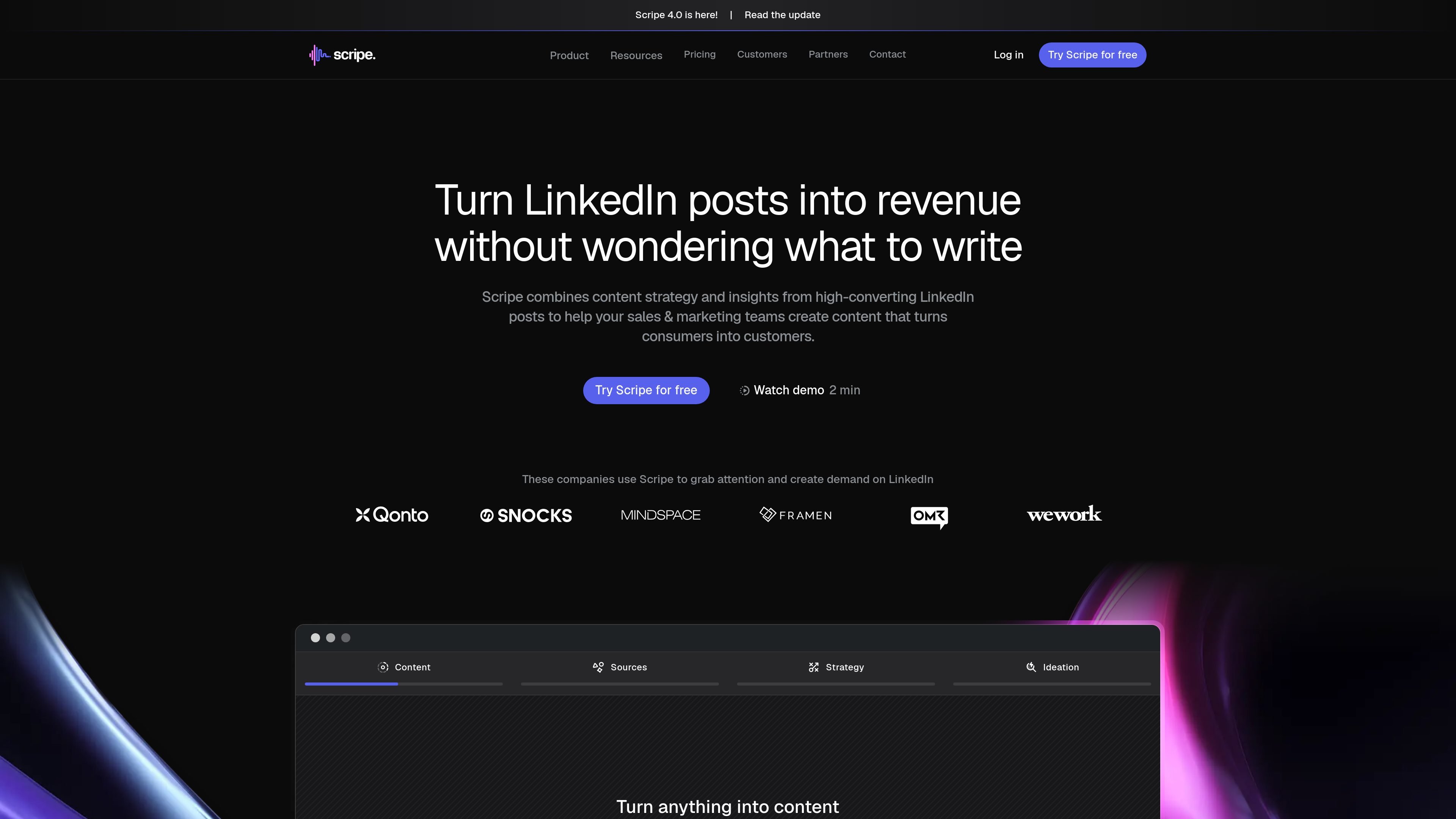
Scripe is a LinkedIn content workspace for individuals and teams that want to plan, create, publish, and analyze content in one place. It combines content strategy, post generation, scheduling, and performance tracking around LinkedIn accounts and company pages.
The product is built around human-in-the-loop content creation: it helps users capture ideas from notes, voice, text, video, or interviews, then turns that material into posts shaped by the user’s own tone of voice and knowledge base. Pricing and workflow details show that it is aimed at solo creators, small teams, and larger business workflows that need collaboration, approvals, and account-level separation.
Scripe builds a personal content strategy around targets, topics, and tone of voice so posts are aligned with a specific LinkedIn presence instead of a generic template.
The workspace can import past LinkedIn posts in one click and learn from content history to help identify what already performs well and how you write.
Users can create posts from notes, text, voice memos, videos, YouTube links, uploaded files, or guided interviews, which reduces the need to start from a blank page.
The platform includes a shared content calendar, approval workflows, team analytics, and workspace-wide knowledge bases for coordinated team publishing.
Scripe supports LinkedIn company pages, multiple workspaces, roles and permissions, Google SSO, LinkedIn SSO, and extra LinkedIn accounts for larger teams.
Built-in link and UTM tracking, historical analytics, and post-performance insights help teams connect content activity with traffic, clicks, and conversions.
For founders, consultants, and creators who want help turning raw ideas into LinkedIn posts without starting from scratch every time.
For marketing and sales teams that need a shared calendar, approvals, and role-based access while keeping each account’s voice separate.
For companies that want to reuse what already works by importing post history, learning from past performance, and shaping future posts around proven topics and formats.
For teams that want to connect posts to business results using analytics, click tracking, and attribution instead of relying only on impressions.
For organizations that manage LinkedIn company pages alongside personal profiles and want the same planning, publishing, and analysis flow for both.
Yes. Scripe says it posts natively through LinkedIn's official API and frames that as the reason it is safer to use than tools that rely on risky automation.
Yes. Each connected LinkedIn account has its own voice profile, knowledge base, and content history, kept separate inside the workspace.
Yes. Every paid plan includes a 7-day free trial, and a credit card is required at signup; you can cancel before the trial ends.
Each plan includes one LinkedIn account by default, and you can add more accounts for €45 per month each. The pricing page shows an example where Advanced with 4 accounts totals €214 per month when billed yearly.
Yes. Scripe supports manual writing and treats the product as a co-pilot rather than full autopilot, so you can still write content yourself inside the workflow.