
Flexible note capture
Capture notes through the browser, voice, or file import so information can land in one place instead of being spread across separate tools.

Saner.AI is an ADHD-friendly AI assistant for notes, email, tasks, and calendar management. Capture, search, and turn scattered work into next actions.
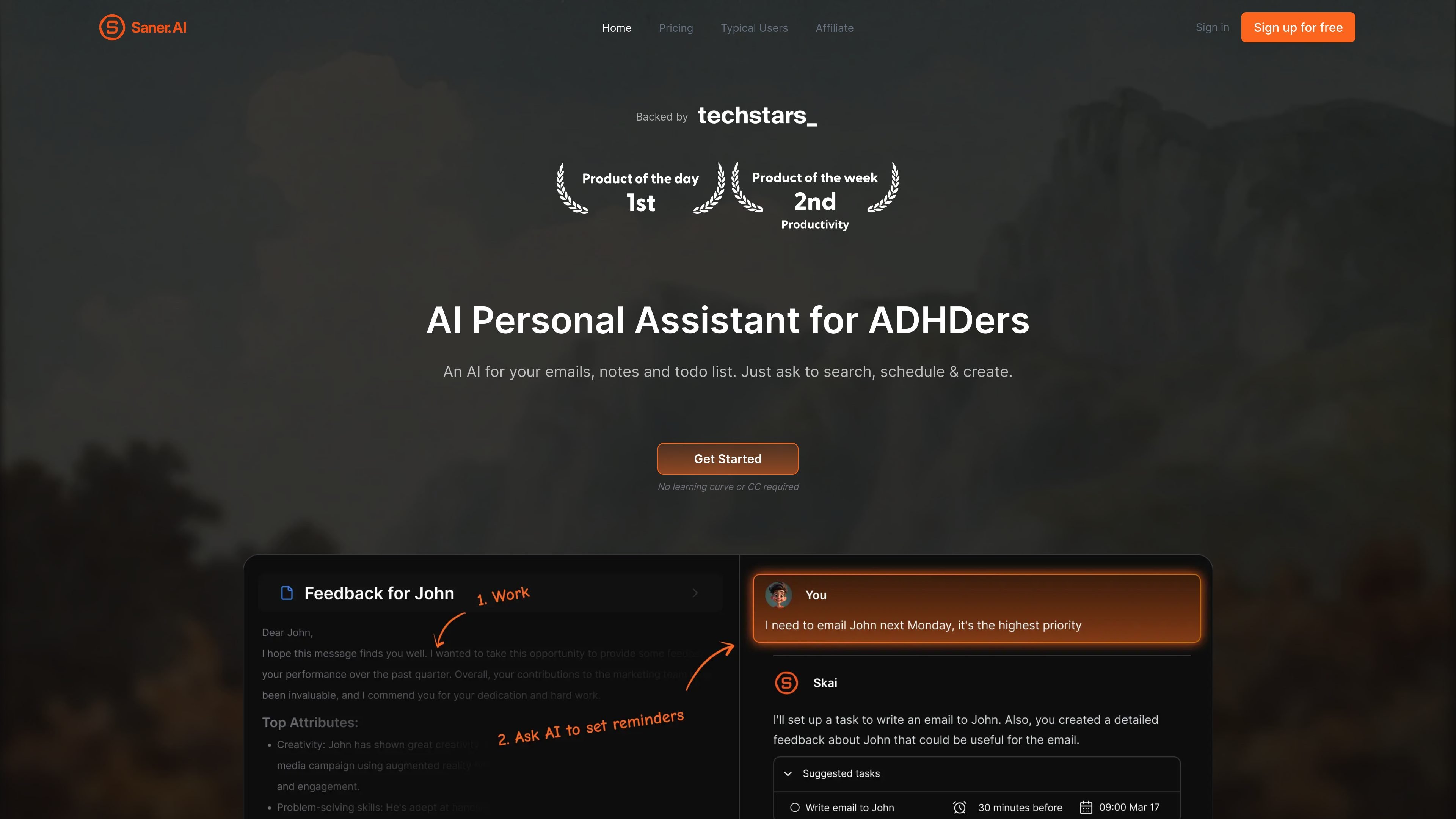
Saner.AI is an AI personal assistant built around notes, email, tasks, calendar, and connected files. The product is positioned as ADHD-friendly, with a focus on lowering mental load by keeping scattered information in one place and letting users interact with it through chat.
The core workflow is to capture information quickly, search and synthesize it later, and turn it into next actions without hopping between separate apps. The site describes Saner.AI as useful for people who are overwhelmed by notes, inboxes, meeting transcripts, and to-do lists, and it also says the app can help people who do not have ADHD but want a simpler way to organize work and personal information.
Capture notes through the browser, voice, or file import so information can land in one place instead of being spread across separate tools.
Ask questions across your stored notes and files, and use the app to find specific notes or synthesize related information when you cannot remember the exact wording.
Use Skai to turn email threads, brain dumps, and notes into tasks, then prioritize and schedule the work from one chat-based interface.
Automatically pull information from Google Drive, Gmail, Slack, and Calendar, with Timeline and Smart Inbox views to help surface what needs attention.
Connect Slack by selecting channels and date ranges, then review synced conversations inside Saner.AI and convert them into notes or tasks.
Use OCR, multilingual support, Chrome Extension, and the mobile app across all three plans listed on the pricing page, with Reasoning Mode access varying by plan.
Capture a thought, meeting note, or voice memo quickly, then let Saner organize it so you do not have to remember where you put it later.
Search across older notes and files when you need context for a project, a decision, or a detail you forgot to label correctly.
Turn incoming email, a brain dump, or a Slack thread into next actions and schedule them without rebuilding the work in another app.
Use the connected inbox, calendar, and timeline views to see what is coming up and reduce manual checking across tools.
Sync selected Slack channels into Saner.AI, group them by day or channel, and review them later as structured notes or tasks.
Yes. The site says Saner.AI is an ADHD-friendly productivity assistant, but it also notes that people without ADHD can use it if they want help managing scattered information and reducing the need to switch between apps.
Saner.AI is designed to bring notes, emails, tasks, docs, and meeting transcripts into one connected workspace. You can search across that information, turn messy thoughts into tasks, and let Skai surface relevant items without relying on memory alone.
The pricing page says the Free, Starter, and Standard plans all include access to Google Drive, Email, Slack, Calendar, OCR, multilingual support, Chrome Extension, Mobile app, and Reasoning Mode access at different levels.
For Slack, Saner.AI offers a connector that syncs channel messages into the app. You can choose channels, set start and end dates, group data by day or by channel, and then analyze, summarize, or create tasks from the synced messages.
The sources do not describe a dedicated team workspace or shared-admin model. They do show that subscriptions can be managed from the app and that the product includes support channels such as community, team, founders, or support depending on plan.