
Agent setup with low-code automation
Robomotion combines agent instructions with a low-code automation platform, so a user can brief an agent in plain language and then refine the workflow on a canvas underneath.

Robomotion is an agentic automation platform for building AI agents that work with business teams across browser, desktop, API, and low-code automation.
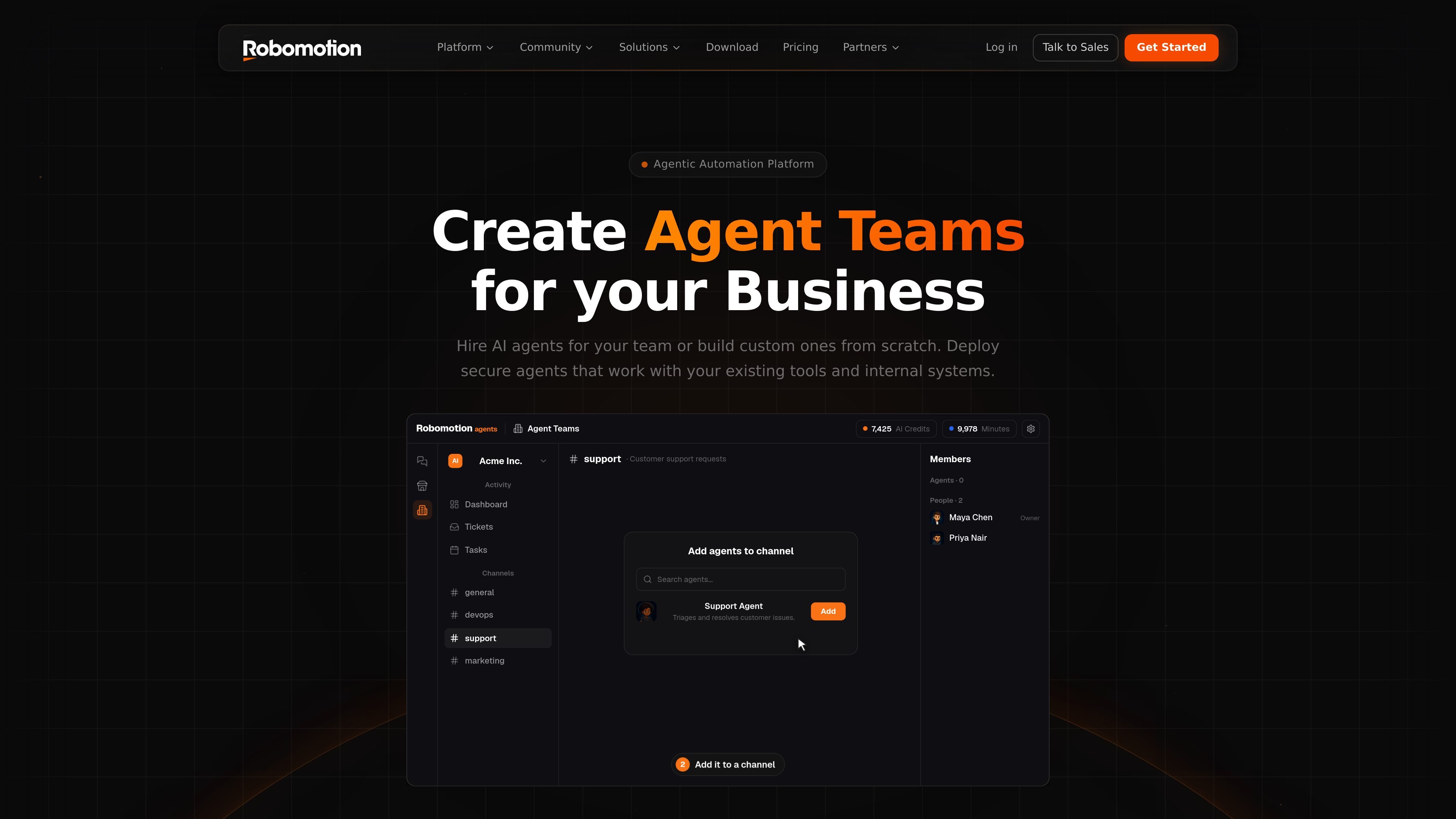
Robomotion is an agentic automation platform for hiring or building AI agents that work alongside a business team. Its core idea is that agents should act on real systems, not just chat about tasks, so they can use the browser, desktop apps, APIs, and a low-code automation canvas to complete work.
The product positions itself as a practical evolution of RPA. The site says you can hire a ready-made agent from the Hub or build one from scratch, then brief it in plain language and connect your own tools. Robomotion also offers local, cloud, and self-hosted deployment options, which makes it suitable for teams that want to automate work in environments they control.
Robomotion combines agent instructions with a low-code automation platform, so a user can brief an agent in plain language and then refine the workflow on a canvas underneath.
Agents can act on the browser and APIs, including logging in, filling forms, extracting data, and calling more than 220 integrations as shown on the homepage.
The platform supports desktop and legacy apps by recording screen interactions across web, Windows, Java, Citrix, and RDP environments.
Robomotion can run automations locally on a personal computer or VPS, or in the cloud without local installation and maintenance.
The site says agents use an encrypted vault and credential proxy so they can work with the user's own logins while keeping secrets hidden from the agent code.
The Admin Console provides scheduling, event triggers, and queue-based orchestration for robot execution.
A sales or operations team can assign an agent a goal such as finding leads, booking demos, or updating records, then let it work in the tools already in use and report back.
Finance or business teams can automate recurring workflows that involve spreadsheets, bookkeeping steps, and data movement across web apps or internal systems.
Support or internal operations teams can use agents to work in browser-based systems, legacy desktop applications, or environments without a clean API.
Automation creators can start from plain-language instructions, then use the low-code canvas to refine steps, connect tools, and scale a flow beyond a single agent.
Teams that need controlled execution can run automations on local machines, VPS hosts, or cloud infrastructure depending on security and maintenance preferences.
Robomotion is designed to hire or build AI agents that work alongside a team and act on real systems. The source describes agents that can use the browser, desktop apps, and integrations, and can be directed from a low-code automation canvas.
The source shows a setup where you can hire a ready-made agent from the Hub or build one yourself, then brief it in plain language and connect your tools. It also notes that the AI Assistant can help build an agent and that a full low-code canvas sits underneath for deeper automation work.
Robomotion describes agents as acting with your own credentials through an encrypted vault and a credential proxy. The site says the agent's code only sees placeholders, which is meant to keep logins from being exposed.
The homepage says robots can run on your machine or in Robomotion's cloud, and the pricing page also mentions cloud and self-hosted options. The platform supports local execution as well as cloud run minutes, depending on the plan and setup.
The pricing page lists public plans starting with a free option and paid cloud tiers, and it also references self-hosted enterprise setup, SSO, and SLA needs. The site does not present a contact-sales-only model for getting started.