
Browser template editor
Design templates in the browser with text, images, shapes, SVG, QR codes, barcodes, rating stars, and imported PSDs, then checkpoint versions for later recovery.
PixelDrive is an API-first bulk image generation service that turns one template into many finished images with browser design, URL/API/CSV rendering, and MCP workflows.
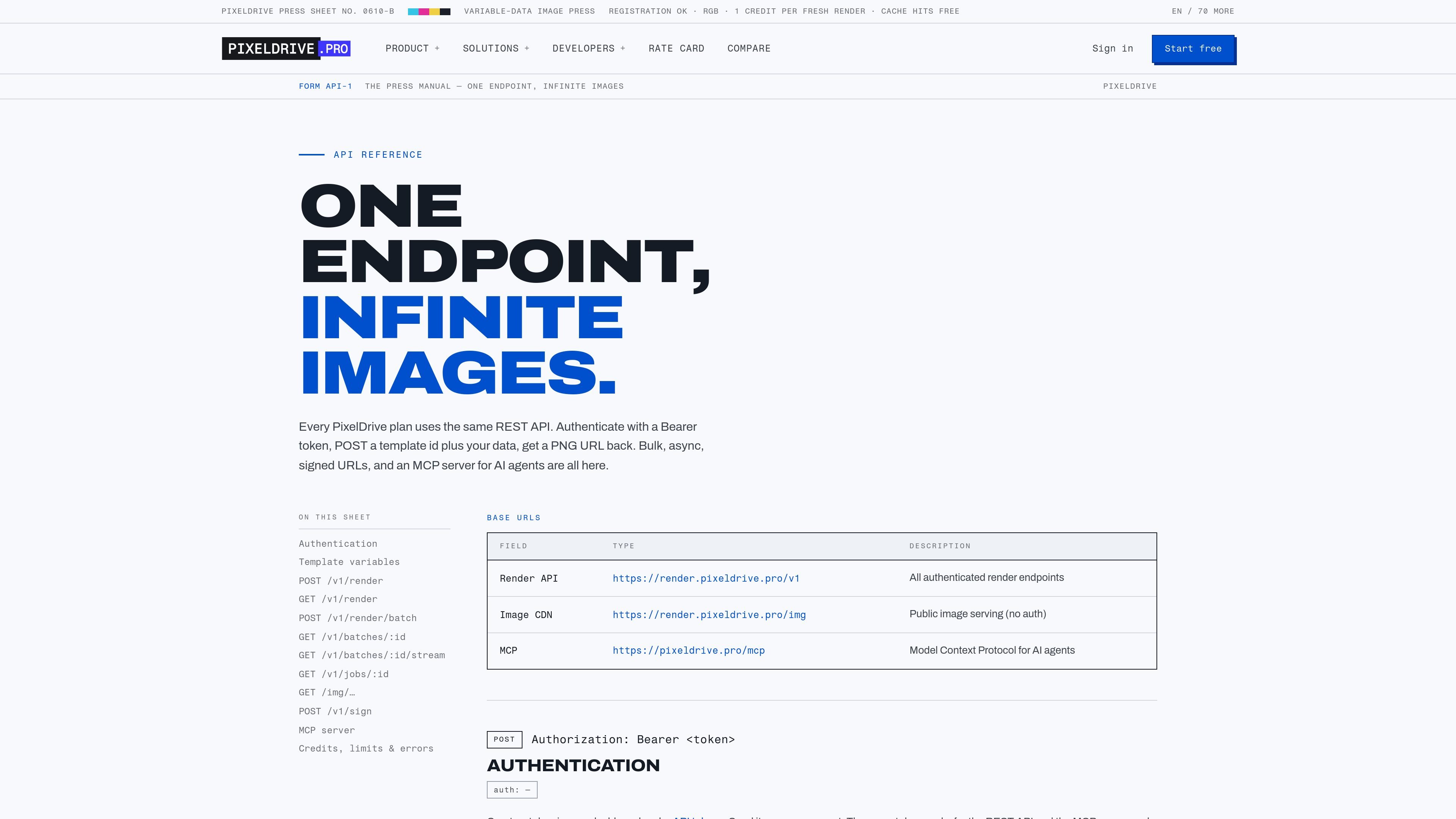
PixelDrive is a bulk image generation service built around one reusable template and an API-first workflow. The product is designed to turn a single canvas into many finished images by changing variables such as text, images, colors, and language.
The site positions PixelDrive as a “variable-data image press” for the web: users can design in a browser, render through HTTP endpoints or CSV batches, and let AI agents operate the same workflow through MCP. The pricing page describes usage-based billing per fresh render, with cache hits and previews free.
Design templates in the browser with text, images, shapes, SVG, QR codes, barcodes, rating stars, and imported PSDs, then checkpoint versions for later recovery.
Mark layer values as variables so text, image sources, colors, font sizes, and language can be supplied per render without rebuilding the template.
Render from GET and POST endpoints, including URL-only image generation for `<img>`, email, and og:image use cases, plus synchronous single renders and batch jobs.
Support PNG, JPEG, WebP, AVIF, and single-page PDF output, with optional quality settings for lossy formats and separate caching by format.
Translate text at render time with a `lang` parameter; the docs say translation is self-hosted, cached, and available across 70+ common languages.
Expose a hosted MCP server with 26 tools so AI agents can create templates, preview proofs, edit elements, and render finished files.
Design a reusable template once, then feed it rows of product, pricing, or campaign data to generate many finished creatives from the same layout.
Render product cards, sale banners, and catalog assets from spreadsheet rows so only changed records need new output while repeats can come from cache.
Generate localized graphics by passing language data or a `lang` parameter, letting one template produce multiple language versions without manual relayout.
Let an AI agent open a template, place elements, preview the proof, and render the final file through MCP tools instead of a human driving each edit.
Build `img` tags, email graphics, or social preview images with URL-based renders that return an immutable image URL after processing.
PixelDrive renders images from a template and the data you provide. You can design in the browser, mark variables, and render through the API, a URL endpoint, CSV batch upload, or an MCP client.
The API reference documents PNG, JPEG, WebP, AVIF, and single-page PDF output. PNG is the default, and lossy formats support a quality parameter.
Fresh renders are billed as credits, while cache hits are free. The pricing page says previews are also free, and the same /v1/render API works across plans.
Yes. The docs say the hosted MCP server exposes 26 tools, and the site describes it as available to AI agents such as Claude or Cursor through MCP clients.
The docs say batches can be run from the dashboard by CSV upload or through POST /v1/render/batch, with progress updates and a batch.completed webhook at the end.