
Direct PDF text editing
Edit text directly in the browser without converting the file first. The page also says you can update form fields and fix typos quickly.

PDF Guru is a browser-based PDF editor and converter for editing text, converting files, signing documents, and handling common PDF cleanup tasks. No install needed, uploads up to 100 MB.
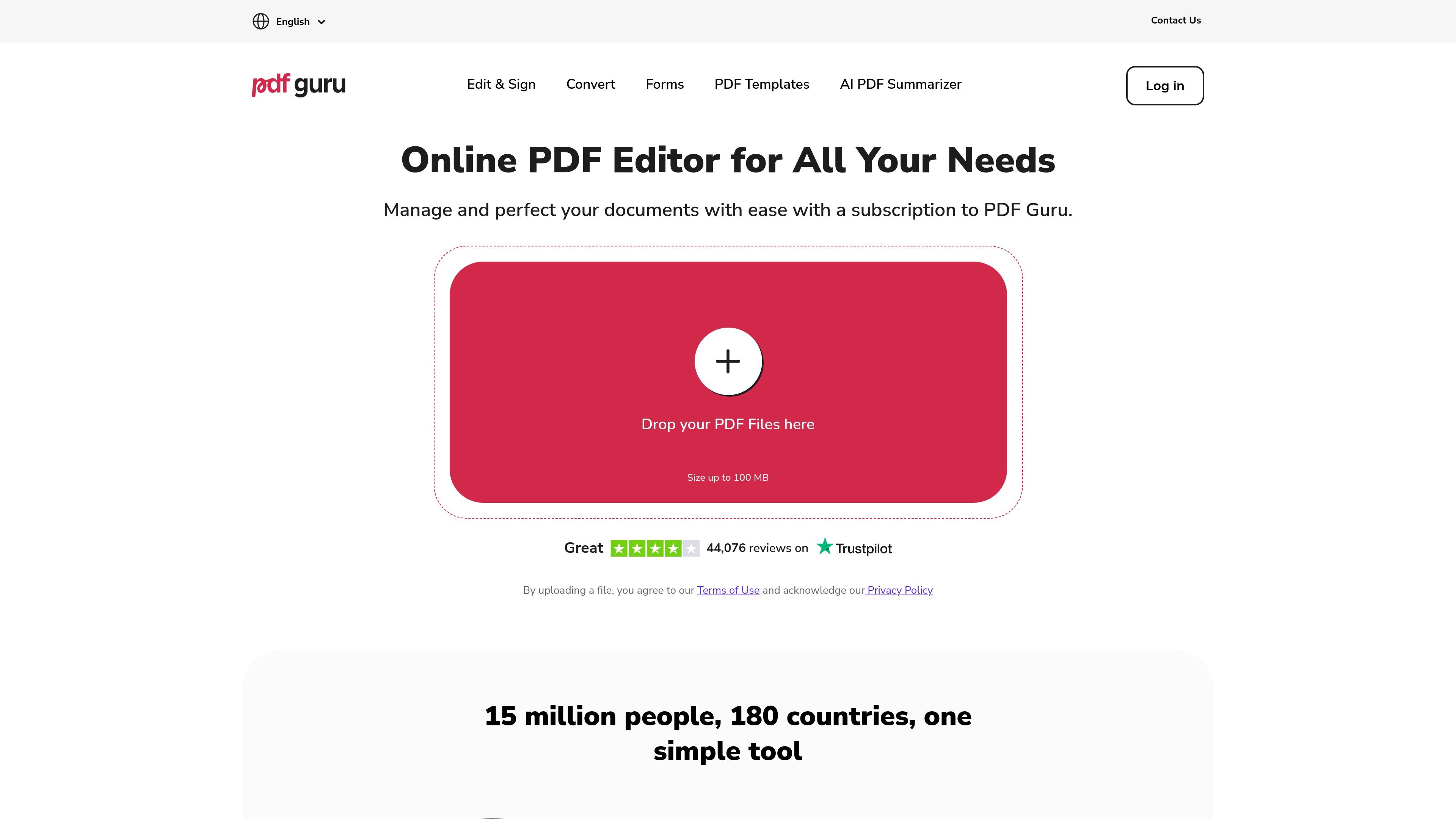
PDF Guru is an online PDF editor and converter that runs in the browser, with no software install required. It is designed to handle common document tasks such as editing text, converting files, signing documents, compressing PDFs, merging or splitting pages, and organizing files.
The product pages present PDF Guru as a multi-tool workspace for people who work with PDFs regularly and want one interface for editing, conversion, forms, OCR, and document cleanup. File uploads are supported up to 100 MB, and the pages describe a browser-based workflow for uploading a file, making changes, and downloading the result.
Edit text directly in the browser without converting the file first. The page also says you can update form fields and fix typos quickly.
Add highlights, images, shapes, and comments when reviewing or polishing documents. This supports both light markup and fuller document cleanup.
Convert files between PDF and formats such as Word, Excel, JPG, PNG, PPTX, and more. The site emphasizes preserving layout and formatting during conversion.
Sign documents with built-in eSignature options. The product page says there are three simple e-signing options for authorizing documents.
Fill and store professional forms for areas such as tax, military, financial, and real estate use. The site also notes form files can be downloaded and saved in an account.
Use OCR and image-to-text tools to work with scanned documents or extracted text. The site also includes PDF summarization and other AI-assisted document tools.
Edit text, insert images or shapes, add comments, and make quick corrections to a PDF without exporting it to another application first.
Turn a PDF into Word, Excel, JPG, PNG, PPTX, or other supported formats when you need to reuse the content in a different workflow.
Add signatures or fill out standard forms for tax, military, financial, or real-estate workflows directly in the browser.
Run OCR or image-to-text tools on scanned documents when the source file needs to become searchable or editable.
Merge, split, rotate, compress, or organize pages when a document needs cleanup before sharing or storing.
PDF Guru is an online PDF editor and converter that lets you edit text, annotate files, merge or split pages, compress PDFs, sign documents, and convert between PDF and formats such as Word, Excel, JPG, and PNG.
Yes. The site says files are protected with SSL/HTTPS during upload, stored with additional encryption, and handled under GDPR-based privacy practices. It also says PDF Guru is verified by Google Safe Browsing.
PDF Guru is described as a subscription-based service with monthly and yearly plans. The site also says new users can check out the platform for free before downloading their first file.
You upload a file in the browser, use the editing or conversion tools, then click Done and download the result. The product pages describe this as a no-install workflow.
The site says support is available 24/7 and includes email and phone contact options. It also states you’ll talk to a real person.
I dati sul traffico sono solo a scopo di riferimento.
| mar | 10248209 |
|---|---|
| apr | 11721679 |
| mag | 12383009 |