
No-code API imports into Notion
Paste an API endpoint, choose the Notion database, and map fields from the API response into Notion without writing code.

Note API Connector imports and syncs API data into Notion databases without code. Keep dashboards, records, and tables updated from Shopify, HubSpot, Google APIs, Stripe, and more.
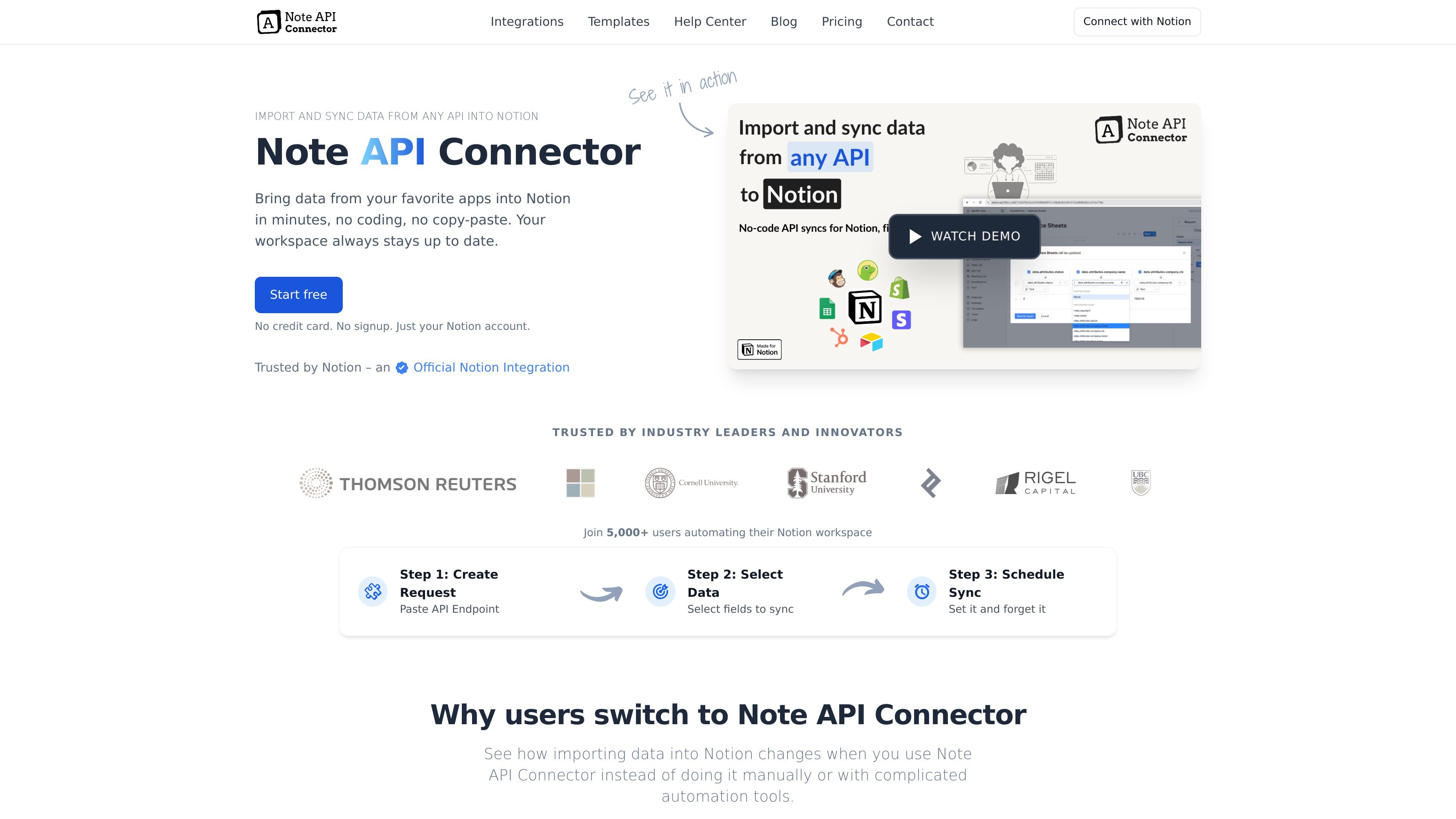
Note API Connector is a no-code integration for importing and syncing API data into Notion. It is built for people who want to pull live data from external services into Notion databases without manual copy-paste or custom scripts.
The product’s core workflow is simple: create a request, paste an API endpoint, select the fields to sync, and schedule updates. The site presents it as useful for keeping Notion dashboards, records, and operational tables current across tools such as Shopify, HubSpot, Google services, Stripe, and other APIs.
Paste an API endpoint, choose the Notion database, and map fields from the API response into Notion without writing code.
Set imports to run every 5 minutes, hourly, daily, or at custom intervals so records stay current automatically.
Create relations between Notion databases while importing so connected records such as products and variants stay linked.
Handle large responses by following next-page links and pulling in all available rows or stopping when you choose.
Choose whether imports append only new records or use update mode to sync changed records and remove missing ones.
Connect with OAuth, Bearer token, or Basic auth and reuse approved connections across requests.
Pull products, variants, orders, or customer data from Shopify into Notion and keep the database updated on a schedule.
Import HubSpot contacts and other CRM records into Notion to monitor pipeline data or build a lightweight CRM dashboard.
Sync Google services, Stripe, or other API-backed operational data into Notion for internal reporting and daily review.
Bring in records from APIs that return large result sets, then use pagination controls and update mode to manage ongoing imports.
Link related Notion databases during import so connected records stay organized, such as products to variants or campaigns to results.
Note API Connector is set up by connecting your Notion workspace, creating a request, pasting an API endpoint, and mapping the returned fields into a Notion database. The site’s guides show this workflow for sources such as Shopify and HubSpot.
The source pages show imports from APIs such as Shopify and HubSpot, and the homepage mentions services including YouTube, Mailchimp, Stripe, Google APIs, and QuickBooks. The connector is positioned for any API that can be queried with the supported authentication methods.
The product is designed to write API data into Notion databases and keep that data updated on a schedule. The homepage also describes relation creation, large dataset handling, and update modes for syncing changes or appending new records.
The pricing page states that payments are in USD and include a 14-day money-back guarantee. It also says plans can be upgraded, downgraded, or canceled at any time.