
Plain-English test authoring
Describe a test in plain English and keep the spec as a human-readable YAML file in the codebase, so test intent stays close to the product change.

Momentic is an AI end-to-end testing platform for web and mobile apps. Write tests in plain English and run them across browser and mobile environments.
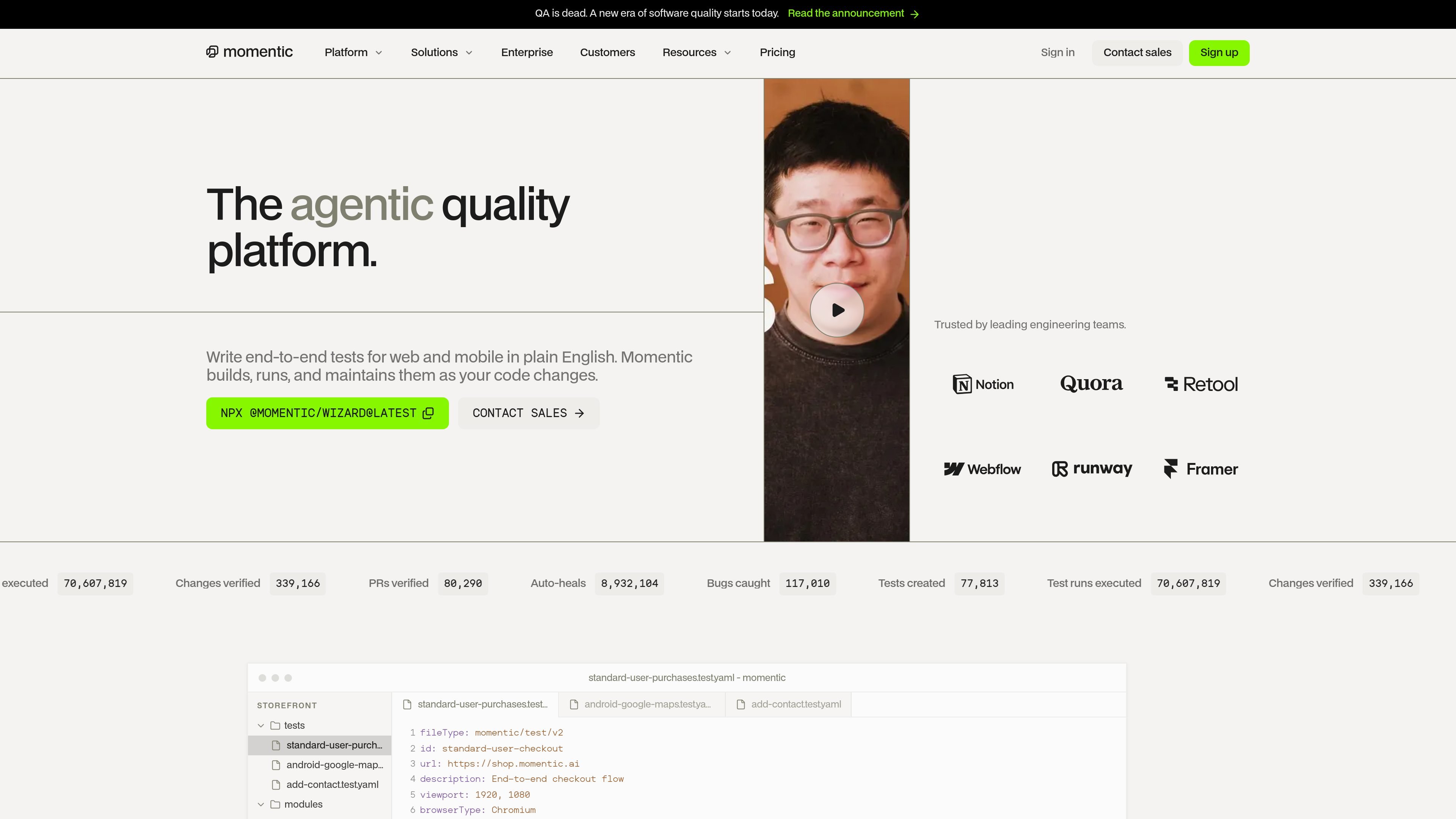
Momentic is an AI end-to-end testing platform for web and mobile apps. It lets teams define tests in plain English, stores them as human-readable YAML in the codebase, and runs them across browser and mobile environments from a single workflow.
The product is designed to do more than execute scripts: it builds tests, watches for changes, auto-heals intended UI updates, and helps triage failures with reproducible steps, session replays, and root-cause context. The pricing page shows free, pay-as-you-go, and enterprise options, with mobile device access and security features available on paid tiers.
Describe a test in plain English and keep the spec as a human-readable YAML file in the codebase, so test intent stays close to the product change.
Run tests from a single CLI command across hosted browsers, Android emulators, and iOS simulators, with parallel execution called out on the homepage.
When a test breaks, Momentic classifies failures, attempts recovery, and points to the likely root cause using codebase context.
Let the system adapt to small UI changes automatically so intended edits do not require constant manual maintenance.
Generate new tests from PRs, diffs, and app exploration to find coverage gaps without starting from scratch.
Use built-in email inbox support in JavaScript steps for signup, magic-link, and password-reset workflows.
Create end-to-end coverage for a web app or mobile app using human-readable specs instead of selector-heavy scripts.
Run tests on commits and pull requests so teams can verify changes before they merge or deploy.
Investigate failing runs with classified failure types, reproducible steps, and run artifacts to separate bugs from flaky tests or environment issues.
Cover signup, password reset, and magic-link flows with disposable or provisioned inboxes inside JavaScript steps.
Use exploration and PR-driven generation to discover gaps in coverage when new UI paths or changes are introduced.
Momentic writes tests in plain English and stores them as human-readable YAML files in your codebase. The source also shows a CLI command for running tests and a docs page for email workflows, but it does not spell out the full setup sequence on the homepage or pricing page.
The homepage says Momentic runs tests on web and mobile, and the pricing page says paid plans include mobile device access, with Android and iOS support described in the plan table. The site also mentions hosted browsers, Android emulators, and iOS simulators running in parallel.
The pricing page says run results include screenshots, traces, and logs, and that results retention varies by plan. It also describes triage features such as failure classification, failure recovery, and root cause analysis on the homepage.
The pricing page lists GitHub, GitLab, Slack, and an MCP access workflow, while the docs show email inbox support inside JavaScript steps. That suggests Momentic fits into developer workflows and can be driven from external tools, but the source only confirms those integrations where named.
The pricing page offers a free plan, a pay-as-you-go plan, and an enterprise plan with SAML SSO, SCIM provisioning, audit logs, and support options. The source does not provide a full comparison of every plan limit beyond the items shown in the pricing table.