
Wireframing toolkit
WireframePro supports quick UI drafting with pre-built UI kits, templates, reusable symbols, master pages, chart components, and data grid components.

MockFlow is a browser-based suite for wireframing, whiteboarding, diagramming, and visual collaboration. Sketch UI ideas and brainstorm with teams.
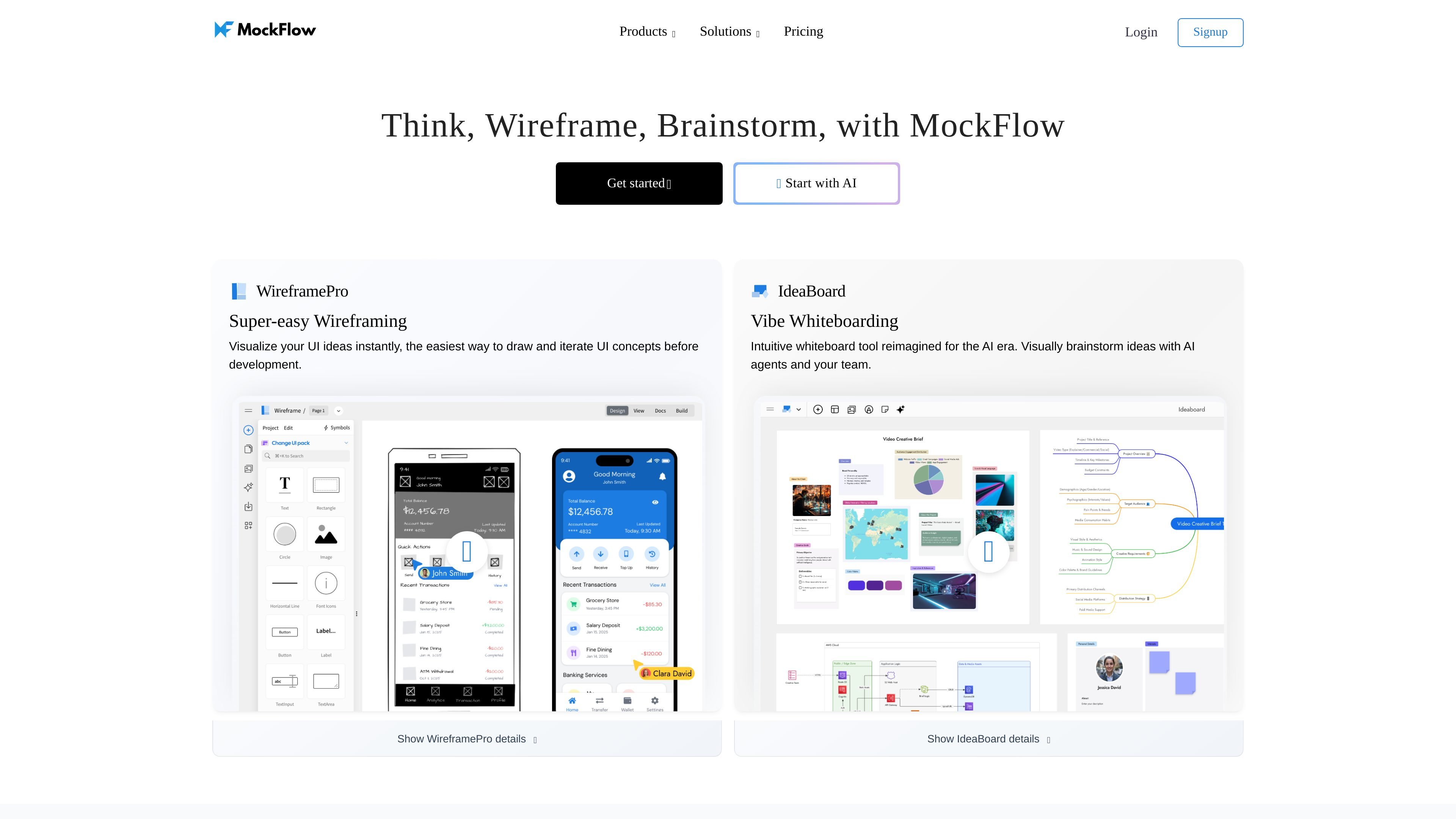
MockFlow is a browser-based product suite for wireframing, whiteboarding, diagramming, and visual collaboration. The site positions it as a place to think, sketch UI ideas, brainstorm with teammates, and move from early concepts to more structured product planning.
The suite centers on two main apps: WireframePro for creating website, app, and dashboard wireframes, and IdeaBoard for whiteboarding and brainstorming. Across the site, MockFlow emphasizes ready-made UI components, AI-assisted creation, collaboration features, and a set of add-ons and integrations that fit design work into team workflows.
WireframePro supports quick UI drafting with pre-built UI kits, templates, reusable symbols, master pages, chart components, and data grid components.
IdeaBoard provides a collaborative canvas for diagrams, mind maps, moodboards, storyboards, kanban boards, and other visual brainstorming formats.
AI features can generate wireframes from prompts or screenshots, create diagrams, generate content for boards, and convert UI ideas into editable wireframes.
Team features include comments, chat, video meetings, multiplayer editing, live presentation, and secure preview links for outside reviewers.
MockFlow includes integrations and add-ons for Slack, Microsoft Teams, Office, Trello, Atlassian products, Google Drive, and browser-based capture workflows.
WireframePro can export wireframes to code and supports code-oriented workflows such as React, Tailwind, Shadcn, iOS, and Kotlin from the pricing page.
Use WireframePro to sketch websites, mobile apps, and dashboards with reusable UI kits, templates, and built-in components when you need structured wireframes quickly.
Use IdeaBoard when a team needs a shared space for brainstorming, moodboards, mind maps, flow diagrams, or kanban-style planning during early ideation.
Use AI-assisted features to turn prompts, screenshots, or existing web pages into editable wireframes so you can start from an existing reference instead of a blank page.
Use collaboration tools such as comments, chat, video meetings, multiplayer editing, and secure preview links when you need feedback from teammates or external reviewers.
Use export and handoff features when a wireframe needs to move toward implementation, including code export and documentation linked to the design.
MockFlow offers separate apps for wireframing and brainstorming. The pricing page says WireframePro is the wireframing app, IdeaBoard is the brainstorming and visual collaboration app, and the MockFlow Suite combines both in one subscription.
The pricing page presents app-based plans. It says to choose WireframePro for wireframing, IdeaBoard for brainstorming, and MockFlow Suite if you want both products together.
Yes. The pricing page lists a forever-free Basic plan with limited access, and it also offers a 10-Day Pass for short-term premium access without auto-renewal.
MockFlow supports collaboration through comments, video meetings, chat, multiplayer editing, secure preview links, and integrations with tools such as Slack, Microsoft Teams, Office, Trello, and Atlassian products.
The site describes AI-assisted workflows for generating wireframes, diagrams, content, and code, including converting screenshots or prompts into editable designs and exporting wireframes to code.