
AI course generation
Generate multi-chapter courses from a topic and use interactive lessons with progress tracking. The site says the course generator is powered by Claude, GPT, and Gemini.

Mentorbook is an AI learning platform that turns topics, files, and links into courses, quizzes, mind maps, notes, and tutoring conversations.
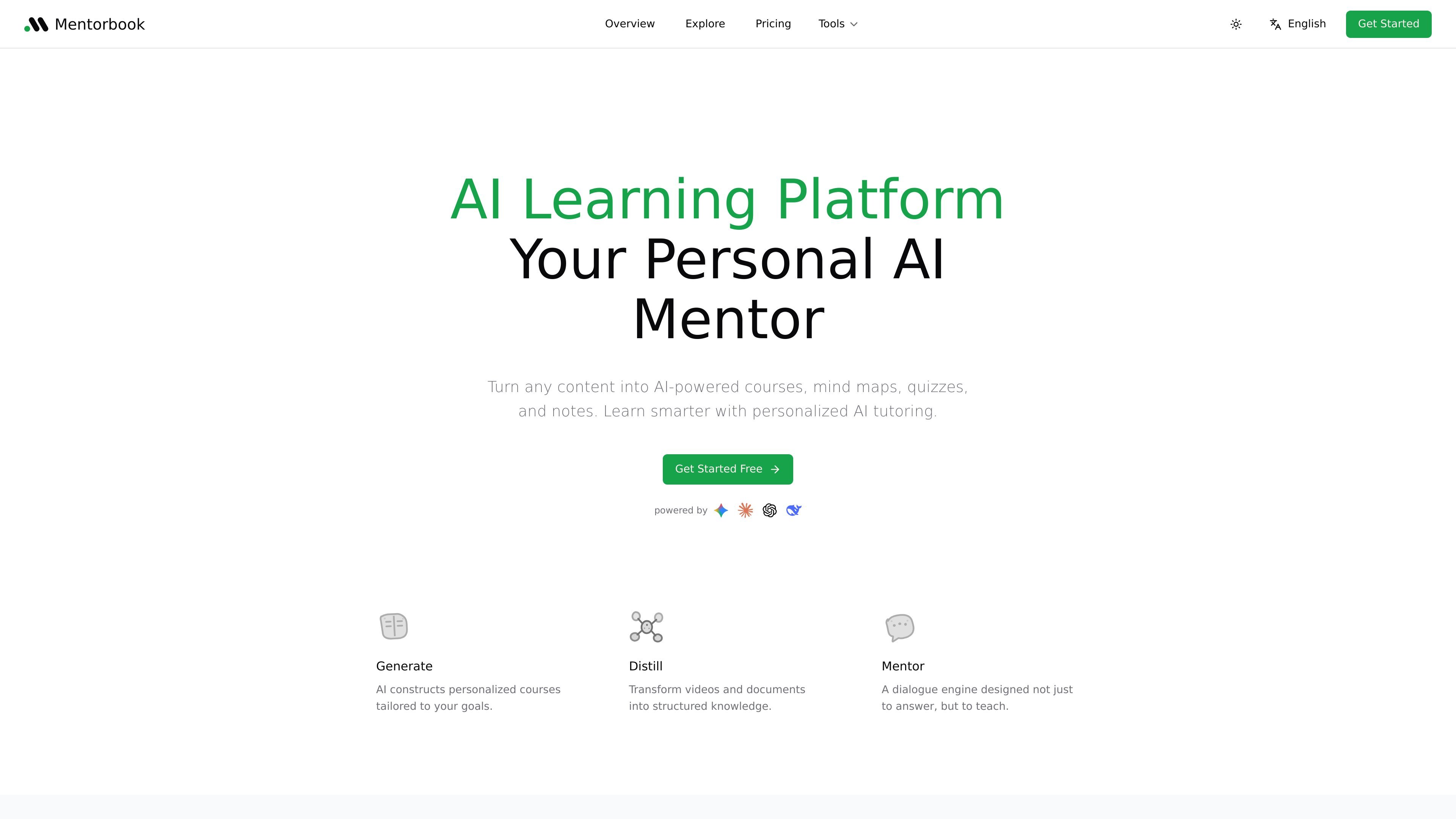
Mentorbook is an AI learning platform that turns user-provided content into structured learning materials. Its homepage positions the product as a personal AI mentor that can generate courses, distill source material into study assets, and guide learners through questions and practice.
The product combines three main workflows: AI course generation from a topic, content transformation from files or links, and an AI mentor that responds in a teaching-oriented way. The site shows support for topics such as computational neuroscience and learning paths such as frontend and fullstack development, which suggests it is aimed at self-directed study and skill building rather than a single narrow subject area.
The pricing page indicates a free tier plus paid Pro and Max plans, with features such as course creation limits, AI tutor conversations, file size allowances, practice exercises, and progress tracking. That makes the platform usable both for trying out learning workflows and for longer-term study or content-heavy use.
Generate multi-chapter courses from a topic and use interactive lessons with progress tracking. The site says the course generator is powered by Claude, GPT, and Gemini.
Upload YouTube videos, PDFs, images, or notes and turn them into structured summaries, mind maps, quizzes, code snippets, and study notes.
Use an AI tutor that is described as teaching, not just answering, and that can work with your course materials and attached sources.
Review concepts in multiple formats, including mind maps, quizzes, notes, and practice exercises, to move between explanation and recall.
Track learning progress across courses and interactive exercises, with progress shown directly in the product pages.
Choose among Claude, GPT, Gemini, and DeepSeek for AI-assisted learning flows where the product exposes model selection.
A learner can turn a topic into a structured course with chapters, interactive lessons, and progress tracking, which is useful when starting from a broad goal and needing a guided path.
Someone with videos, PDFs, images, or notes can upload source material and generate summaries, mind maps, quizzes, and study notes for review and recall.
A student working through a difficult concept can ask the AI mentor follow-up questions and request explanations, examples, or quizzes based on attached course materials.
A person exploring a career goal such as frontend or fullstack development can use the public learning paths as a structured checklist of subjects to study.
A new user can start on the Free plan to test lessons and AI chats before deciding whether the course limits and credit allowances justify an upgrade.
New users start on the Free plan, which lets them explore lessons and AI chats before upgrading. The pricing page says no credit card is required for the free tier.
Yes. The pricing page says you can upgrade or downgrade at any time, and changes are prorated automatically. Your subscription stays active until the end of the current billing cycle if you cancel.
Mentorbook offers monthly billing on the Free plan and annual billing for Pro and Max. The pricing page lists payment in USD and accepts major debit and credit cards, Stripe, Google Pay, and AliPay.
The pricing page says monthly credits reset at the start of each billing period. Any one-time bonus credits stay available until you use them.
Yes. The pricing page says you can email support@mentorbook.ai with your team size or school details to ask about discounted pricing for teams or students.