
Site crawling and link analysis
Crawls site pages and analyzes their content to build a picture of existing internal links and opportunities for improvement.

LinkStorm is an AI-powered internal linking tool for SEOs, publishers, and site owners. It crawls content, suggests relevant internal links, and automates across WordPress, Shopify, and Wix.
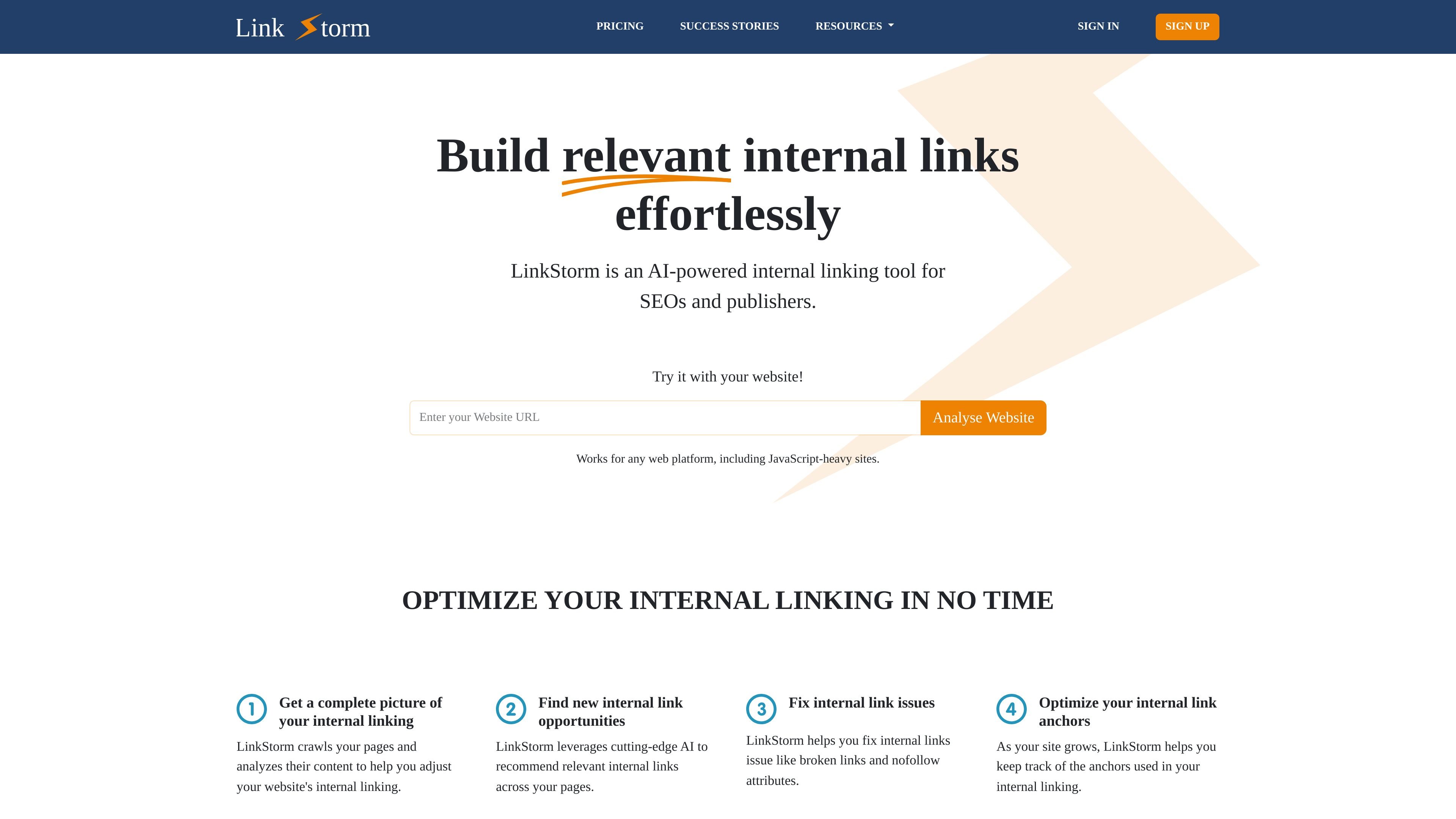
LinkStorm is an AI-powered internal linking tool for SEOs, publishers, and site owners who want to improve how their content connects across a website. It crawls pages, analyzes their content, and recommends internal links that fit the context of each page.
The product is designed to help teams find link opportunities, fix broken or weak internal links, and manage anchor text as a site grows. The homepage and help center also show a workflow for setup, review, and automation, with platform support that includes WordPress, Shopify, Wix, and other web platforms.
Its core purpose is to reduce manual internal-link work while keeping users in control of which links are added. The pricing page shows tiered paid plans with unlimited projects and websites, and the help center covers setup, reporting, automation, and link optimization topics.
Crawls site pages and analyzes their content to build a picture of existing internal links and opportunities for improvement.
Uses AI to recommend relevant internal links between pages so you can add links that match topic and context.
Flags internal link issues such as broken links, redirections, and nofollow attributes so you can repair structural problems.
Shows anchor-text distribution so you can review whether anchor usage is descriptive, varied, and aligned with target terms.
Combines internal linking analysis with Google Search Console data to create a broader view of rankings, CTR, and views.
Supports auto-linking, allowing the system to insert links automatically while still letting users review or remove links afterward.
Use LinkStorm to scan a growing content library and surface internal links that would be hard to find manually, especially when older articles are buried deeper in the site structure.
Use the tool to automate internal linking on a store or service site, where the goal is to guide visitors to important pages while improving SEO structure.
Use the reporting workflow to identify broken links, redirections, and nofollow attributes that weaken internal navigation or dilute link value.
Use the anchor report to check whether internal anchor text is varied and descriptive enough, then adjust links to reduce over-optimization risk.
Use the Search Console integration to compare link opportunities with ranking, CTR, and view data before deciding which pages deserve more internal support.
LinkStorm is set up as an internal linking tool with a web-based workflow. The help center includes guidance for getting started, installing a snippet, using the WordPress plugin, and automating link placements.
Yes. The product pages state that LinkStorm works with WordPress, Shopify, and Wix through dedicated integrations, and the homepage says it works for any web platform, including JavaScript-heavy sites.
LinkStorm crawls your pages, analyzes their content, and suggests relevant internal links. It can also help identify broken links, redirections, nofollow attributes, and anchor-text distribution issues.
The pricing page shows paid subscription plans with unlimited projects and unlimited websites, plus URL and credit limits that vary by plan. It also states that no separate AI service is needed.
The source does not describe every implementation detail, but it does show an auto-linking workflow where LinkStorm can place internal links automatically and still let you review or remove them.