
Text-to-image generation
Lexica's homepage centers on text-to-image generation, with a large prompt gallery showing example outputs and the Generate entry point.
Lexica is a web-based AI image generation tool for creating, searching, saving, and reviewing images from prompts, with Generate, Aperture, History, and Likes.
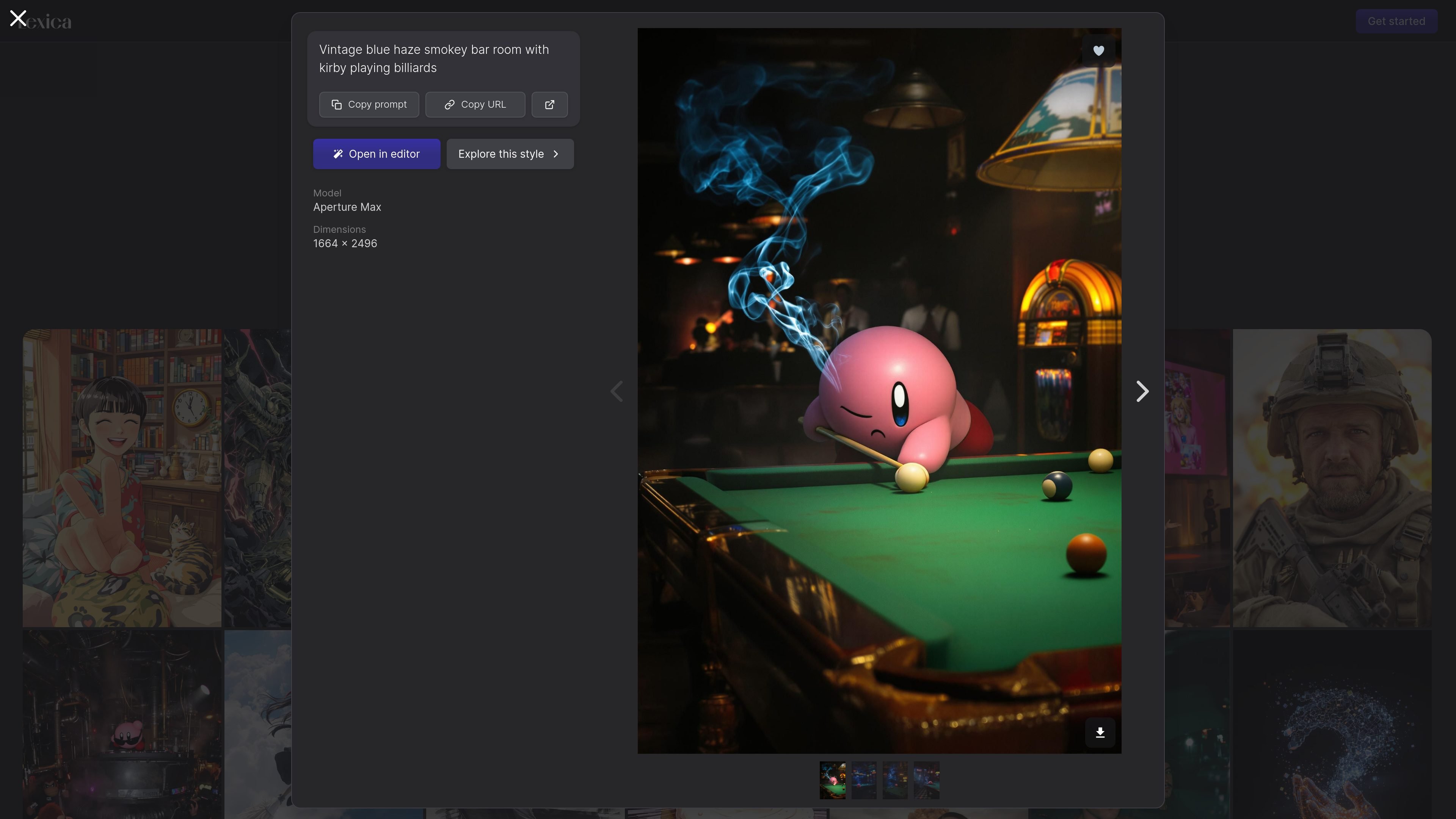
Lexica is an AI image generation product focused on generating and browsing images from text prompts. The homepage describes it as "the state of the art AI image generation engine," and the interface places Generate, History, Likes, Account, and Search in the main navigation.
The product combines creation and reference workflows in the same site. Users can generate images, revisit previous generations through History, save images in Likes, and explore prompt-driven examples on the homepage and Aperture page.
Lexica's homepage centers on text-to-image generation, with a large prompt gallery showing example outputs and the Generate entry point.
The site includes an image search/browse experience, suggesting users can discover prompts and results from the existing gallery.
A dedicated History page stores previously generated images as a camera roll, making it easier to revisit past work.
A Likes page tracks saved images, which helps users collect reference images or keep a shortlist of results.
The Lexica Aperture page presents a photorealistic generation workflow and shows an example using v5 and 960 × 1440 dimensions.
Create images from text prompts using the Generate flow or the Aperture page when you want photorealistic output.
Search the site’s gallery to find prompts and examples that can inform a new image idea or help refine a prompt.
Use History to revisit earlier generations and compare iterations without relying on external file management.
Save strong results to Likes so you can collect references or maintain a shortlist of images worth returning to.
Use the visible example gallery on the homepage to explore styles and subject matter before starting a new prompt.
Lexica is an AI image generation product. The site also shows browsing pages for previously generated and liked images, along with a generation page for Lexica Aperture.
The site exposes a Generate section and a Lexica Aperture page for generating photorealistic images. It also includes History and Likes areas for managing past images.
The source shows a page labeled "Lexica Aperture" with "Generate photorealistic images with Lexica Aperture" and an example of "Generate with v5". The public pages do not provide more technical model details.
The source does not show pricing details on the pricing URL because that page returns a 404 in the collected evidence. No plan names, prices, or limits are visible in the provided pages.