
AI animation generation
Start with text or video prompts to generate 3D animations, including talking avatar videos and video-to-animation workflows.

Krikey AI is an AI animation app for 3D animated videos and avatars from text or video inputs, with free, paid, team and enterprise plans.
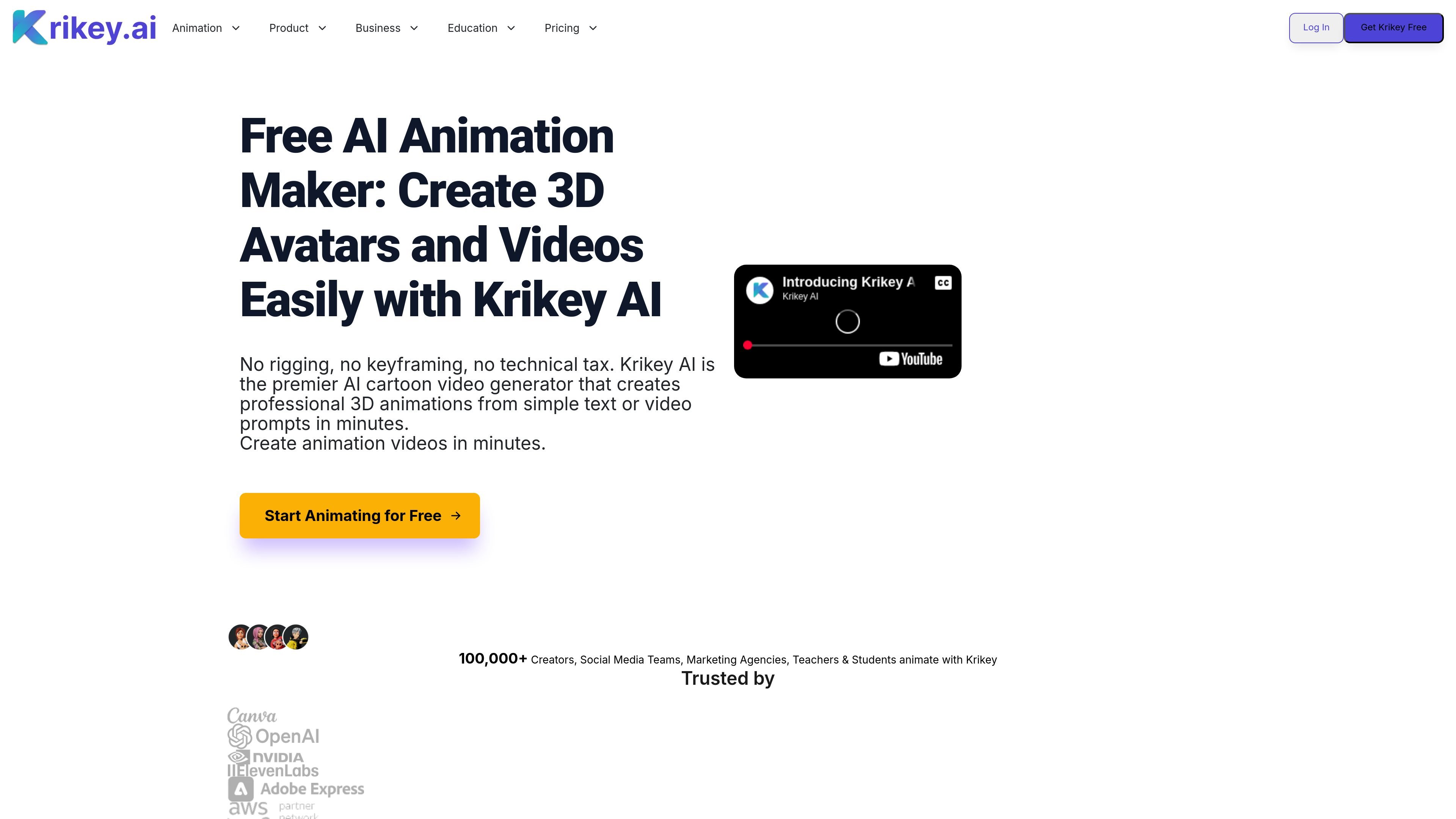
Krikey AI is an AI animation app for creating 3D animated videos, avatars, and motion-based character content from text or video inputs. The home page positions it as a free AI animation maker for quick 3D avatar and video creation, while the editor and FAQ pages describe workflows for AI animation, video-to-animation, and manual scene editing.
The product is aimed at people who want to make animated content without traditional animation software or coding. The site specifically references beginners, teachers, social media managers, creators, marketing teams, agencies, and students, and it offers a free entry plan, paid subscription plans, and contact-sales options for larger needs.
Start with text or video prompts to generate 3D animations, including talking avatar videos and video-to-animation workflows.
Customize 3D avatars, hand gestures, facial expressions, camera angles, and 3D backgrounds inside the editor.
Export projects in formats including MP4, GIF, PNG, and FBX, with FBX available on paid plans for game-engine workflows.
Use the credit calculator and plan grid to estimate production volume and understand which actions consume credits.
Work with features aimed at education and team workflows, including EDU access and a Teams plan designed for collaboration.
Create with assets such as 3D animations, backgrounds, and templates surfaced on the pricing page and editor pages.
Create short animated clips, branded social posts, or character-driven videos without working in traditional animation software.
Build classroom-friendly animations and voiceover content for lessons, student projects, and presentations.
Generate animated avatars, mascots, and explainer-style videos for marketing teams, agencies, and brand communication.
Prototype motion quickly for games or downstream editing tools by exporting animations and FBX files.
Turn recorded motion or webcam video into 3D character animation using the motion-capture workflow described in the FAQ.
Yes. Krikey AI offers a free animation software plan with 20 one-time credits, and the pricing page also notes a free-forever plan with no credit card required.
Krikey AI uses credits for AI generation features such as text-to-animation and AI voiceovers. The pricing page shows a Free plan with a one-time credit grant, a Pro plan with monthly credits, and a Teams plan with per-person monthly credits.
No. The site says no coding or technical background is required, and the tools are positioned for beginners, teachers, social media managers, and other non-specialists.
Yes. The FAQ and pricing pages say Pro and Teams users can export FBX files, and the pricing page also mentions MP4, GIF, PNG, and FBX downloads.
Yes. The FAQ says the video-to-animation tool supports webcam input or uploaded video for markerless motion capture.