
Freeform visual editing
Build on an infinite freeform canvas instead of a fixed grid, with unlimited breakpoints and a CSS variable design system for responsive control.

Kirki is a WordPress website builder for freeform layouts, structured content sites and interactive pages, with a free plan and migration tools.
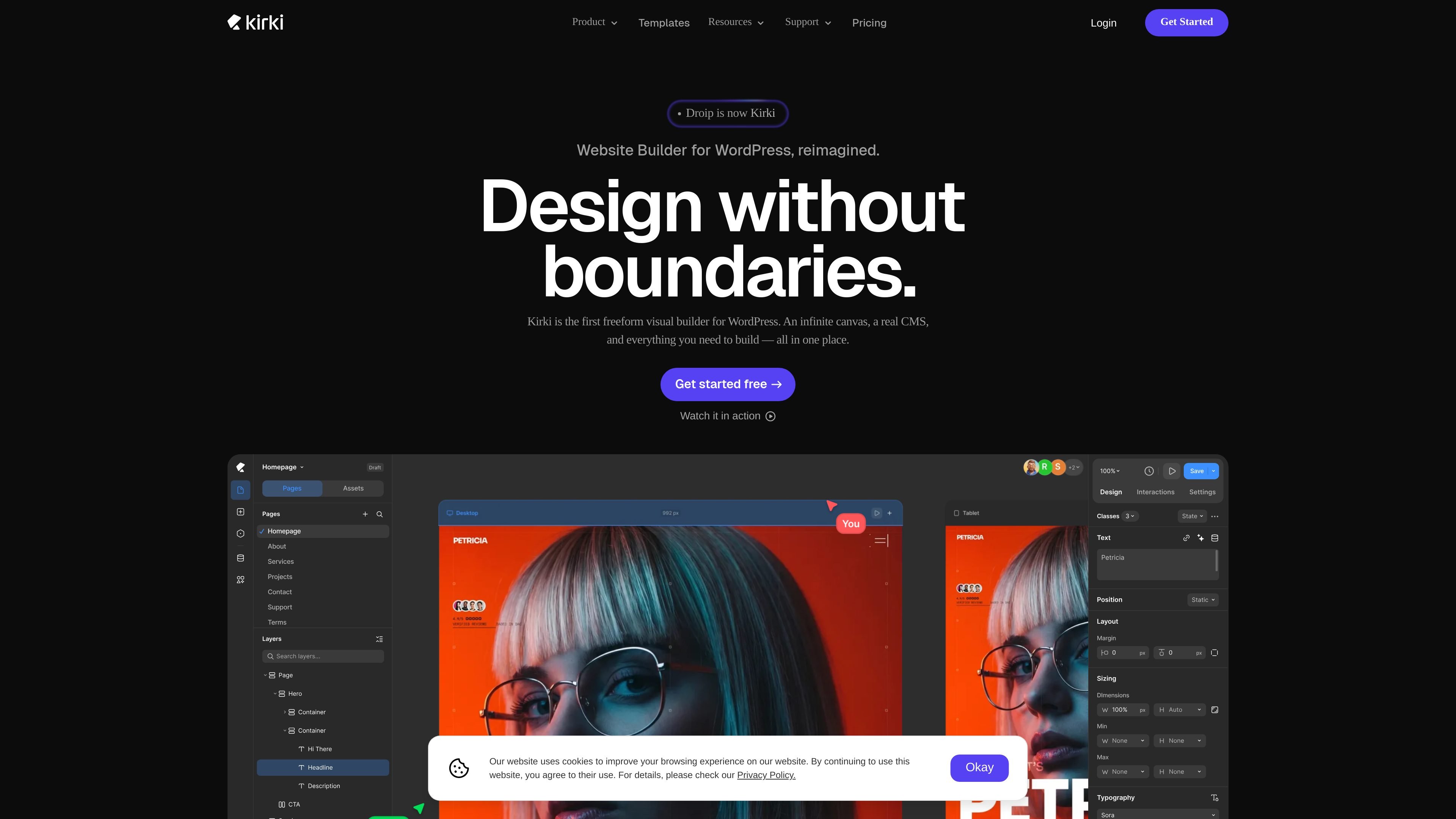
Kirki is a WordPress website builder focused on freeform visual design. The product positions itself as an infinite canvas experience, replacing the usual section, row, and column structure with a layout workflow that lets users place and style content more directly.
The platform combines page building, a built-in CMS, collaboration tools, and interaction design features in one product. Its pricing page also shows a free plan, paid Pro, Agency, and Lifetime options, with free installation and a stated 60-day money-back guarantee on paid plans.
Build on an infinite freeform canvas instead of a fixed grid, with unlimited breakpoints and a CSS variable design system for responsive control.
Manage structured content with collections, custom fields, reference and multi-reference fields, dynamic templates, scheduling, and collection filtering/pagination.
Work with multiple editors on the same project, leave comments on the canvas, use staging mode, and keep publish history for review.
Design motion with a visual interaction timeline, support for scroll/click/hover/mouse-move triggers, interaction presets, text animations, and Lottie files.
Import from Figma, HTML, or another builder while preserving styles, spacing, and layouts.
Create forms, popups, and other site elements from the included toolset, alongside core elements and components.
Create marketing pages or landing pages without being limited to a fixed section-row-column structure, using the freeform canvas and responsive breakpoints.
Build content-driven WordPress sites that need collections, custom fields, dynamic templates, and schedule-to-publish workflows.
Work with clients or teammates on the same build using real-time editing, canvas comments, staging mode, and client share links.
Move an existing design or site into Kirki by importing from Figma, HTML, or another builder and keeping the original spacing and layout.
Add motion and interaction details such as scroll or hover effects, text animations, and Lottie files without leaving the builder.
Kirki Free is on WordPress.org and is described as always free, with no trial period, credit card, or expiry date.
A site license covers one WordPress installation, meaning one domain and one site. If you need it on multiple sites, Agency provides unlimited licenses.
The live site keeps working after a subscription ends, but you lose future updates and support. Existing features remain available, though you cannot install new templates or apps unless you renew.
Yes. The source says Kirki works with any WordPress theme on any hosting setup, with no conflicts or special requirements.
Yes. Local development and staging environments do not count against a site license; only live production sites count.