
AI writing for workplace communication
Write emails, Slack replies, Jira tickets, and similar messages in a macOS-native workflow, with prompts that can adapt to tone and context.

Kerlig is a macOS AI writing app for workplace communication, with multi-provider support, document chat, and custom prompt workflows for teams and individuals.
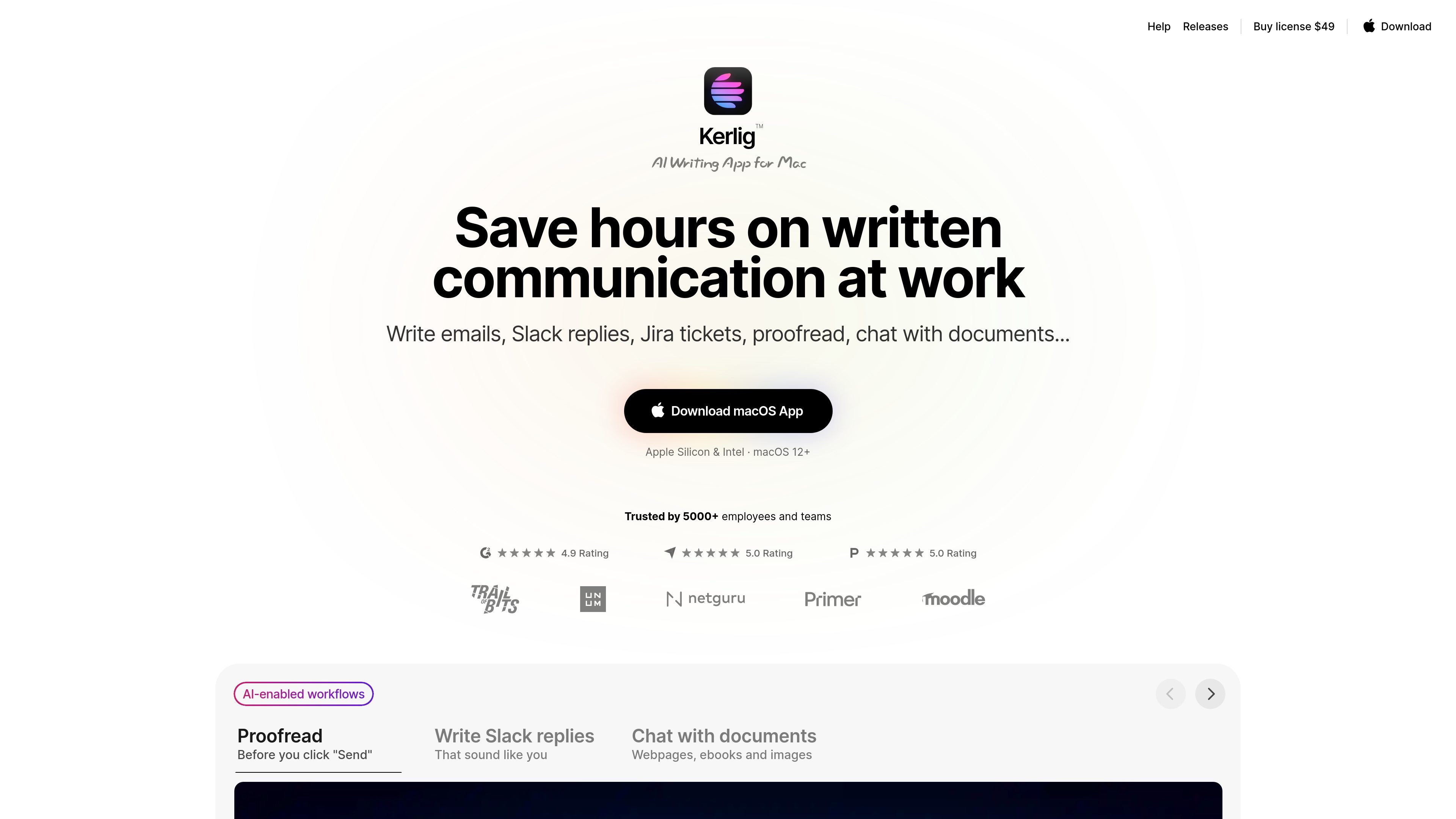
Kerlig is a macOS AI writing app for workplace communication. The site positions it as a tool for writing emails, Slack replies, Jira tickets, and other messages, while also offering proofreading, grammar correction, and chat-based help with documents, ebooks, webpages, and images.
It is designed around a native Mac workflow: users can trigger actions with shortcuts, work with built-in or custom prompts, switch among supported models, and connect their own AI providers through API keys. The homepage also states that Kerlig supports Apple Silicon and Intel Macs running macOS 12 or later.
Write emails, Slack replies, Jira tickets, and similar messages in a macOS-native workflow, with prompts that can adapt to tone and context.
Check spelling and grammar, improve wording, summarize text, make it shorter, and convert content into other formats such as TypeScript interfaces or scripts.
Chat with documents, webpages, ebooks, images, and common attachment types, with support for analyzing and summarizing uploaded material.
Switch between more than 350 supported models and providers, including local models and cloud providers, using your own API keys where required.
Send messages directly to AI providers and keep data stored and encrypted on the Mac, according to the site’s privacy description.
Use shortcuts and global hotkeys, edit prompts, regenerate responses, view chat history, and open cited sources in the browser.
Draft emails, Slack replies, and Jira updates with prompts that match the tone and context of the message you are writing.
Proofread and rewrite text before sending it, especially when you want to correct grammar, tighten wording, or simplify a long draft.
Ask questions about documents, webpages, ebooks, or images when you need a quick summary, explanation, or extracted detail.
Use shortcuts, presets, and custom actions to automate recurring prompt patterns such as summaries, transformations, or template-based outputs.
Roll out Kerlig to a team and deploy it remotely via CLI when you need a shared writing tool across multiple Macs.
Kerlig is a native macOS app that lets you write, proofread, and chat with AI from a desktop workflow. The homepage also shows built-in and custom actions for common writing tasks and prompts.
The site says Kerlig connects to AI providers through your own API keys and supports Apple Foundation Models, OpenAI, Anthropic, Google Gemini, Groq, OpenRouter, xAI, Perplexity, LM Studio, Mistral, and Amazon Bedrock.
Kerlig’s download page says a 7-day trial is included, and the homepage says licenses are sold as a one-time payment with no subscription. The site also notes that token usage is billed separately through the AI provider.
The site says Kerlig supports Apple Silicon and Intel Macs running macOS 12 or later.
Team deployment is listed as available via CLI commands, and the homepage includes a Team License with remote team deployment support.