
AI face-shape analysis
Upload one selfie and get face-shape analysis based on facial proportions such as jawline, forehead, and cheekbones. The site says the system uses 68 facial data points to classify the face and guide recommendations.

HaircutAI lets you try hairstyles on your selfie, get face-shape-based cut recommendations, and preview looks before a salon visit on web or iOS.
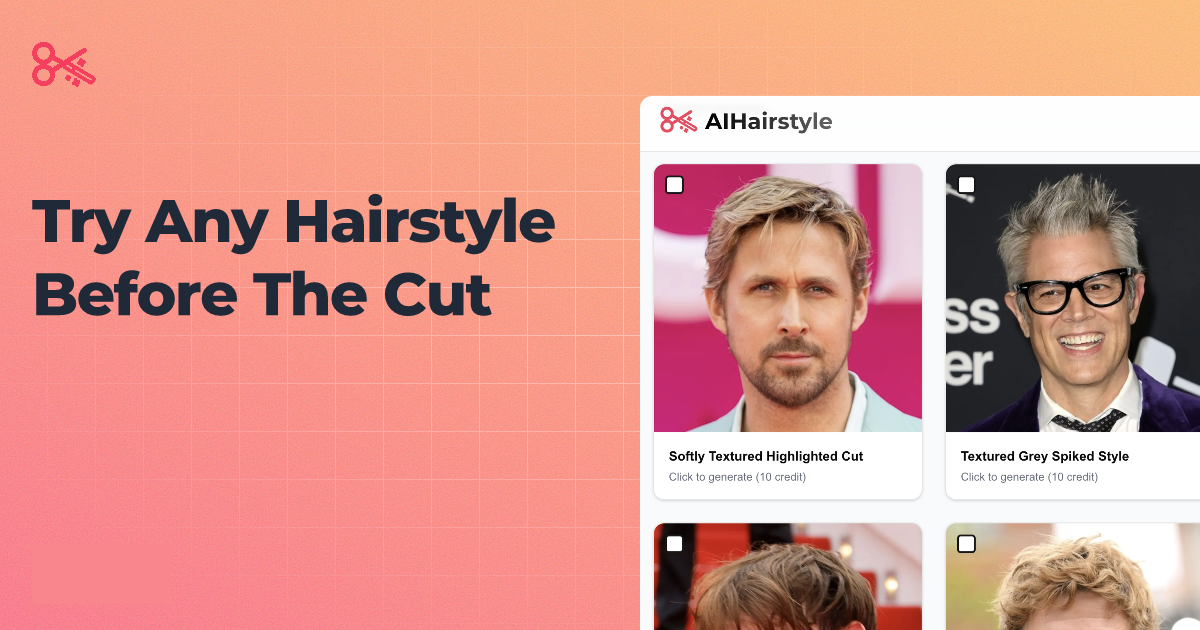
HaircutAI is a virtual hairstyle try-on tool that uses a selfie to show how different haircuts and colors may look on your face before you book a salon appointment. The site combines face-shape analysis, hairstyle recommendations, and photo-based previews so users can compare options on themselves rather than relying on generic inspiration images.
The product centers on a catalog of 180+ hairstyles and an AI workflow that maps facial proportions such as jawline, forehead, and cheekbones. It says the analysis can identify your face shape, suggest styles that complement it, and generate previews directly on your photo, with a free entry point for face analysis and web-based use without a download.
Upload one selfie and get face-shape analysis based on facial proportions such as jawline, forehead, and cheekbones. The site says the system uses 68 facial data points to classify the face and guide recommendations.
Preview 180+ hairstyles across cuts, colors, fades, bobs, layers, protective styles, and trending looks. The home page says the catalog includes styles for both men and women.
See photorealistic hairstyle previews on your own photo in seconds. The product positions the output as a realistic transformation rather than a generic filter.
Receive concrete guidance on styles to try or avoid based on face shape and features. The site shows recommendations such as do-this/avoid-this advice tied to the analyzed face.
Use either the browser experience or the iOS app. The site also indicates the web version works without a download.
Use the tool when you are deciding on a new haircut and want to see how it looks on your own face before committing to an appointment.
Use the face-shape analysis when you want a short list of styles that fit your proportions instead of browsing a general inspiration feed.
Use the try-on flow when you want to compare multiple cuts or colors on the same selfie and share the screen with a stylist or barber.
Use the texture-aware catalog when you want previews for curly, coily, or protective styles and need to check whether a look suits your hair type.
Use the free selfie analysis when you want a quick starting point for haircut ideas without downloading an app or entering payment details for the analysis step.
It analyzes a selfie to identify face shape and facial proportions, then returns personalized hairstyle recommendations and virtual try-on previews. The site says the AI uses 68 facial data points for recommendations and can generate photorealistic previews of hairstyles on your photo.
Yes. The site says you can upload a selfie and get a free face analysis, with no credit card required for the analysis step. It also says you can try hairstyles directly on the website without downloading the app.
HaircutAI says it works with straight, wavy, curly, and coily hair, and includes protective styles such as braids, locs, and twists. The site also says the recommendations are matched to your face shape and hair type.
The site states that face-shape analysis returns results in about 30 seconds, the whole process can take about a minute, and other pages say the analysis runs in under 10 seconds while try-on previews can generate in under 30 seconds.
The site says photos are encrypted during processing and automatically deleted afterward. It also says photos are not stored, shared, or used to train AI models.