
One-click summarization
Extracts key points from long articles, YouTube videos, and PDFs in one click so readers can get a fast summary without scanning the full source.

Gist AI is a free Chrome extension that summarizes websites, YouTube videos, online PDFs and local PDFs for quick reading, source detail and video jump-to moments.
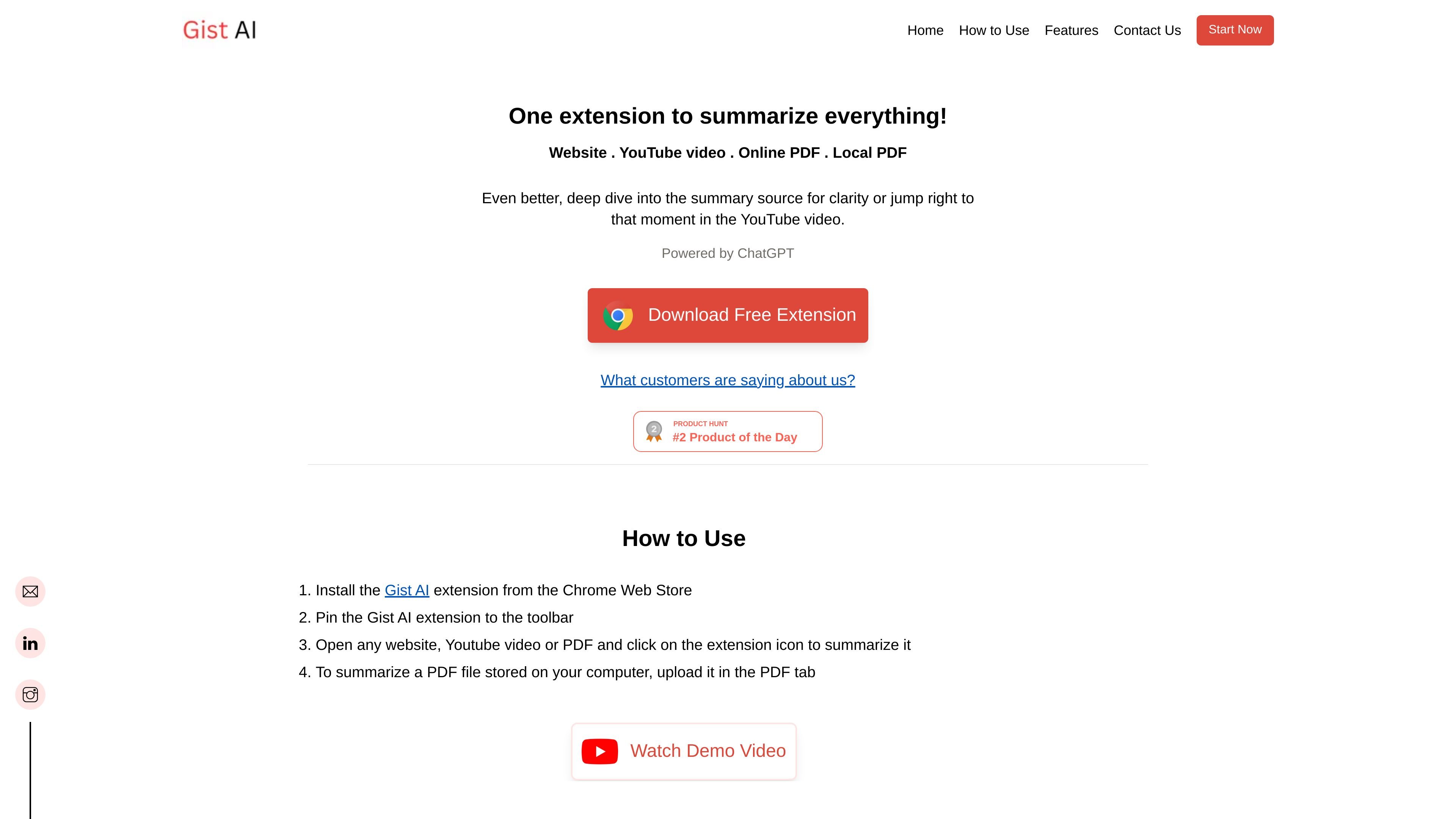
Gist AI is a free Chrome extension for summarizing web content, YouTube videos, and PDFs. The product is positioned as a single tool for turning long articles, online PDFs, local PDFs, and video transcripts into shorter summaries powered by ChatGPT.
The home page emphasizes quick reading workflows: install the extension, pin it to the browser toolbar, open a page or PDF, and trigger the summary from the extension icon. For YouTube videos, the summary can also be used to jump to relevant moments in the video, while the source-reading feature lets users inspect the material behind a summary.
The product copy also frames Gist AI as useful for long-form reading and research, saying it can handle content without a length limit and can break large material into smaller parts for easier comprehension. The privacy policy states that the extension does not collect personal identifiable information or cookies and that it does not store the content it reads for summarization.
Extracts key points from long articles, YouTube videos, and PDFs in one click so readers can get a fast summary without scanning the full source.
Supports websites, YouTube videos, online PDFs, and PDFs stored on your device, including files uploaded through the PDF tab.
Lets users read more details from the source behind a summary, which helps verify context and inspect the underlying passage.
Allows jumping to specific moments in a YouTube video after reviewing the summary, so users can skip directly to relevant segments.
Breaks long content into smaller blocks to improve comprehension and focus, according to the product copy.
Described as a Chrome extension with installation through the Chrome Web Store and toolbar access for quick use.
A reader can summarize a long article or research page, then expand the parts that matter through the Read More workflow instead of rereading the entire source.
A viewer can summarize a YouTube video and use the summary to jump straight to the relevant timestamp in the original video.
A student or analyst can generate summaries from online PDFs and local PDFs, which is useful for reports, papers, or notes gathered from multiple places.
A user who prefers browser-based tools can install the extension, pin it to the toolbar, and trigger summaries directly from the page they are already viewing.
Someone comparing dense sources can break content into smaller blocks to improve comprehension and focus while reading long-form material.
Gist AI is a Chrome extension that summarizes websites, YouTube videos, and PDFs. On the home page, it is described as a free extension that works across web pages, online PDFs, local PDFs, and YouTube videos.
The source says you can install the extension from the Chrome Web Store, pin it to the toolbar, then open a website, YouTube video, or PDF and click the extension icon. Local PDFs are handled by uploading the file in the PDF tab.
Yes. The home page and FAQ describe Gist AI as a completely free AI summarizer.
The product pages say there is no limit on the length of content it can summarize, so it is positioned for long articles, books, research articles, and other long documents.
The privacy policy says the extension does not collect personal identifiable information, does not send or collect cookies, and only uses Google Analytics for usage measurement. It also says the extension reads content for summarization and does not store that content.