
Keyword research with semantic signals
Research target keywords with NLP and semantic keyword data so you can build content around topics that search engines and AI systems are more likely to understand.

GetGenie is a WordPress AI SEO writing tool for keyword research, content generation, draft optimization, and organic performance tracking.
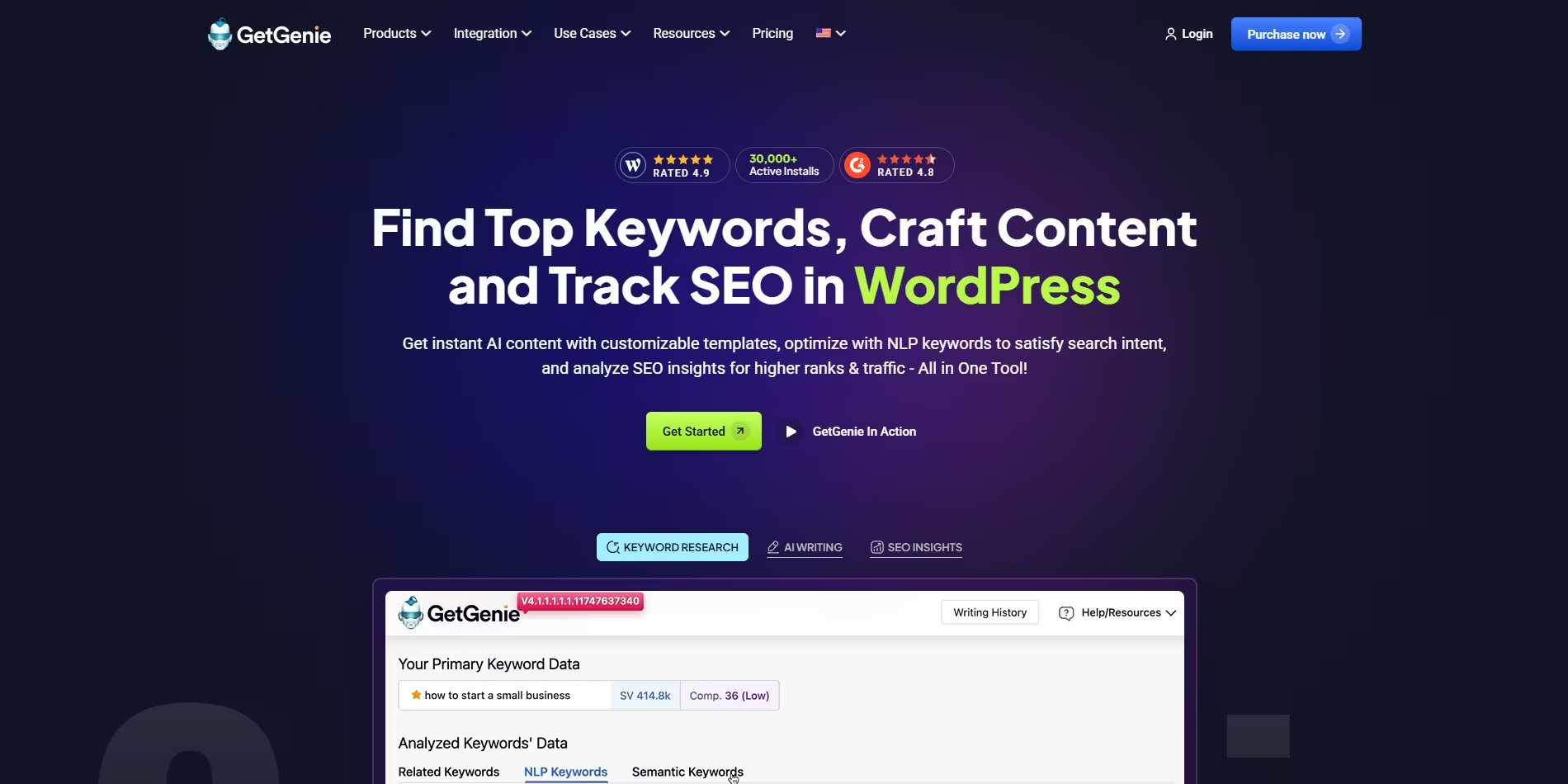
GetGenie is an AI SEO writing tool built for WordPress users who need to research, write, optimize, and track content in one place. The homepage positions it as a workflow that takes users from keyword discovery and competitor analysis through publishing and performance tracking without leaving the editor.
The product combines blog writing, WooCommerce copy generation, AI chat, SEO optimization, and analytics-oriented tracking features. The pricing page adds dedicated modules for AI Overview Answer Builder, AI FAQ generation, Google Business Profile posts, and local service page copy, showing that the platform is designed for multiple content formats rather than only long-form blog posts.
Its main purpose is to reduce the manual steps involved in content creation while keeping SEO data visible during the process. The source also highlights language support in 33+ languages and template-based workflows for users who want structured output for different publishing scenarios.
Research target keywords with NLP and semantic keyword data so you can build content around topics that search engines and AI systems are more likely to understand.
Review SERP data, competitor content structure, headings, word count, images, and related keyword information before drafting content.
Generate blog posts, product copy, and other templates from inside the WordPress editor, including step-by-step and one-click writing flows.
See an AI Readiness Score and live suggestions while you write, with checks for NLP keywords, topical authority, headings, and images.
Track new and lost keywords, low-performing pages, and visitor data by device and location to monitor organic performance.
Use specialized templates for WooCommerce product titles and descriptions, AI overview answers, FAQs, Google Business Profile posts, and local service pages.
Use the Blog Writing Wizard to turn a keyword into a structured blog draft, then refine it with SEO suggestions and live readiness checks before publishing in WordPress.
Create WooCommerce product titles, short descriptions, and long descriptions for store listings when you need fast output that still reflects targeted keywords.
Research competitors, inspect their headings, word counts, images, and SERP patterns, and use that analysis to plan a stronger content outline before writing.
Generate answer-first content such as AI overview responses and FAQs when the goal is to make content easier to surface in search results and AI-driven summaries.
Track new and lost keywords, page performance, and visitor trends after publishing so you can decide what content to update next.
GetGenie is a WordPress-based AI SEO writing tool that combines keyword research, content writing, optimization, and SEO tracking in one workflow. The source also shows dedicated templates for WooCommerce product copy, blog writing, AI overview answers, FAQs, Google Business Profile posts, and local service pages.
The homepage describes GetGenie as working inside WordPress, and the product pages shown include WooCommerce Product Wizard, Blog Writing Wizard, and GenieChat. The pricing page also lists AI Overview Answer Builder, AI FAQ Generator, GBP Post Generator, and Local Service Page Copy Generator.
The source emphasizes a workflow where you research keywords, analyze competitors, write content, optimize it with live AI suggestions and an AI readiness score, publish, and then track performance. SEO Insights can track keywords, pages, and related organic data.
The source supports WordPress use and WooCommerce-specific copy generation, but it does not provide a complete list of every integration or platform outside WordPress. It is safest to treat WordPress support as the clearly stated platform fit.
The pricing page shows multiple paid plans and the home page also advertises a free WordPress plugin install context, but the provided text does not establish a complete free-versus-paid feature split for every module. Check the pricing page for the current plan details and limits.