
Visual mind mapping workspace
MindMax provides a visual canvas for mapping ideas, comparing directions, and unpacking complex topics without relying on a linear chat interface.

FunBlocks is an AI workspace for mind mapping, docs, slides, and Markdown writing. It helps researchers and students turn source material into structured thinking and output.
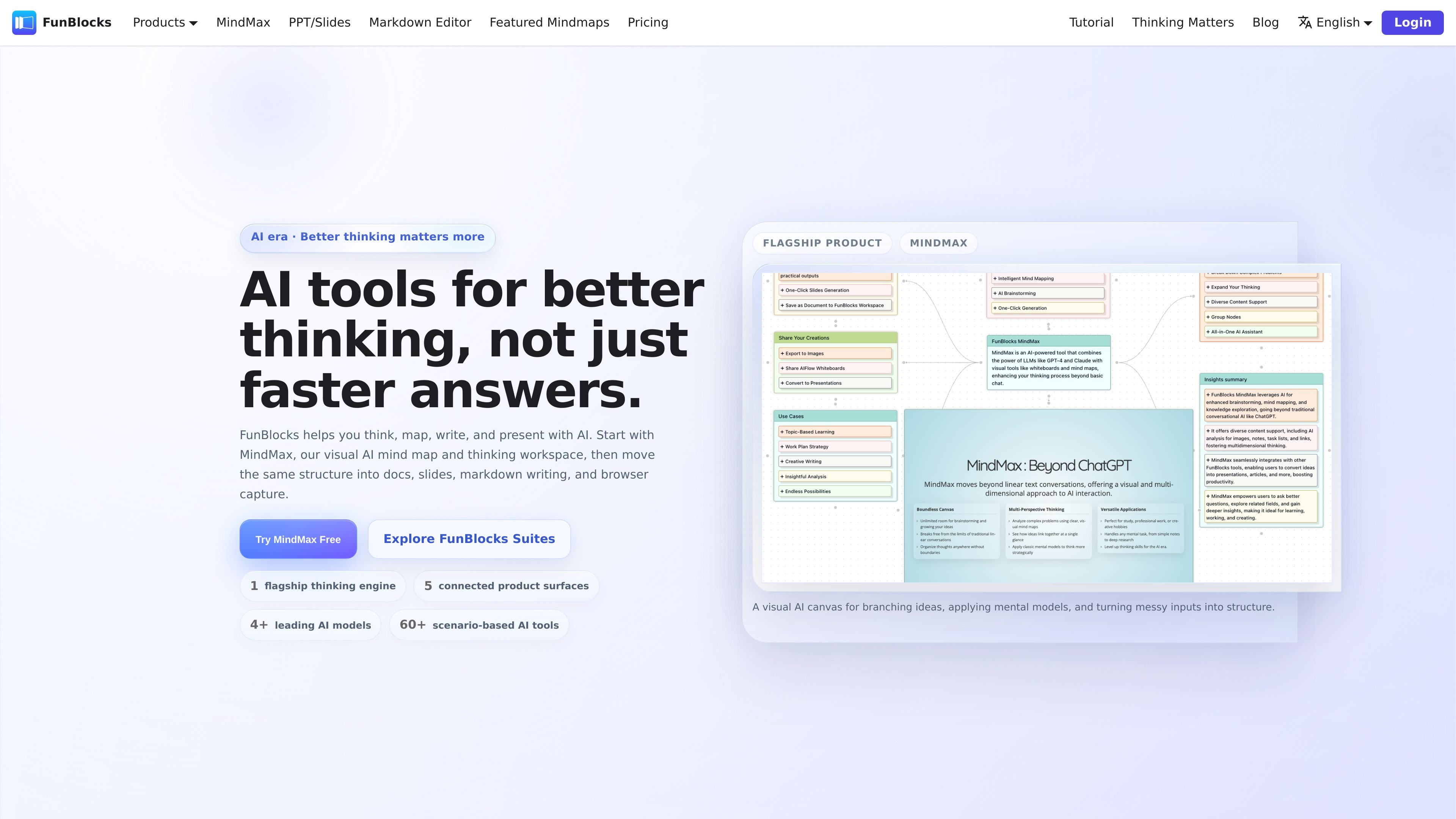
FunBlocks is an AI workspace built around connected surfaces for thinking, writing, and presenting. Its flagship product, MindMax, uses a visual canvas to help users turn messy inputs into structured ideas, then carry that structure into docs, slides, Markdown writing, and browser-captured material.
The site positions FunBlocks as a system for people who need to reason through complex information rather than only generate text. It serves researchers, students, product managers, strategists, writers, educators, and other knowledge workers who work with notes, webpages, PDFs, videos, and outlines.
MindMax provides a visual canvas for mapping ideas, comparing directions, and unpacking complex topics without relying on a linear chat interface.
The product uses mental models such as First Principles, SWOT, and Latticework to support guided reasoning inside the map.
FunBlocks can start from a topic, note, webpage, PDF, or video and turn that source material into structured branches for further exploration.
The browser extension captures webpages, selected text, PDFs, and YouTube videos into MindMax for continued analysis.
AI Docs turns a MindMax structure into notes, outlines, and knowledge pages, then lets you bring document content back into a map.
AI Slides creates editable Markdown slides from existing structure, with speaker notes, layout help, and support for Mermaid charts and KaTeX.
Use MindMax to turn scattered notes, questions, and source material into a visible map before deciding what matters and what to research next.
Use the browser extension to capture a webpage, PDF, selected text, or YouTube video, then continue reasoning inside MindMax.
Move a finished structure into AI Docs when you need outlines, knowledge pages, or a document that can later be brought back into the map.
Carry the same logic into AI Slides when you need a presentation deck with editable Markdown slides, speaker notes, and layout assistance.
Use the Markdown editor for focused long-form writing when the work needs drafting, rewriting, and polishing rather than a slide deck or mind map.
FunBlocks is a connected AI workspace for thinking, writing, presenting, and capturing source material. Its central product is MindMax, which turns topics, notes, webpages, PDFs, and videos into visual mind maps and structured reasoning.
The site shows a free tier with daily AI credits and says paid plans are available for heavier usage. A pricing page exists in the site navigation, but the collected pricing URL currently returns a page-not-found message, so no plan details or limits are confirmed here.
The source pages describe MindMax, AI Docs, AI Slides, AI Markdown Editor, and AI Tools, plus browser extensions for Chrome/Edge. The homepage also says one subscription covers all five product surfaces.
MindMax is designed to take a topic, question, note, webpage, PDF, or video and turn it into a visual structure you can continue in docs, slides, or writing. AI Slides and AI Docs also support moving content between connected surfaces.
The pages emphasize web app access and browser capture for Chrome/Edge, but they do not provide a full setup guide or detailed integration list in the collected sources.