
Prompt-to-image generation
Create images from natural-language prompts, then choose styles and settings before generating the result.
FLUX AI Image Generation is a web-based AI image generator for turning text prompts into downloadable PNG/JPG visuals in the browser. Multiple aspect ratios and free trial plus paid plans.
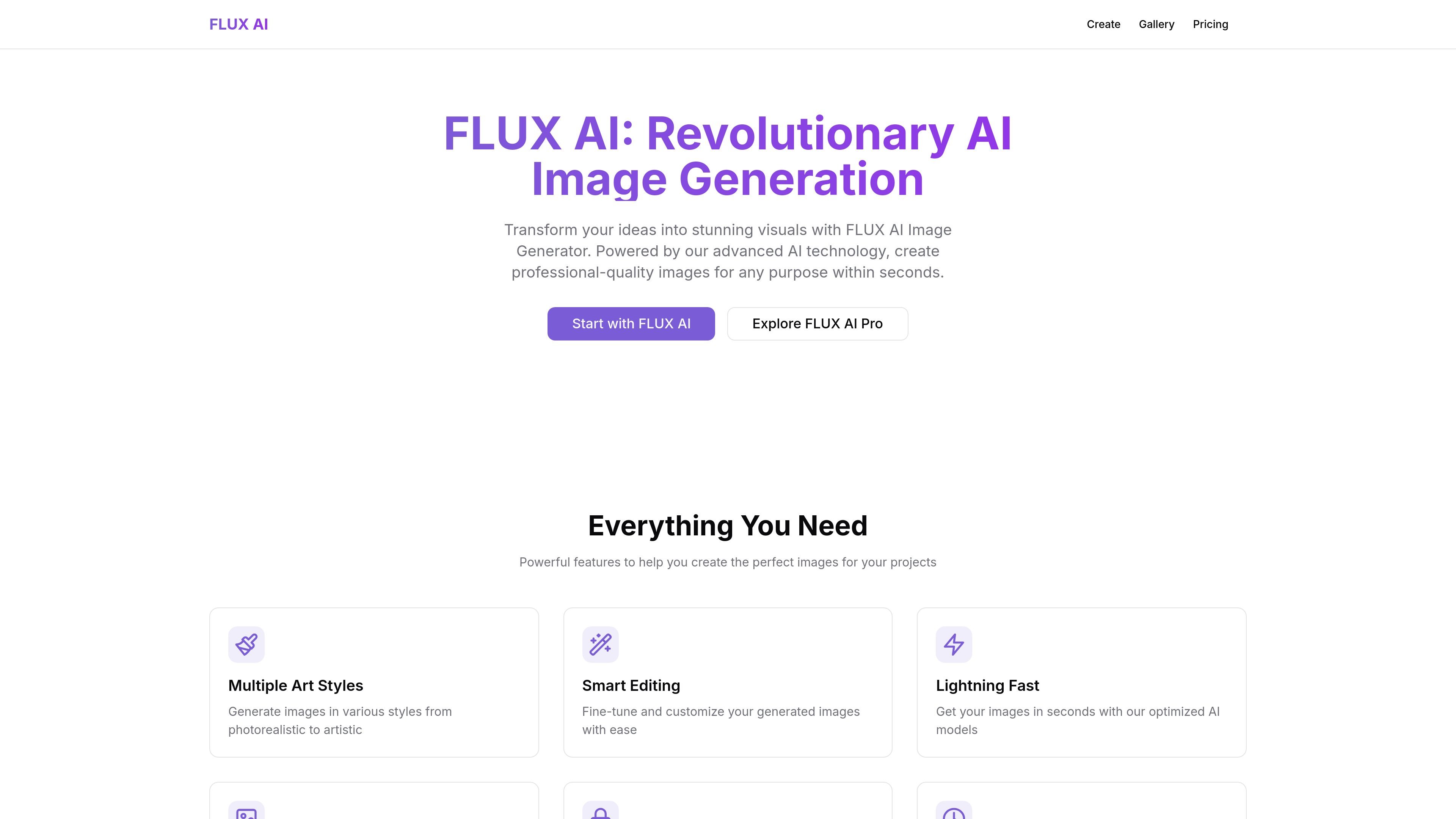
FLUX AI Image Generation is a web-based AI image generator centered on FLUX.1. It lets users describe an image in natural language, choose a style or settings, and generate downloadable visuals directly in the browser.
The site positions the product for individual creators and business users. It emphasizes fast image generation, multiple art styles, high-resolution output, and commercial rights for generated images, with a free trial and paid plans for heavier use.
Create images from natural-language prompts, then choose styles and settings before generating the result.
Select from multiple aspect ratios, including portrait, landscape, square, and widescreen, to match different layouts.
Guide output with prompt suggestions, art styles such as oil painting, watercolor, sketch, pixel art, and cyberpunk, plus scene types like nature, cityscape, portrait, abstract, and sci-fi.
Download generated images in supported PNG and JPG formats.
Use the service around the clock, with the home page describing 24/7 generation availability and the pricing page offering private generation on paid plans.
Adjust prompts using the on-page tips to be more specific, use art terms, and iterate until the image matches the intended result.
Generate concept art, promotional graphics, or social visuals by describing the subject, mood, and style in plain language.
Create different image variants by adjusting prompt details, choosing a new art style, and iterating on the result until it fits the brief.
Produce images with a specific layout requirement, such as square posts, portrait assets, or widescreen headers.
Explore visual directions quickly through prompt suggestions and scene-type presets when starting from a rough idea.
Use the paid plans for higher-volume generation needs, private generation, or team-oriented support levels.
FLUX.1 AI is presented as an AI image generation product for creating visuals from text prompts. The site also shows a generation interface with image dimension controls, style suggestions, and downloadable image output.
The source highlights a three-step workflow: describe your vision, choose a style and settings, then generate and download the image. The create page also provides prompt suggestions and usage tips to help refine results.
Yes. The pricing page states that generated images include commercial rights and full ownership for all generated images.
The pricing page shows subscription plans with monthly and yearly billing, plus a 14-day free trial with no credit card required. It also says plans can be upgraded or downgraded, with changes taking effect immediately for upgrades and at the end of the billing cycle for downgrades.
The rendered sources state that generated files are supported in PNG and JPG formats. The create page also shows aspect ratio options for portrait, landscape, square, and widescreen images.