
No-code field definition
Users can define the fields they want to extract in a no-code interface instead of building rigid templates for each layout.

Fintelite AI is an AI-powered document extraction platform that converts PDFs, scans, and images into structured data with no-code workflows and API integration.
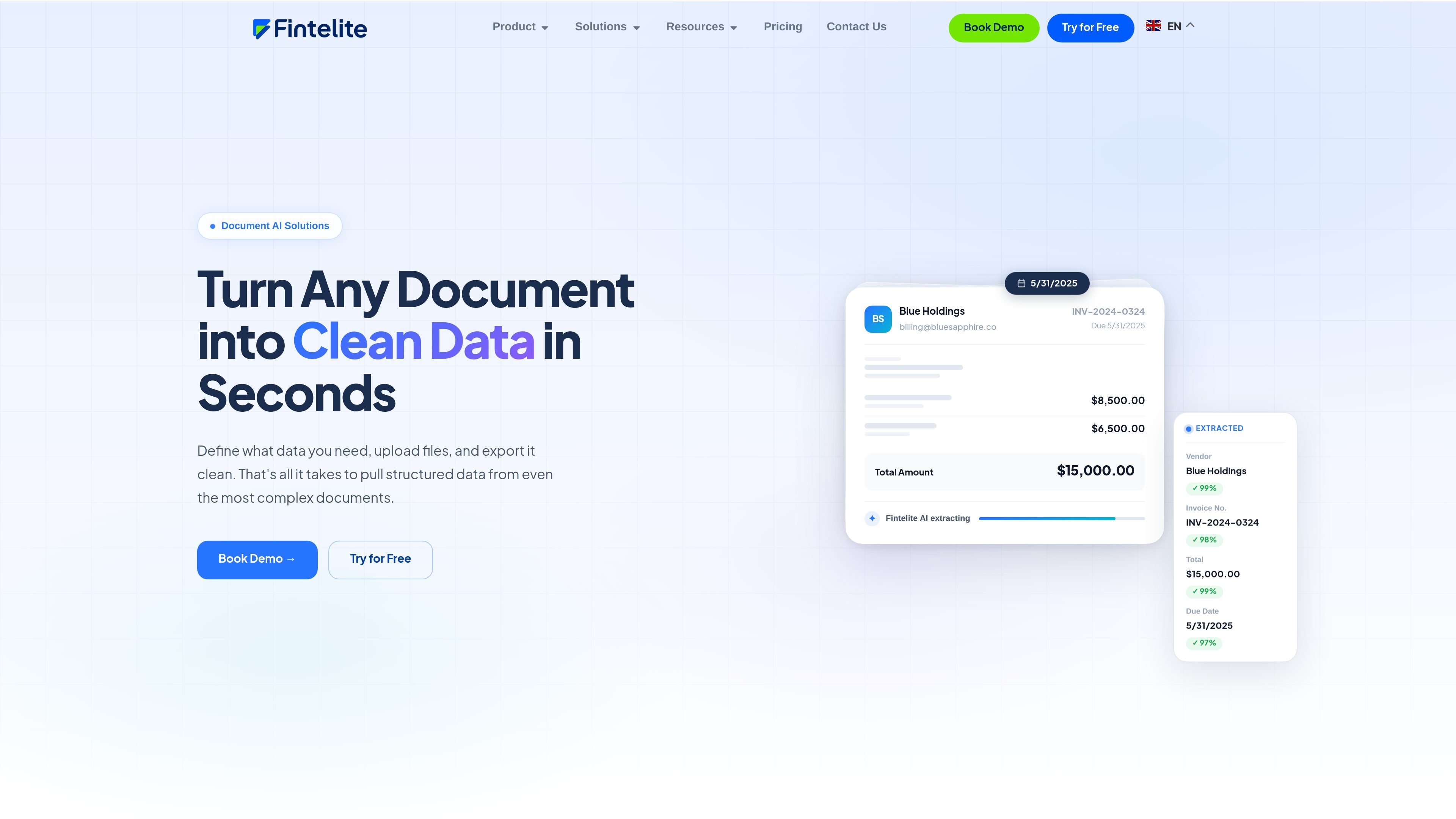
Fintelite AI is an AI-powered document extraction platform that turns unstructured files into structured data. The site presents it as a way to define the fields you need, upload documents, and export the extracted results into the format your workflow requires.
The product is aimed at teams that handle recurring documents such as invoices, purchase orders, receipts, bank statements, ID cards, loan applications, payslips, and contracts. It offers both no-code use for business teams and API-based integration for technical teams, with related pages for data extraction, document validation, and reporting.
Users can define the fields they want to extract in a no-code interface instead of building rigid templates for each layout.
The product reads PDFs, scanned files, and images, then extracts structured fields from documents with varying layouts.
The site says it can process documents without template-heavy setup and adapt to different layouts, including complex ones.
Results can be exported to Excel, JSON, PDF, or connected through API and webhook delivery, depending on the workflow shown on the site.
The API pages mention confidence scores for returned fields, which helps downstream systems decide what to trust.
The site describes document validation and reporting alongside extraction, including approval flows, audit trails, and consolidated reporting.
Extract invoice numbers, totals, due dates, tax amounts, and vendor details from batches of invoices or receipts, then download the results or send them downstream.
Capture account balances, liabilities, income proof, and identity documents for loan review and credit assessment workflows.
Pull patient data, claim identifiers, diagnoses, billing codes, and related fields from medical documents and claims forms for processing and reporting.
Extract shipment details, delivery notes, bills of lading, and customs data for logistics and supply-chain operations.
Convert extracted fields into structured reports or spreadsheet-ready outputs for teams that need summarized data instead of raw documents.
It appears to support both no-code extraction for business teams and API-based extraction for technical teams. The source also mentions export to Excel and API/webhook delivery, but does not show a full setup guide.
The site shows document extraction from uploads in PDFs, scans, and images, with output that can be downloaded as Excel or returned through an API. The reporting page also mentions formats such as JSON, PDF, Excel, and databases, but the exact export matrix is not fully detailed.
The source emphasizes no-code field definition, document upload, extraction, and export, and says no training data or complex setup is needed. It also mentions pre-built templates for more than 50 document types on the data extraction page.
The homepage and product pages describe document extraction, validation, and reporting across invoices, bank statements, IDs, contracts, and other business documents. They do not provide a complete list of all supported document types or hard limits.