
Single upload flow
Upload audio or video files directly from the homepage, or paste a link, then start transcription from the same flow.

FastTranscriber is an online audio and video transcription tool that converts uploads into text, captions, and subtitles for transcripts and meeting notes.
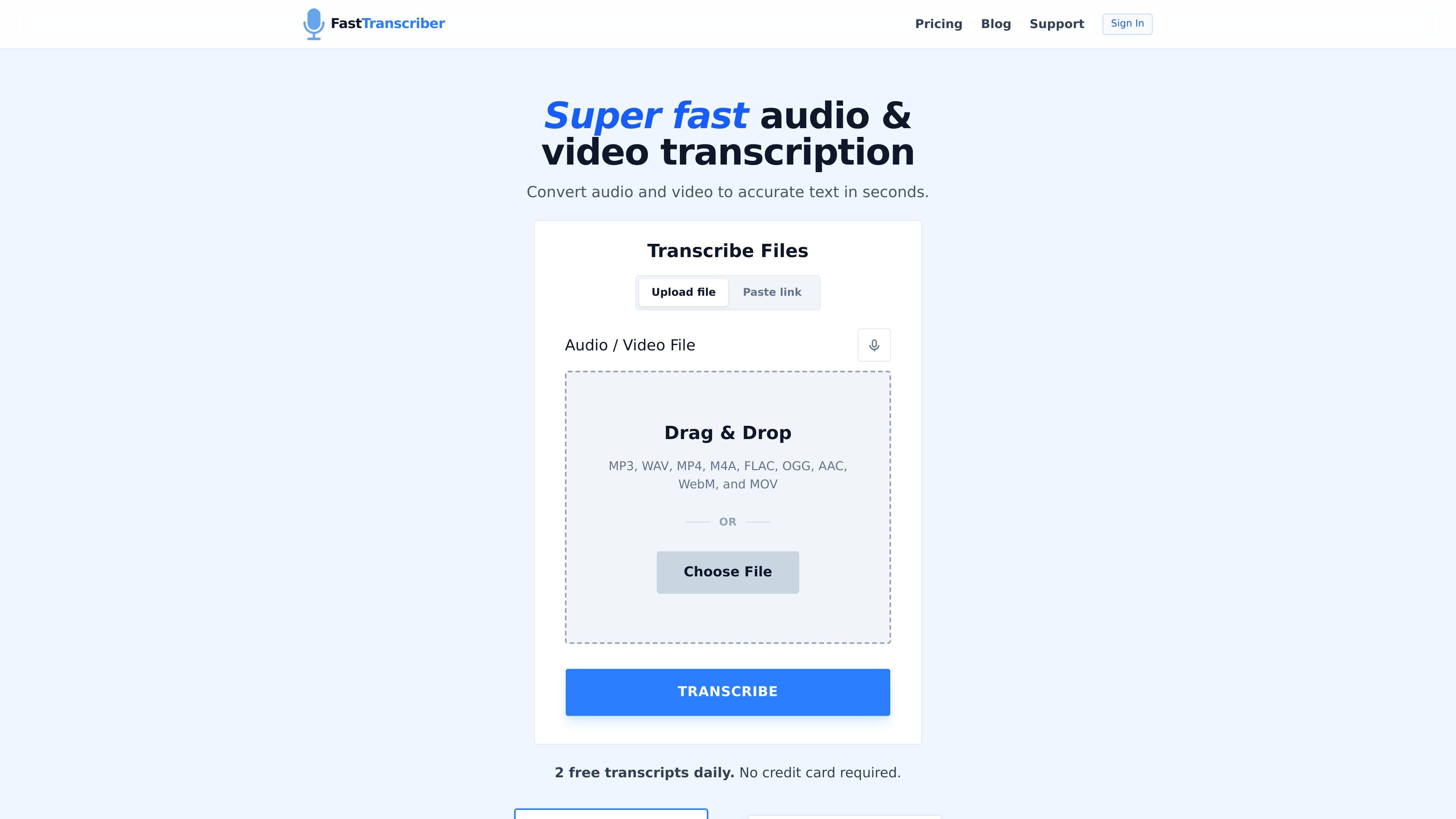
FastTranscriber is an online audio-to-text and video-to-text converter from listenmonster.com. It processes uploaded recordings with AI transcription and returns text output that can be exported in plain text or subtitle formats.
The product is positioned for people who need a straightforward upload-and-export workflow rather than a live meeting bot. The site highlights support for common audio and video formats, saved transcript history, guest uploads, and plans that range from a free daily upload to a paid Pro tier for heavier usage.
Upload audio or video files directly from the homepage, or paste a link, then start transcription from the same flow.
The site lists support for MP3, WAV, MP4, M4A, FLAC, OGG, AAC, WebM, MOV, and OPUS, covering common audio and video sources.
FastTranscriber says completed transcripts can be exported as TXT, captions, SRT, and VTT for editing or publishing workflows.
The product states that completed transcripts are saved in the dashboard, making it easier to revisit past files.
The service advertises speaker recognition, which can help separate dialogue in recordings with more than one voice.
The page describes a GPU-powered transcription engine and says the system is built for fast processing.
Turn recorded interviews into readable text, then export the transcript for editing, quoting, or archival use.
Convert lecture or training recordings into notes that can be reviewed after the session.
Process customer calls or internal meetings from uploaded recordings without using a live meeting bot.
Create subtitle-ready output from video files when you need SRT or VTT files for captions.
Keep a record of completed transcripts in the dashboard so recurring upload workflows are easier to revisit.
Upload an audio file, let FastTranscriber process the speech, and then export the result as TXT or SRT.
Yes. The same upload flow accepts both audio and video files, so you can convert either format on the same page.
FastTranscriber supports MP3, WAV, MP4, MOV, M4A, FLAC, OGG, AAC, WebM, and OPUS, with other common audio and exported video files implied by the site copy.
Yes. The product page says you can export plain text, captions, and subtitle files, including SRT and VTT.
The free tier includes one upload per day and 30-minute transcript previews, while the Pro plan adds unlimited daily uploads and a 15 GB file limit.