
Photo face swapping
Upload one face image and one target photo to create a face swap while keeping the target scene, pose, and framing intact.

FaceSwaply is a web-based AI tool for face swaps, video face swaps, headshots, hairstyle previews, and portrait cleanup without prompts.
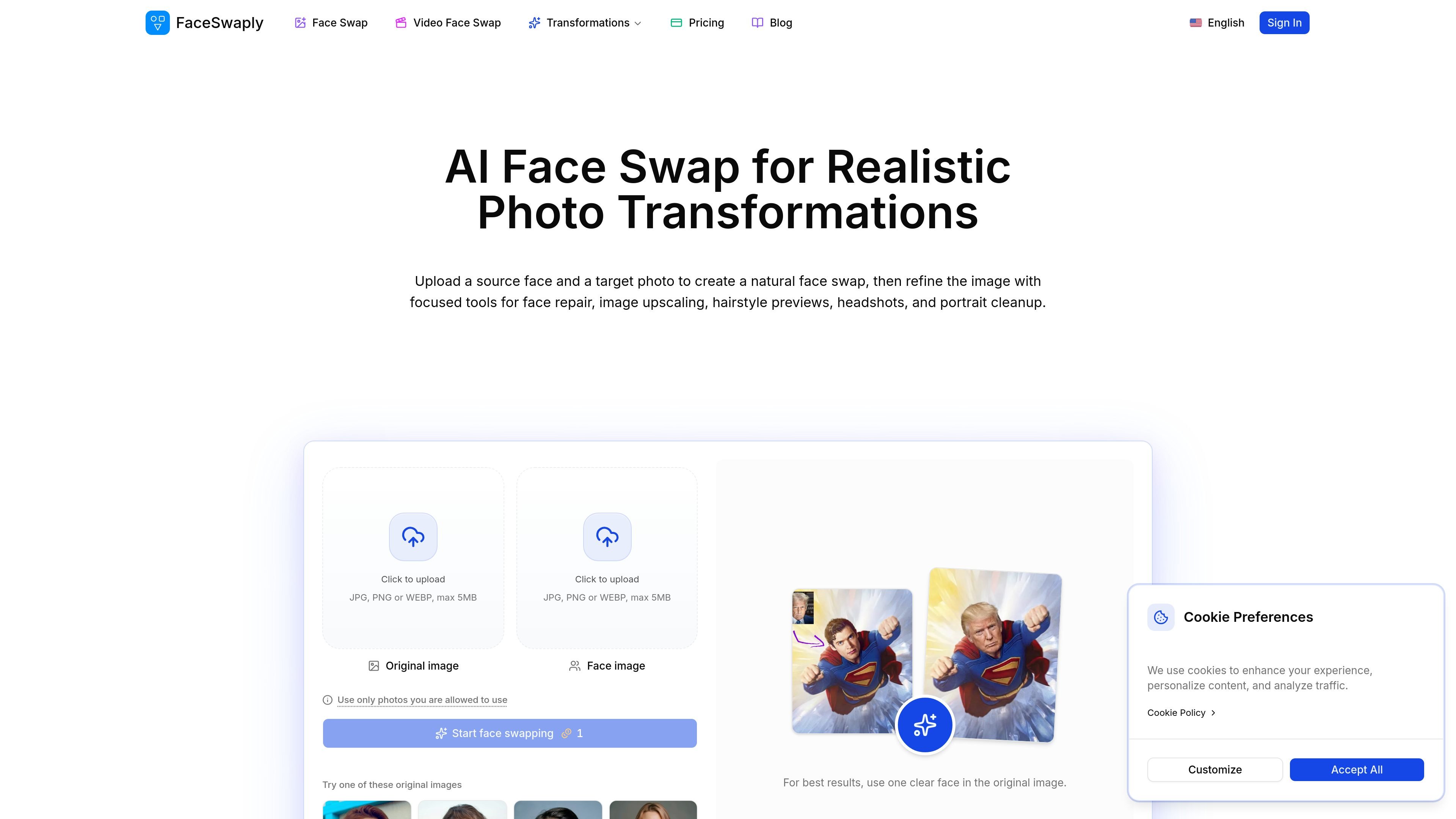
FaceSwaply is an AI image transformation product centered on face swaps and portrait cleanup. It lets users upload photos, replace a face in a target image or short video, and then refine the result with focused tools for restoration, retouching, and upscaling.
The site positions the product for people working from existing photos rather than prompts. Alongside face swap, it offers AI headshots, hairstyle previews, and photo repair workflows for profile images, business portraits, creative mockups, and other image-first tasks.
Upload one face image and one target photo to create a face swap while keeping the target scene, pose, and framing intact.
Replace a face in a short video while the original clip keeps its motion and camera angle, based on the homepage workflow summary.
Turn a portrait into a cleaner business-style headshot for profiles, resumes, team pages, and personal branding.
Preview haircuts and hair colors from an existing portrait before making a real-world style change.
Sharpen soft or low-resolution images when a portrait needs clearer facial detail and more resolution.
Smooth skin and reduce blemishes on a portrait without rebuilding the entire photo.
Create a quick face swap for a portrait, social post, thumbnail, or creative mockup when you already have a source face and a target image.
Generate a cleaner profile photo for LinkedIn, resumes, company bios, or team pages from a single portrait.
Preview a haircut or hair color from an existing portrait before making a style change in real life.
Improve a soft, blurry, old, or AI-generated face by sending it through restore, retouch, or upscaling workflows after generation.
Replace a face in a short video while preserving the original clip’s motion and camera angle for motion tests or edited social content.
FaceSwaply is a browser-based AI photo transformation tool for face swaps, video face swaps, headshots, hairstyle previews, image upscaling, face retouching, and face restoration.
The source pages recommend clear, well-lit portraits with visible facial features. For face swap, the target image should also have a visible face area without heavy blocking from hands, hair, sunglasses, or harsh shadows.
No. The face swap and headshot workflows shown on the site are driven by uploaded images and settings rather than written prompts.
FaceSwaply shows subscription plans with monthly credits, and the pricing page also states that commercial use rights are included for generated outputs on paid plans.
The pricing page says uploads are private, and the FAQ section there includes privacy and cancellation questions, but the collected text does not provide deeper implementation details.