
File and YouTube input
Upload an audio or video file, or start from a YouTube URL, then move into dubbing without a separate translation workflow.

Dub AI is an AI dubbing and translation tool for localizing audio and video into 30+ languages with file uploads or YouTube URLs.
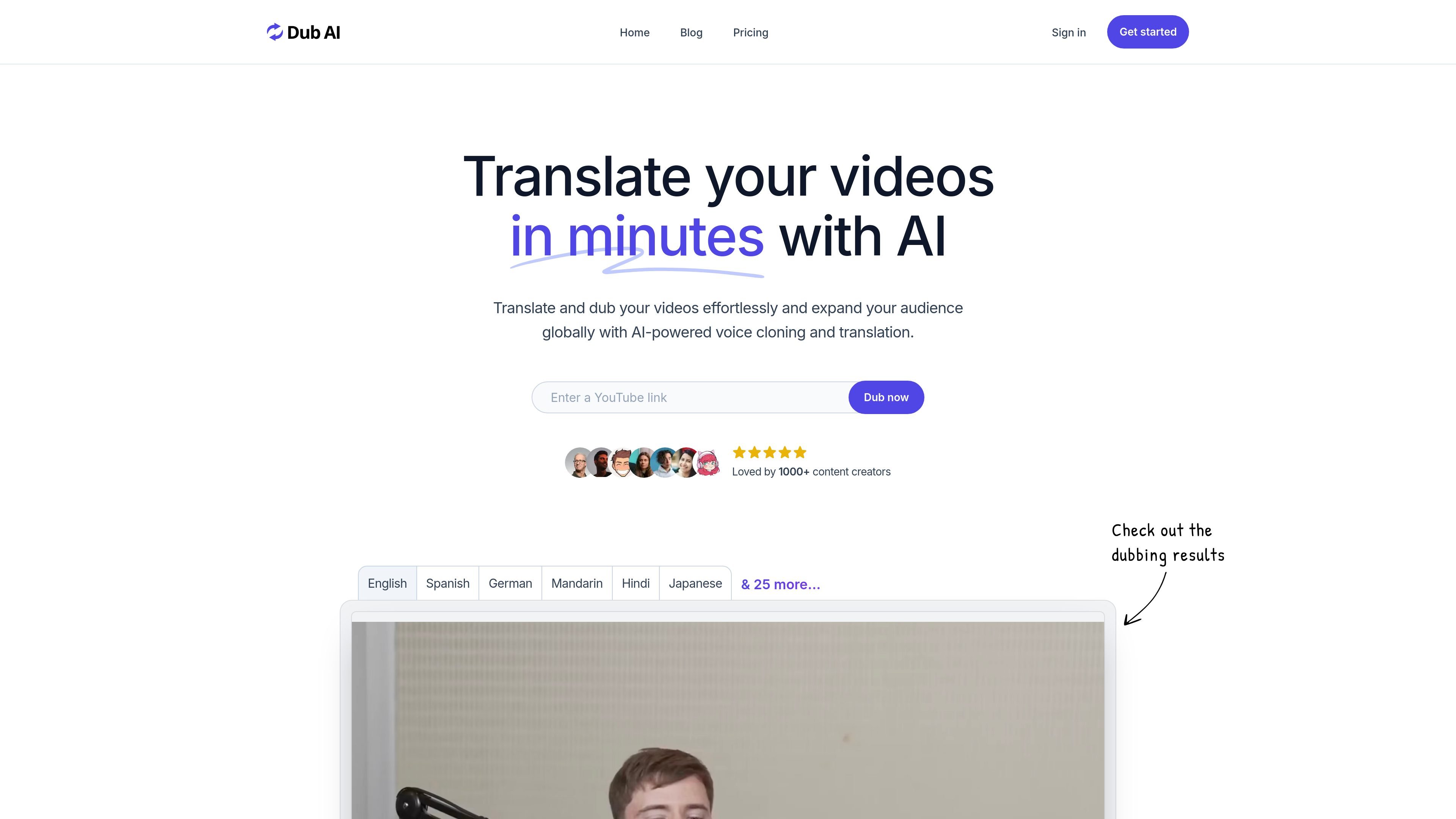
Dub AI is an AI-powered dubbing and translation product for localizing audio and video content into multiple languages. The site positions it for creators and teams that want to expand reach by turning a single recording into translated, dubbed versions for other audiences.
The core workflow is straightforward: upload a file or enter a YouTube URL, let the system translate and dub the content, then download the finished assets. The product also highlights voice cloning, multi-speaker support, and downloadable transcripts and subtitles for further editing.
Upload an audio or video file, or start from a YouTube URL, then move into dubbing without a separate translation workflow.
Dub AI translates and dubs content into 30+ languages so the same video can be adapted for different audiences.
The product supports up to 10 speakers at once and automatically detects speakers, which is important for interviews, panels, and other multi-voice recordings.
Voice cloning is included so dubbed content can preserve the original voice across languages instead of switching to a generic synthetic voice.
Users can download translated transcripts, subtitle files, audio clips, and final dubbed audio or video files for editing or publishing.
Convert a single video into versions for other language markets without rebuilding the production workflow from scratch.
Dub interviews, roundtables, and panel recordings where more than one speaker needs to be identified and handled separately.
Create translated versions of YouTube uploads by starting from a channel video URL and downloading a finished dubbed file.
Generate transcripts and subtitles alongside dubbing so editors can refine wording, timing, or caption files after export.
Use the enterprise offering when a team needs higher-volume processing, priority support, or API access.
Dub AI is built for translating and dubbing user-uploaded audio or video content. The site presents it as a tool for creators and teams who want to localize videos for different languages and audiences.
The site says you can upload an audio or video file, or enter a YouTube URL, then let the AI translate and dub the content before downloading the transcript, audio clips, and final dubbed file.
The pricing page lists a Pay As You Go plan, a monthly subscription, and an Enterprise option. The Enterprise plan includes custom pricing, API access, priority support, high volume discounts, and fast processing times.
The site says Dub AI supports 30+ languages and mentions multi-speaker support with automatic speaker detection. The home page also highlights voice cloning and translated transcripts, subtitles, and audio source files.
The privacy policy says Dub AI does not store voice data after dubbing is complete and does not use voice data for AI model training or improvements.