
Fleet management
Define fleets to provision and manage clusters across GPU clouds, Kubernetes, and on-prem environments. Fleets can be used to control how instances are provisioned and reused.

dstack is an open-source control plane for AI workloads across GPU clouds, Kubernetes, and on-prem clusters, from a single YAML and CLI workflow.
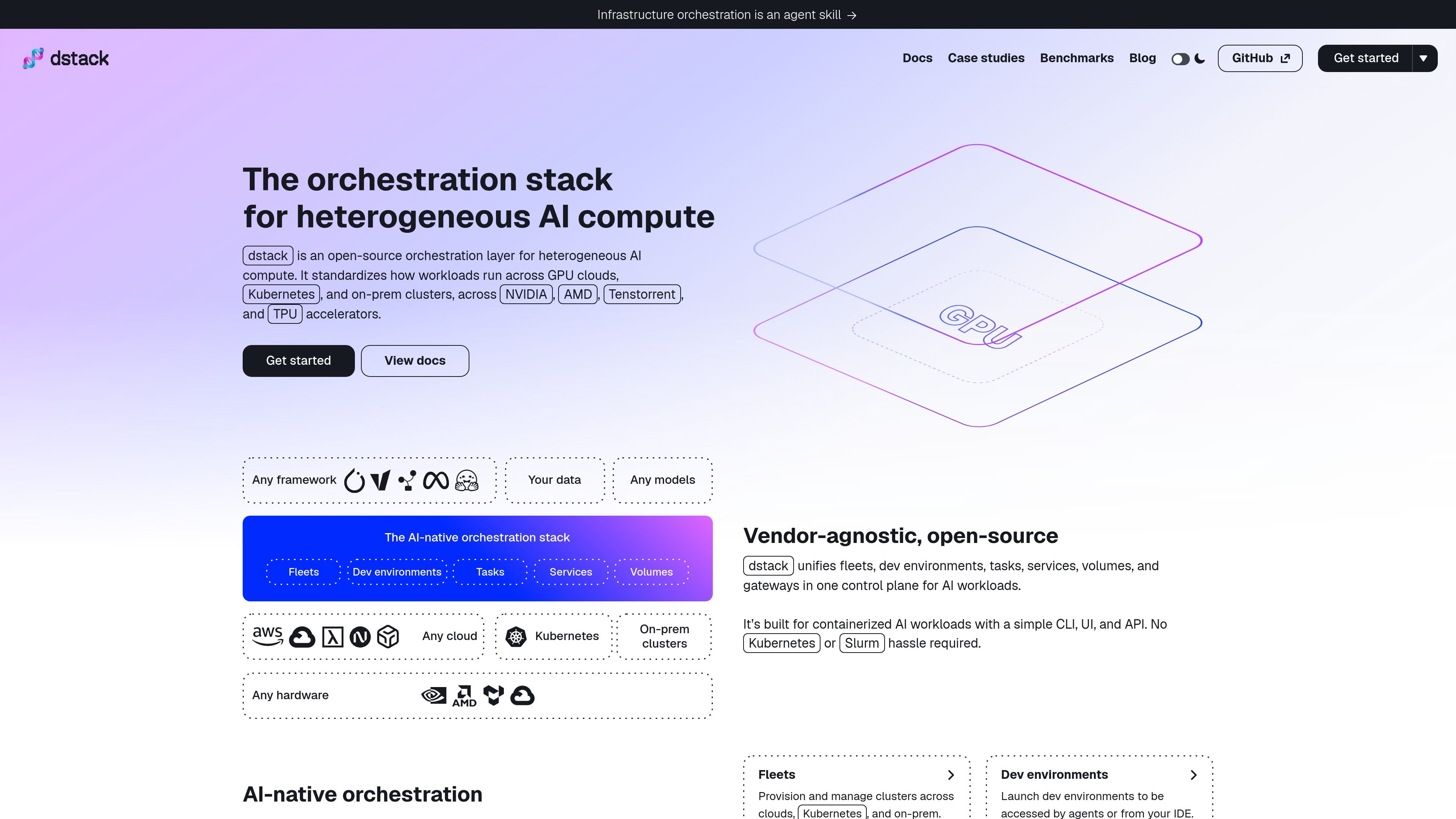
dstack is an open-source orchestration layer for heterogeneous AI compute. It acts as a unified control plane for provisioning GPUs and running workloads across GPU clouds, Kubernetes, and on-prem clusters.
The product is designed for containerized AI workloads and covers development, training, and inference. Users define fleets, dev environments, tasks, services, and volumes in YAML, then apply those configurations through the CLI or API while dstack handles infrastructure provisioning and workload scheduling.
Define fleets to provision and manage clusters across GPU clouds, Kubernetes, and on-prem environments. Fleets can be used to control how instances are provisioned and reused.
Create interactive dev environments that agents or IDEs can access, so developers can work close to the target compute without manual infrastructure setup.
Schedule single-node or distributed tasks for training and batch jobs. The docs also note that tasks can run web apps.
Deploy model inference and other web-facing workloads as services, with dstack handling the orchestration around them.
Manage network volumes to persist data across workloads and runs.
Use a CLI, UI, and API to manage workloads, with YAML-based configuration files stored in a repo.
Provision clusters across multiple GPU clouds or mixed infrastructure, then manage them through one control plane instead of separate vendor tools.
Create reproducible development environments that can be opened by a developer or an agent from an IDE, reducing local setup work.
Run training, batch jobs, and distributed experiments on single-node or multi-node compute with the same configuration model.
Deploy inference endpoints or other services that need a secure, scalable runtime on top of your existing compute.
Connect existing Kubernetes clusters or SSH-accessible servers when you already have infrastructure in place and want dstack to orchestrate workloads on it.
You can install dstack locally with `uv` or deploy it with the `dstackai/dstack` Docker image. The docs also note that you can sign up for dstack Sky instead of self-hosting the server.
dstack works by defining configurations in YAML files in your repository, then applying them with `dstack apply` or through the programmatic API. It provisions infrastructure and schedules workloads while handling autoscaling, port-forwarding, and ingress.
Yes. The docs say you can connect existing Kubernetes clusters through the Kubernetes backend and run dev environments, tasks, and services on them. dstack also supports SSH fleets for on-prem servers.
The source pages do not show a public pricing table for the core product. They do show hosted options such as dstack Sky and dstack Enterprise, with Sky described as hosted by dstack and Enterprise as self-hosted with SSO, air-gapped setup, and dedicated support.
dstack is built for development, training, and inference on heterogeneous AI compute. The docs emphasize fleets, dev environments, tasks, services, and volumes as the main configuration types.