
Visual app builder
Use the visual UI builder and pre-wired components to assemble internal apps, dashboards, forms, and operational workflows without starting from a blank interface.

DronaHQ is an enterprise low-code platform for building internal apps, AI agents, and workflow automations on top of your existing data and systems.
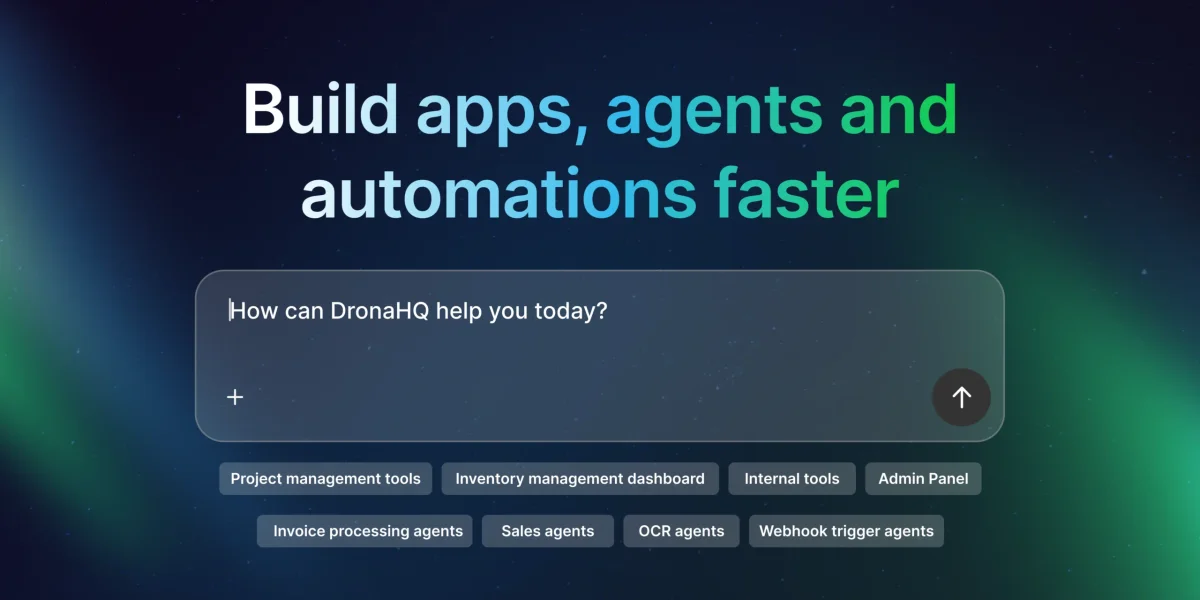
DronaHQ is an enterprise low-code platform for building internal apps, AI agents, and workflow automations. The site positions it as a way for engineering teams to ship production-grade operational software faster while working with the systems they already have.
The product is aimed at teams that need to connect databases, APIs, SaaS tools, and enterprise data sources into software such as admin panels, dashboards, approval flows, and agent-driven workflows. Its public pages emphasize security and governance features, plus pricing models that include free trial, user-based, usage-based, and developer-only options.
Use the visual UI builder and pre-wired components to assemble internal apps, dashboards, forms, and operational workflows without starting from a blank interface.
Connect to databases, REST and GraphQL APIs, SaaS tools, internal services, and cloud infrastructure to build on top of existing systems.
Control who can see and do what with role-based access control, SSO, and audit logs, which are called out for enterprise and regulated environments.
Build and deploy AI agents that work with internal and external data, call APIs, and act across workflows with guardrails and observability.
Use DronaHQ-managed add-ons such as Database, Automation Workflows, PDF Generator, File Storage, and MCP Servers as part of the platform.
Build admin panels, dashboards, and other operational tools on top of existing APIs and databases so teams can manage business data in one place.
Create AI agents that use company data and workflows to handle tasks such as support, revenue operations, reconciliation, and appointment scheduling.
Automate approvals, ticket updates, and cross-system handoffs by connecting internal services, SaaS tools, and cloud infrastructure.
Ship secure business apps for teams that need access control, SSO, and auditability for regulated or enterprise settings.
Use the platform for database-driven interfaces such as forms, CRUD-style experiences, and portal workflows built on existing systems.
DronaHQ is used to build operational software for day-to-day business workflows, including internal tools such as admin panels and dashboards, AI agents that work on company data, and workflow automations that connect systems and trigger actions.
It is primarily used by developers and engineering teams, often working with operations, product, or business teams. The platform is aimed at teams that already have APIs, databases, or services and want a faster way to ship software on top of them.
DronaHQ AI agents can interact with internal and external data sources, call APIs, reason over business logic, and take actions across workflows. The source mentions use cases such as operational automation, customer experience workflows, data analysis, recommendations, approvals, compliance checks, and cross-system coordination.
DronaHQ integrates with databases, REST and GraphQL APIs, SaaS tools, internal services, and cloud infrastructure. The source also mentions common connections such as CRMs, ERPs, data warehouses, authentication systems, and custom internal APIs.
The pricing page shows multiple pricing models, including free trial, user-based, usage-based, and developer-only pricing models. It also mentions add-ons such as AI credits, tasks, database, and file storage.