
Capture source material
Upload a Zoom, Loom, or Teams recording, or use the free recorder to capture a walkthrough, SOP, or training session before it gets lost in scattered files.

Docsie is an AI documentation and training platform that turns recordings, PDFs, SOPs, websites, and expert knowledge into structured docs, training material, portals, and AI-ready answers.
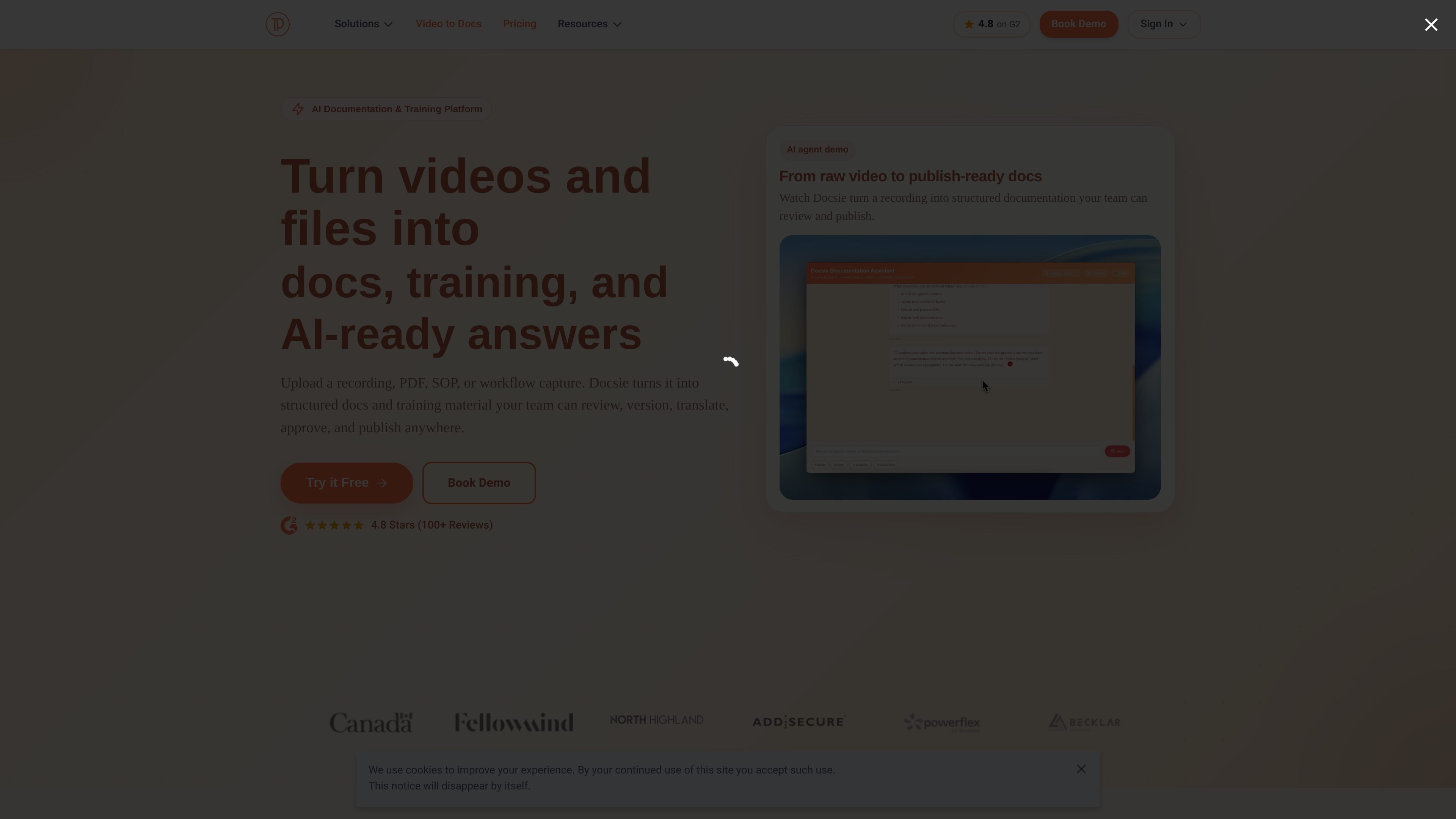
Docsie is an AI documentation and training platform that turns recordings, PDFs, SOPs, websites, and expert walkthroughs into structured content teams can review, approve, translate, version, and publish. The homepage positions it as a way to convert raw knowledge into docs, training material, portals, and AI-ready answers from one workspace.
The product is built for teams that need to turn existing material into usable documentation rather than start from a blank page. The site highlights workflows for training videos, customer knowledge bases, client portals, and support content, with publishing options that include branded portals, exports, and chatbot-ready knowledge bases.
Upload a Zoom, Loom, or Teams recording, or use the free recorder to capture a walkthrough, SOP, or training session before it gets lost in scattered files.
Docsie’s AI can turn recordings, PDFs, websites, and files into structured guides, SOPs, articles, DOCX, PPTX, and knowledge base content.
Teams can branch, diff, and merge versions, assign approvers, translate content into 20+ languages, and keep a full audit trail of changes.
Reusable blocks, templates, permissions, and approval workflows help teams manage client-specific variants and maintain structured content over time.
Publish approved content as white-label portals with custom domains and layouts, export documents, or package training material for LMS use.
Docsie can prepare published knowledge for chatbots, copilots, and internal assistants, and the pricing page also lists semantic search, help desk, and an in-app widget on supported plans.
Convert Zoom, Loom, or Teams recordings into step-by-step onboarding guides, checklists, and training documents for new hires or internal teams.
Turn scattered SOPs, PDFs, and old files into a single approved source for audits, handoffs, and operational procedures.
Publish branded customer portals and help articles that stay aligned with product or policy changes.
Transform product demos and workflow captures into written instructions instead of relying on video alone.
Prepare reviewed knowledge for chatbots, copilots, and internal assistants so answers are based on approved source material.
Docsie turns videos, files, PDFs, SOPs, and expert knowledge into structured documentation, training material, portals, and AI-ready answers. The source pages also show a knowledge-base chatbot solution that can answer questions from published docs.
The homepage describes a workflow that starts by uploading or recording content, then generating docs, reviewing and approving them, and publishing them from the same workspace. The pricing page also shows plans for knowledge bases and enterprise portals.
Docsie supports outputs such as guides, SOPs, knowledge base articles, DOCX, PPTX, PDFs, SCORM training packages, and white-label portals. The pricing page also mentions an AI chatbot, semantic search, help desk, and in-app widget on supported plans.
Yes. The pricing page shows a free knowledge base plan with custom-domain publishing, search, versioning, unlimited viewers, and AI credits, plus paid Premium, Organization, and Enterprise options.
The pricing page lists Enterprise SSO/SAML with providers such as Azure AD, Okta, and Google on higher-tier plans, and the homepage also references granular roles and permissions.