
One-key system-wide launch
Hold Right Option anywhere on macOS to start dictation without opening a separate recorder or app window.

Dictro is a private AI dictation app for Mac that turns speech into polished text in any standard Mac text field, with optional cloud Fast Mode and local history.
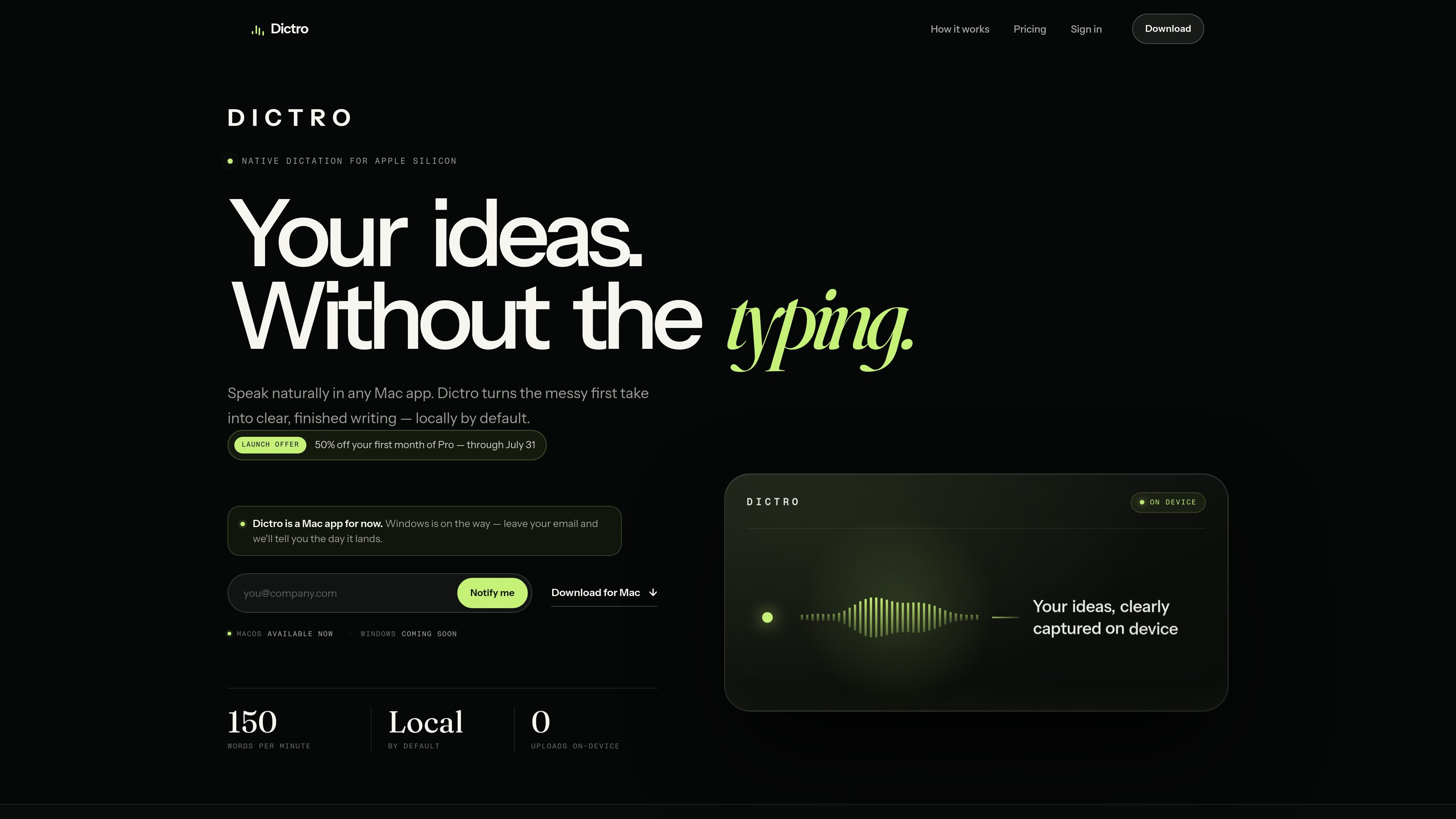
Dictro is a private AI dictation app for Mac that turns spoken notes into cleaned-up text in whatever app you are already using. It is built for Apple Silicon Macs and is designed to place the final sentence directly at the cursor instead of sending you to a separate transcript editor.
The default workflow is on-device: Dictro listens while you hold Right Option, transcribes the recording locally, removes filler and rough phrasing, and pastes the polished result into the active text field. A separate Fast Mode can use cloud processing when you choose it, but the core experience is built around local dictation, offline use, and transcript history that stays on your Mac if you enable it.
Hold Right Option anywhere on macOS to start dictation without opening a separate recorder or app window.
Dictro transcribes speech and then removes filler, false starts, and mid-sentence corrections before inserting the result at your cursor.
In on-device mode, audio capture, speech recognition, and refinement stay on your Apple Silicon Mac and continue working without Wi-Fi.
The app works in standard text fields across Mail, Slack, Notion, browsers, terminals, and code editors, so you can dictate where you already write.
You can optionally keep a private transcript history on your Mac for search and reuse, and it is off by default.
Dictro supports custom words and app-aware writing preferences, which helps with names, jargon, and recurring writing style choices.
Draft emails, messages, and notes faster by speaking naturally and letting Dictro clean up the first pass before it lands in the text field.
Use Dictro when you want local processing for sensitive speech or need dictation to keep working with Wi-Fi off, on a plane, or on a restricted network.
Capture longer or messier thoughts for documents, prompts, or issue descriptions without stopping to dictate perfect punctuation or wording.
Store past dictations locally when you want a searchable private note history for reuse, instead of treating dictation as one-time input only.
Set custom words and writing preferences for recurring names, jargon, and app-specific style needs in your regular Mac workflow.
Dictro is designed to work in standard editable text fields on Mac, including Mail, Slack, Notion, browsers, terminals, and code editors. Secure password fields and apps that block accessibility input are excluded.
No. In the default on-device mode, audio capture, speech recognition, and language cleanup run locally on your Apple Silicon Mac, and the finished text is placed directly into the field you were already using.
Dictro is available now for Apple Silicon Macs running macOS 15 or later. The site says Windows support is coming later.
The free plan includes up to 10,000 dictated words per week, the full on-device pipeline, and system-wide dictation. A Pro plan is listed at $10 per month with unlimited on-device words, premium fast formatting, and priority support.
Dictro starts with on-device mode as the default. An optional Fast Mode can use cloud processing when you deliberately enable it, and transcript history is off by default unless you turn it on.
I dati sul traffico sono solo a scopo di riferimento.
| apr | 0 |
|---|---|
| mag | 0 |
| giu | 0 |
Le analisi del traffico non sono ancora disponibili.