
Text-to-app chat workspaces
Describe an app idea in natural language and generate an initial version that can be refined through follow-up prompting or code edits.

Dashwave is a mobile app build platform for prompting, editing, testing, and deploying apps across Flutter, React Native, Kotlin, Java, and iOS native.
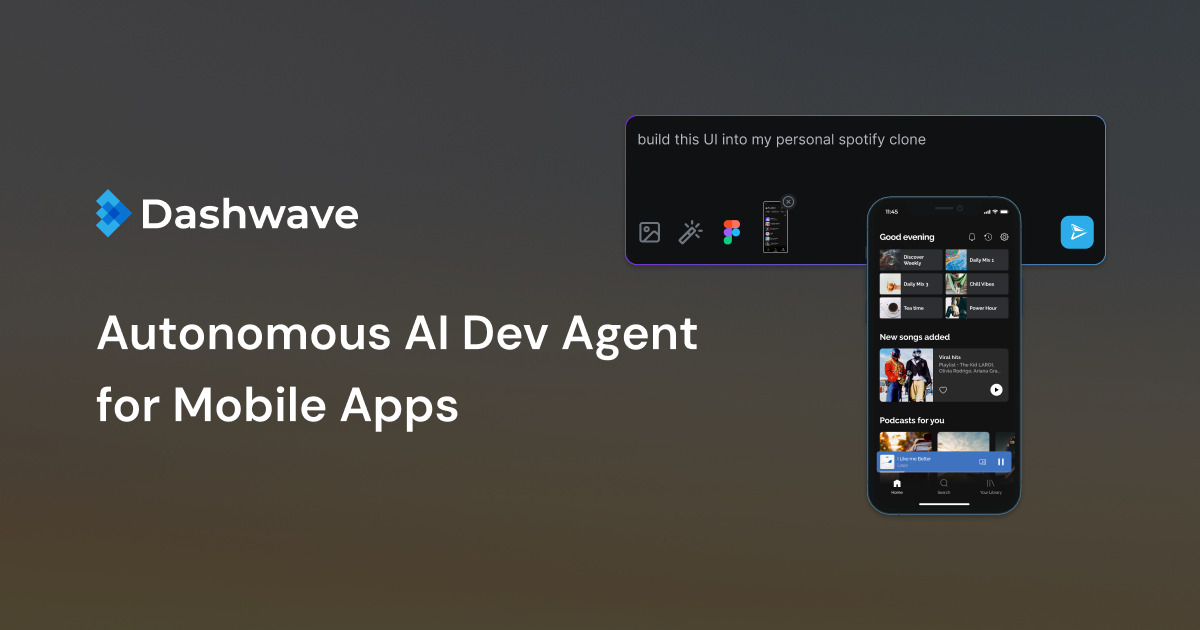
Dashwave is a mobile application build platform that combines prompt-based app generation, browser-based editing, and deployment workflows. The site positions it for both new apps and existing codebases, with support for moving from an idea to an initial version and then into continued development.
The product page and pricing information show support for mobile workspaces across Flutter, React Native, Kotlin, Java, and iOS native, plus Figma import, GitHub sync, and release tooling. Enterprise plans add custom integrations, finetuning, SSO/SAML, on-prem support, and dedicated support.
Describe an app idea in natural language and generate an initial version that can be refined through follow-up prompting or code edits.
Turn Figma components into production-ready code to reduce handoff work between design and implementation.
Work in browser-based IDEs and supported workspaces for Flutter, React Native, Kotlin, Java, and iOS native projects.
Use a build environment designed around distributed cache and selectively burstable compute for faster iteration.
Run pre-built distribution workflows with built-in keystore and signing support for mobile app release steps.
Sync projects with GitHub or deploy through Dashwave CI after generating and editing code.
A founder or individual developer can describe an app in plain language, generate a first version, and then refine it without starting from a blank project.
A design team can convert Figma components into code and hand them off with less manual reimplementation.
A mobile developer can work inside the browser IDE, continue prompting, and edit the codebase before syncing changes to GitHub.
A team shipping mobile releases can use the built-in distribution workflows, including keystore and signing support, to move toward deployment.
An enterprise team with custom requirements can evaluate the higher-tier plan for security, SSO/SAML, on-prem support, and custom integrations.
Dashwave is aimed at mobile app workflows that start from plain-language prompts, Figma inputs, or existing codebases. The source shows support for Flutter, React Native, Kotlin, Java, and iOS native workspaces, with deployment and code-editing workflows available from the platform.
The source indicates that free users get Flutter and React Native workspaces, while Starter adds Kotlin/Java workspaces, Android Studio access, Play Store deployments, and on-demand iOS builders and emulations. Team and Enterprise plans add collaboration or custom support on top of that.
Dashwave’s workflow starts with describing an app idea in plain language, then generating an initial version, continuing in a browser-based IDE or via prompting, and finally syncing with GitHub or deploying through Dashwave CI.
The pricing page shows support for Git, code download as a zip, Figma integration, Slack support on Team, and Discord support on Free. The Enterprise plan also lists custom integrations and finetuning.
The source does not provide detailed setup documentation or a full list of platform limitations, so it is safest to evaluate Dashwave against your specific mobile stack and deployment needs.