
Import existing test cases
Import cases from Jira, TestRail, spreadsheets, and other test management tools so existing QA assets can be reused instead of rewritten.

QApilot CoWork turns existing mobile test cases into runnable automation for release validation. AI-assisted planning with human approval on real iOS, Android, and Flutter devices.
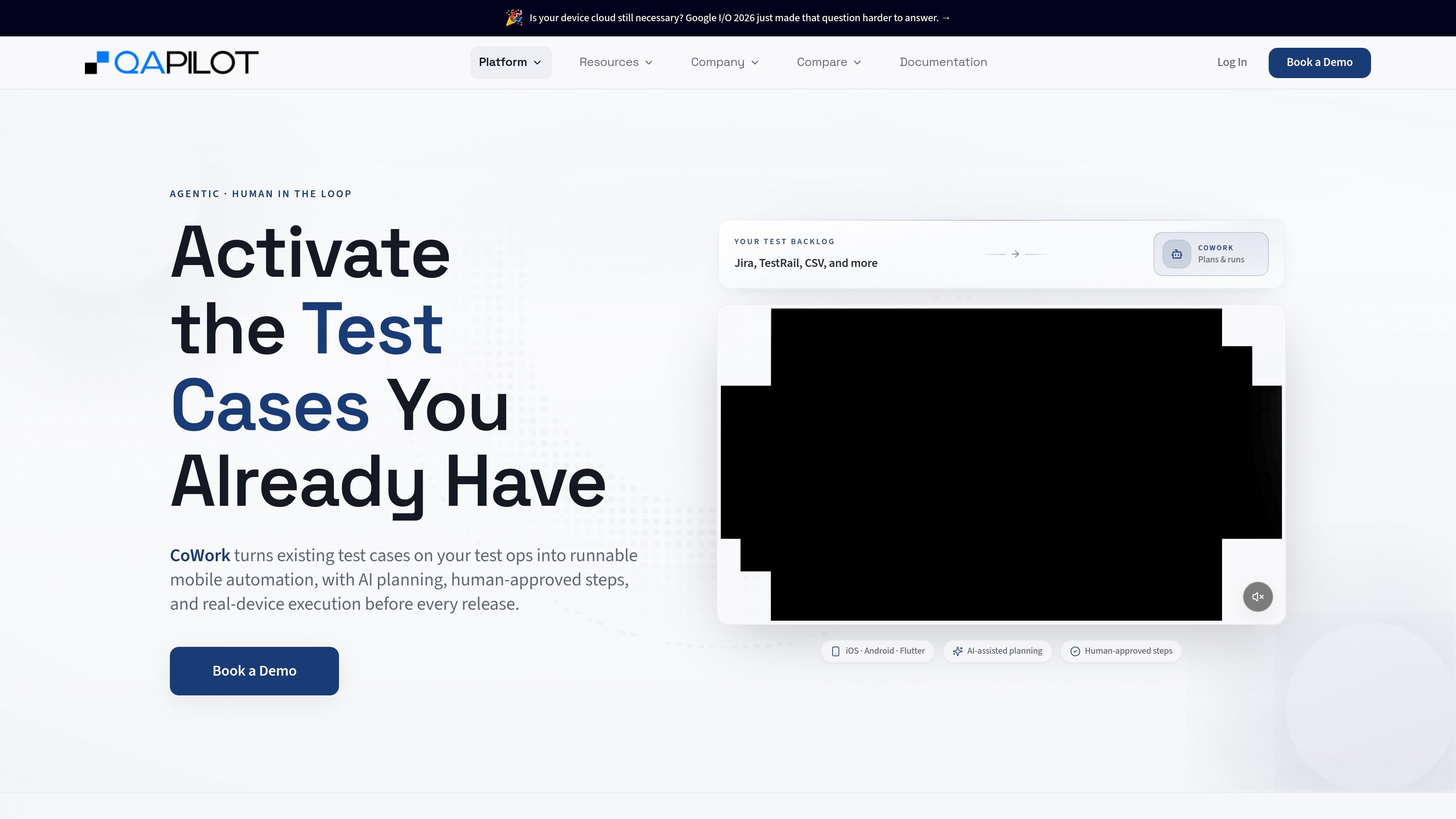
CoWork is QApilot’s human-in-the-loop mobile testing workflow for teams that already have test cases and want to execute more of them before release. It turns existing test inventory into runnable mobile automation with AI-assisted planning and real-device execution.
The product is positioned for release readiness: teams import cases from tools such as Jira, TestRail, or spreadsheets, CoWork structures the test into execution context, and the system runs it on iOS, Android, or Flutter apps. When the flow changes or user input is needed, execution pauses for approval and then resumes with the original context intact.
Import cases from Jira, TestRail, spreadsheets, and other test management tools so existing QA assets can be reused instead of rewritten.
Convert natural-language test cases into structured BDD-style context that captures the starting point, required actions, and expected outcome.
Run tests on real mobile devices with no scripts required, using AI-assisted planning to start execution from the imported case.
If the app flow changes mid-run, CoWork proposes the next best action and waits for approval before continuing.
Pause when user input is needed, then resume without losing context so the test can continue through interactive steps.
Support Android, iOS, and Flutter apps, including dynamic content, popups, interruptions, and changing user journeys.
A QA team with a large Jira or TestRail backlog can bring those cases into CoWork and run more of them before each release without rewriting the suite.
Teams testing mobile journeys with popups, interruptions, or branching flows can let CoWork pause, request approval, and continue when the app behaves differently than expected.
Organizations that need validation on real devices can use CoWork to execute mobile cases across Android, iOS, and Flutter instead of relying only on static definitions.
When a test requires user input partway through the flow, CoWork can pause, receive the input, and resume the same run with context preserved.
Teams that already maintain test cases in spreadsheets or test management tools can convert them into executable mobile automation without starting from a blank slate.
Yes. QApilot says CoWork can bring in test cases from Jira, TestRail, spreadsheets, and other test management tools, then convert them into executable mobile automation.
CoWork is designed for human-in-the-loop execution. It builds an execution plan, pauses when user input is required, and asks for approval before continuing when reality changes.
The page says CoWork works across iOS, Android, and Flutter apps, including dynamic content, popups, interruptions, and changing user journeys.
QApilot describes CoWork as AI-assisted planning and real-device execution for release validation. It focuses on activating test inventory already written rather than creating tests from scratch.
The source pages do not provide pricing details for CoWork. The pricing page currently returns a 404 shell instead of plan information.