
Business-logic-aware AI SAST
Detects business-logic flaws, broken authentication, missing auth checks, and authorization gaps that may not appear in syntax-only scans.

Corgea is an application security platform that finds, triages, and fixes vulnerabilities across code, packages, infrastructure, and containers for developers and security teams.
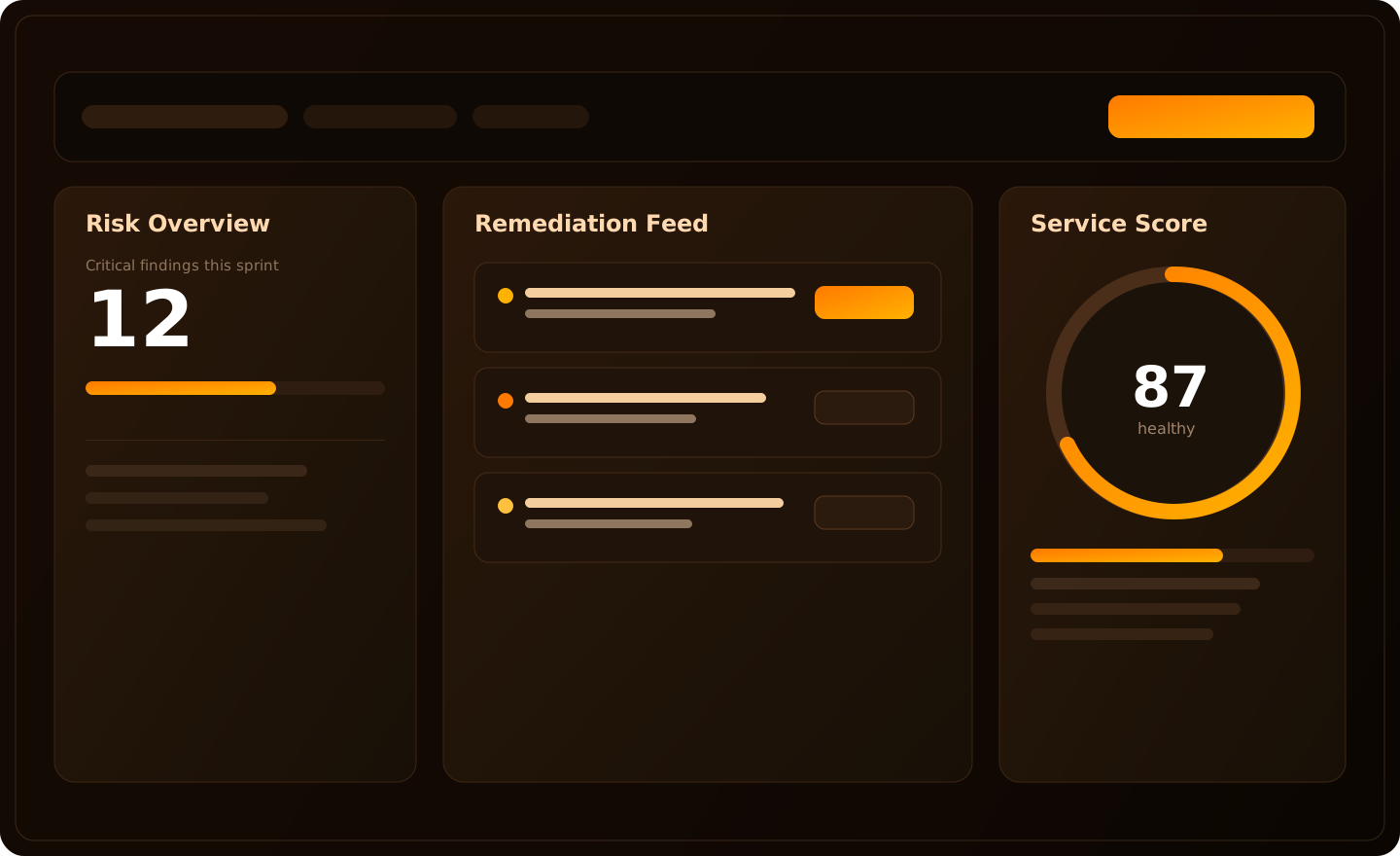
Corgea is an application security platform that finds, triages, and fixes vulnerabilities across code, packages, infrastructure, and containers. The site positions it as an AI-native AppSec system for builders and agents, with findings and fixes delivered in pull requests, IDEs, and source control workflows.
The product pages emphasize insecure code detection, dependency scanning, secrets detection, container scanning, and infrastructure-as-code scanning, along with auto-fixes and explanations that help developers review remediations in context. Pricing is organized as Free, Growth, Scale, and Enterprise, with the Free plan available without a credit card.
Detects business-logic flaws, broken authentication, missing auth checks, and authorization gaps that may not appear in syntax-only scans.
Surfaces findings in pull requests and provides safer code changes with rationale so developers can review fixes in context.
Prioritizes exploitable packages by combining package analysis with reachability and dead package analysis language from the product pages.
Scans containers, infrastructure-as-code, secrets, and application code from one platform instead of separate point tools.
Delivers security feedback inside IDEs, source control workflows, and MCP-connected agent tools to reduce context switching.
Adapts fix suggestions to team conventions based on developer feedback and comments, according to the developer experience page.
Use Corgea to catch broken authentication, missing authorization checks, and other business-logic flaws during pull-request review before they reach production.
Use the platform to surface vulnerable dependencies and prioritize the packages most likely to matter to attackers, instead of sorting through raw scan output alone.
Use IDE and source-control integrations to keep secure coding guidance close to the code while developers are actively editing or reviewing changes.
Use container scanning and IaC scanning to find infrastructure and deployment risks alongside application findings, so teams can work from a broader security view.
Use the Enterprise tier when teams need SSO, SCIM, audit logs, single-tenant deployment, SLA management, or premium support for governance and procurement requirements.
Corgea’s pricing page shows a Free plan, paid Growth and Scale plans, and an Enterprise tier. The Free plan includes AI SAST, logic and auth scanning, dependency scanning, secrets detection, container scanning, and IaC scanning, with no credit card required to start.
Corgea is built to work in pull requests, IDEs, and agent-enabled workflows. The site highlights integrations with GitHub, GitLab, Azure DevOps, Bitbucket, Harness, and MCP-connected tools.
The product pages describe SCM integrations for GitHub, GitLab, Azure DevOps, Bitbucket, and Harness, plus IDE integrations for Visual Studio Code, Cursor, Visual Studio 2022, and IntelliJ. They also mention agent integrations and an MCP server on the developer experience page.
The site says Corgea reviews vulnerable code in pull requests, proposes safe fixes, and answers follow-up questions with implementation details. It also highlights outputs such as review-ready fixes, inline remediation context, and explanations of why a change is safer.
Yes. The pricing page says Enterprise includes SSO, SCIM, single-tenant deployment options, SLA management, audit logs, and premium support.