
Recipe extraction from video links
Turn a video URL into structured recipe data with directions, ingredients, portion size, duration, equipment, and tips.

Clip Recipe extracts structured recipes from YouTube, TikTok, Facebook, Instagram, and Pinterest video URLs, with edit, translate, export, and share options.
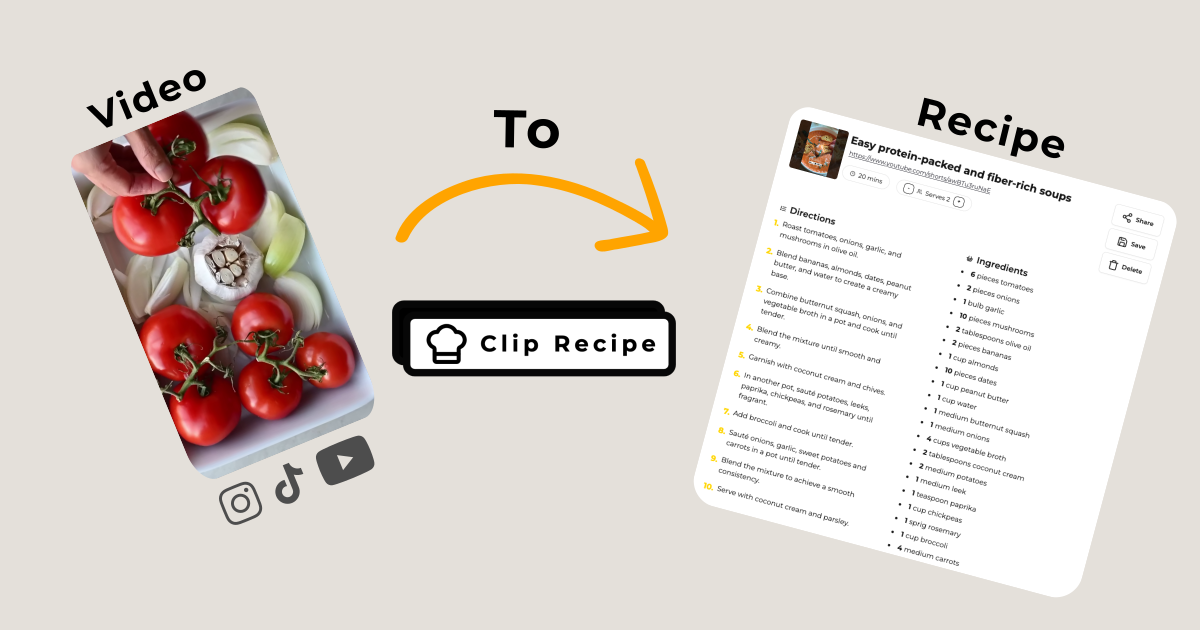
Clip Recipe is a recipe extraction tool for social media and video platforms. It takes a video URL and converts the content into structured recipe information, including directions, ingredients, portion size, estimated duration, equipment, and tips.
The product is aimed at people who want to cook from recipe videos without repeatedly rewinding and fast-forwarding. It supports videos from YouTube, TikTok, Facebook, Instagram, and Pinterest, and the site says extracted recipes can be edited, saved, shared, exported, and translated.
Turn a video URL into structured recipe data with directions, ingredients, portion size, duration, equipment, and tips.
Adjust servings and automatically update ingredient quantities to match the portion size you want.
Edit the extracted recipe by changing ingredients, cooking time, instructions, or the recipe title, then revert to the original values if needed.
Save recipes, share them with friends, or delete them when you no longer need them.
Export recipes to print, Notion, Paprika, Evernote, PDF, or plain text.
Translate recipes into another language to make imported recipes easier to use across language barriers.
Paste a recipe video link and get a structured version of the recipe instead of scrubbing through a long video while cooking.
Scale a recipe up or down and let the ingredient list update automatically for the new portion size.
Translate a recipe into another language when the original video is hard to follow because of language barriers.
Save, share, or export an extracted recipe into tools such as Notion, Paprika, Evernote, PDF, or plain text for later use.
Clip Recipe is built to extract recipes from YouTube, TikTok, Facebook, Instagram, and Pinterest videos. The source pages do not describe support for other input types.
The site does not state that audio is required. It only says you can drop in a video URL and extract structured recipe information.
The free plan includes up to 2 recipes per week. Free recipes cannot be saved, edited, exported, or translated.
The extracted output includes directions, ingredients, portion size, duration, equipment, and tips. The site also says you can edit those recipe details after extraction.
Yes. The site says you can adjust recipe portion sizes and that ingredient quantities are updated automatically.