
Image-to-caption workflow
Upload a photo, select generation options, and produce captions from a short guided flow.

CaptionMaster is an AI image caption generator for Instagram and Facebook, with language and platform selection, copy-ready captions, and a simple upload-to-generate workflow.
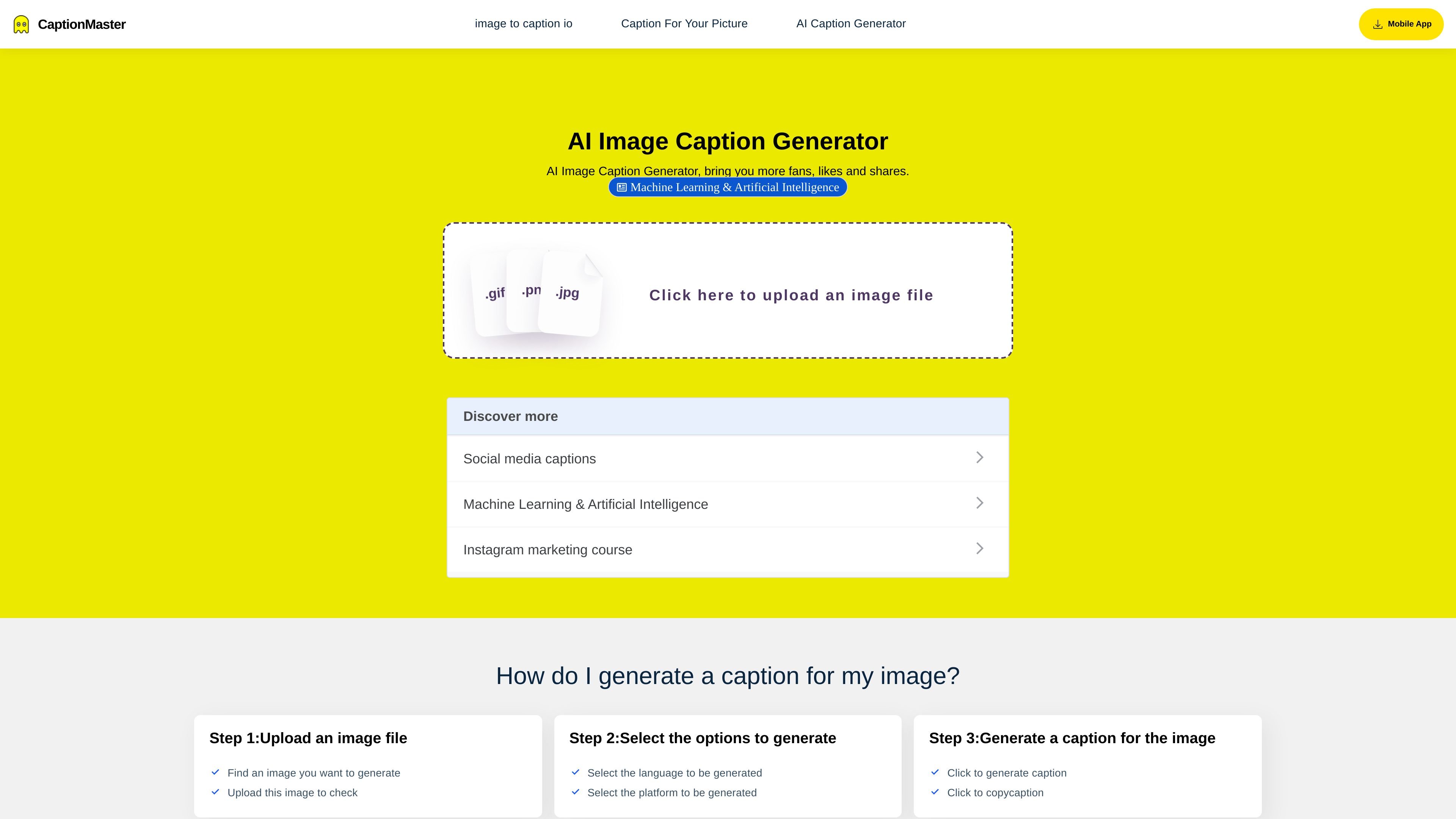
CaptionMaster is an AI image caption generator focused on turning uploaded photos into captions for social media posts. The site positions it as a free Instagram caption maker, while also mentioning broader use for platforms such as Facebook.
The product follows a simple workflow: upload an image, choose the language and platform, and generate captions that can be copied into a post. The product pages describe the output as engaging, optimized, and on-brand, and one page says the AI can also generate subtitles from images and videos, although the main visible workflow centers on image captioning.
Upload a photo, select generation options, and produce captions from a short guided flow.
Pick a language before generating captions, which suggests support for multilingual output.
Choose a target platform such as Instagram during the generation flow so the output can be tailored to that channel.
Generate captions and copy them directly from the result area for quick reuse in social posts.
One page says generated captions can also be downloaded as a text file, giving users an export option beyond copying.
The product pages describe captions as optimized, engaging, and on-brand, with AI analyzing the uploaded image to create the text.
Upload a photo, pick Instagram as the target platform, and generate a caption that can be copied into a post without writing from scratch.
Use the language selector to create captions in a different language when publishing content for multilingual audiences.
Generate a caption quickly when you already have the image and want a ready-to-use line for Facebook or another supported social platform mentioned on the site.
Use the tool when you need a draft caption fast and want to avoid spending time manually writing and refining post copy.
It is an AI image caption generator that analyzes an uploaded image and produces captions you can copy into social posts.
The source pages describe a simple workflow: upload an image, choose options such as language and platform, then generate captions and copy them.
The product pages mention JPG, PNG, and BMP support on the Instagram caption generator page.
The pages say captions can be generated for social platforms such as Instagram, and the home page also mentions Facebook.
The pages describe copyable captions and, on one page, downloadable text files. They do not show a pricing page or detailed plan limits.