

AI One-Click Presentation Generation
Supports rapid generation of presentation content and automatically lays it out into editable PPT pages, suitable for reports and proposals that need to be delivered quickly.
咔片 (cappt) is an AI-powered online PPT maker and editor for turning documents, text or WeChat chats into presentations. Free basics.
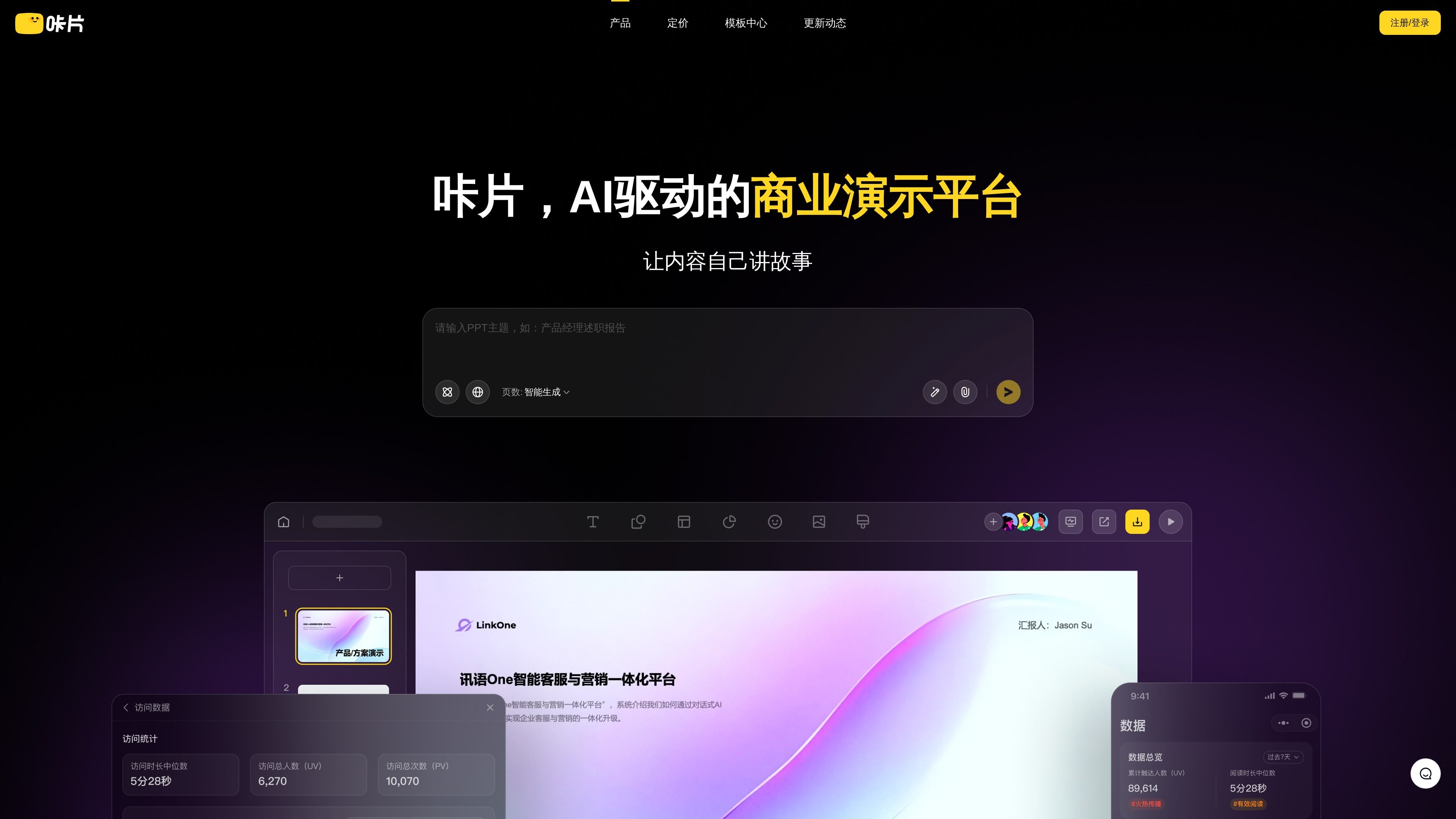
咔片 (cappt) is an AI-powered online PPT creation and editing tool positioned as a business presentation platform. It combines content generation, page design, online editing, and export in a single workflow, helping users organize text, documents, or chat records into presentation-ready slides more quickly.
From the page information, it is suitable for common scenarios such as work summaries, teaching materials, and business proposals. The product supports rapid AI generation, import of 45+ document formats, import of WeChat chat records, PPT/WPS-compatible editing, and multi-format export; basic features are free to use, and upgrading unlocks all AI features and more curated resources.
Supports rapid generation of presentation content and automatically lays it out into editable PPT pages, suitable for reports and proposals that need to be delivered quickly.
Supports importing 45+ document formats to create presentations, and also one-click import of PPT/PDF from WeChat chats, making it easy to turn existing content directly into slides.
Supports online editing, instant cloud-based editing, and common PPT/WPS editing habits, making it easy to keep refining layouts, content, and page structure.
Offers one-click theme switching, single-page beautification, and extensive template and asset replacement to help users adjust the visual style of an entire presentation without starting from scratch.
Supports dynamic links, WeChat Mini Program, H5, and PC access, while keeping content synchronized in real time, suitable for sharing the latest version of presentations.
Provides visit statistics and page-level dwell analysis to see who viewed the presentation and for how long, helping turn presentation browsing activity into trackable information.
For work summaries, project reports, or business proposals, users can first use AI to generate a draft and then continue refining content and layout in the online editor.
Teachers or trainers can convert lesson text into slides, then use templates, assets, and single-page design tools to organize them into a more polished teaching presentation.
When Word or other document content needs to be turned into a presentation, users can import materials directly and generate a PPT, reducing manual copy-pasting and formatting.
When a presentation needs to be shared with multiple people via link, dynamic links and multi-device access can be used so recipients see the latest synchronized version.
When a team or individual needs to understand how a presentation is being distributed, visit statistics and page-level dwell analysis can show who opened the content and how long they stayed.
咔片 provides basic AI features and some free resources. Users can start with online editing and one-click generation, then upgrade to the Pro version if needed to unlock all AI features and more curated resources.
Based on the page information, 咔片 supports AI-generated presentation content, online editing, importing documents to generate PPTs, one-click import of WeChat chats, and PPT/WPS-compatible export and editing.
The page states that 咔片 supports opening exported files in PPT/WPS and emphasizes that page elements and theme masters can be edited directly, indicating it is designed for common office presentation workflows.
Yes. The page mentions support for online editing, and the content emphasizes cloud-based, ready-to-edit use that is simple and efficient.
The page clearly states support for importing 45+ document formats to create presentations, as well as one-click import of PPT/PDF from WeChat chats.